The RSForm!Pro Joomla! Captcha Plugin Field Is Not Working
The Problem
If the Joomla! Captcha plugin field works correctly when opening the form through its direct RSForm!Pro URL, but does not work when the form is embedded in an article using the {rsform x} syntax (or loaded on the page through third party apps), the issue is related to how the form is being loaded.
When the form is loaded through the RSForm!Pro System plugin, it is injected after the page has already been rendered, meaning the required JavaScript for Joomla! Captcha plugins (such as ALTCHA or Joomla! Proof of Work Captcha) may not load properly. As a result, the Captcha field may be missing or may not be working correctly. This also explains cases where only the Captcha label appears for logged-in users when the 'Remove Captcha for Logged Users' option is enabled in the form configuration. In this case, the issue is caused by how the form is loaded, not by the logged-in user setting.
The Solution
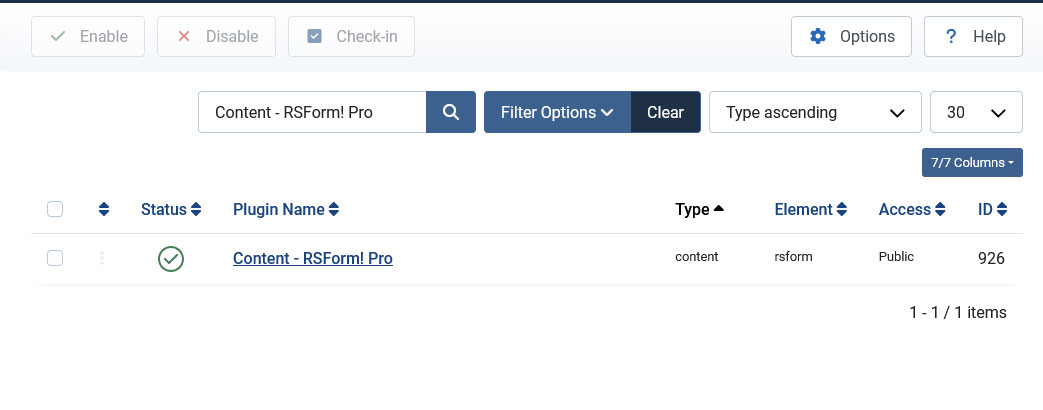
To resolve this, we recommend disabling the RSForm!Pro System plugin and enabling the RSForm!Pro Content plugin instead, as seen in the screenshots below. Unlike the system plugin, the content plugin renders the form during page generation, allowing Captcha scripts to be properly added to the page
section and loaded correctly.