Uninstalling RSParma!
Quick note
Before uninstalling RSParma!:
- Backup your website (files and database)
- Go to System > Templates > Site Template Styles and make sure it's not checked as default template
Step 1. Go to Extension Manager
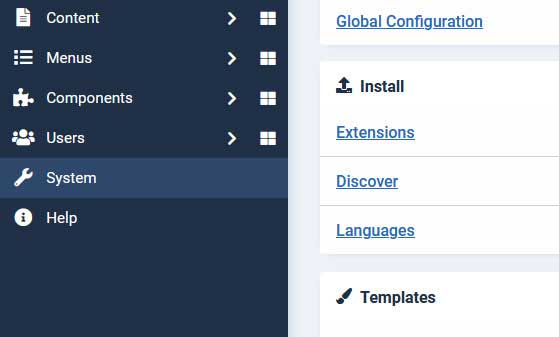
On the left menu, select System > Extensions > Manage
Step 2. Uninstall RSParma! Package
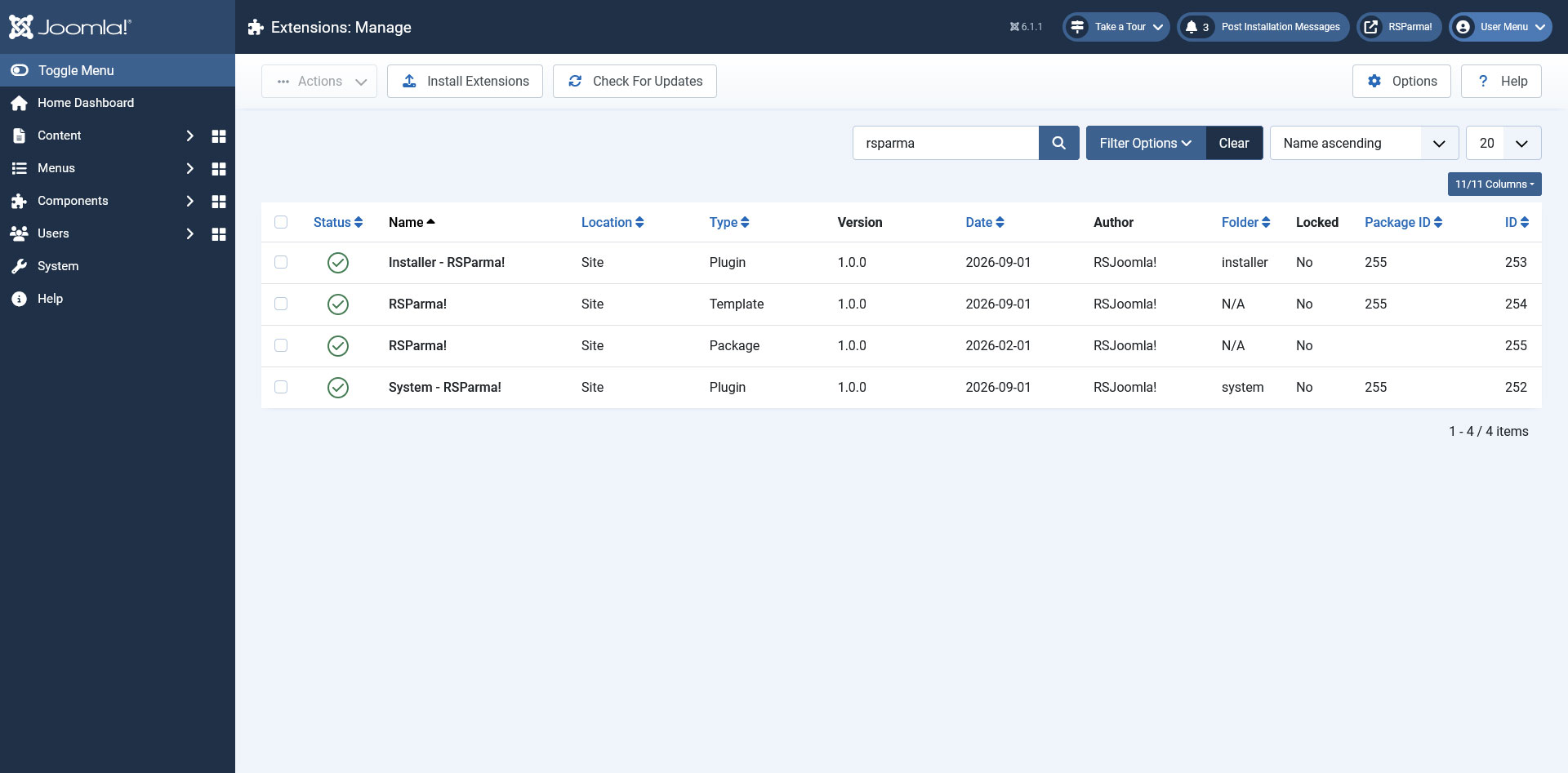
Filter by templates and search for RSParma!, select the RSParma! Package and click on Uninstall (the image only shows results for RSParma!).
Step 3. Success Message

If uninstallation was successful, you should see the above message.
Heads Up!
The installation of any template, component, plugin or module is done strictly using the Joomla! installer, as the above example illustrates.
If you encounter problems when uninstalling RSParma! check out the Manual uninstallation guide.
Make sure that the following folder is writeable: /templates.
