The PDF plugin
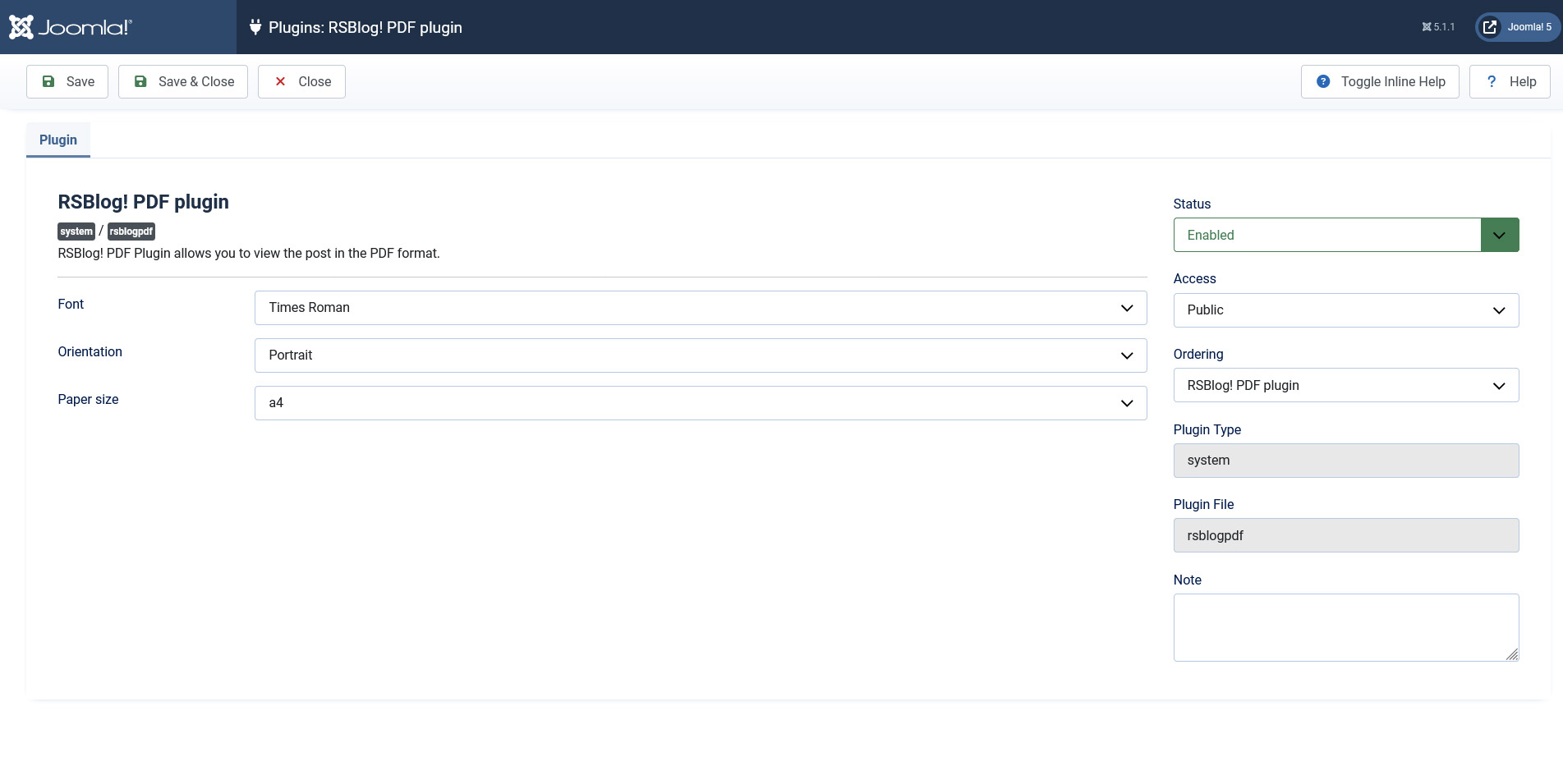
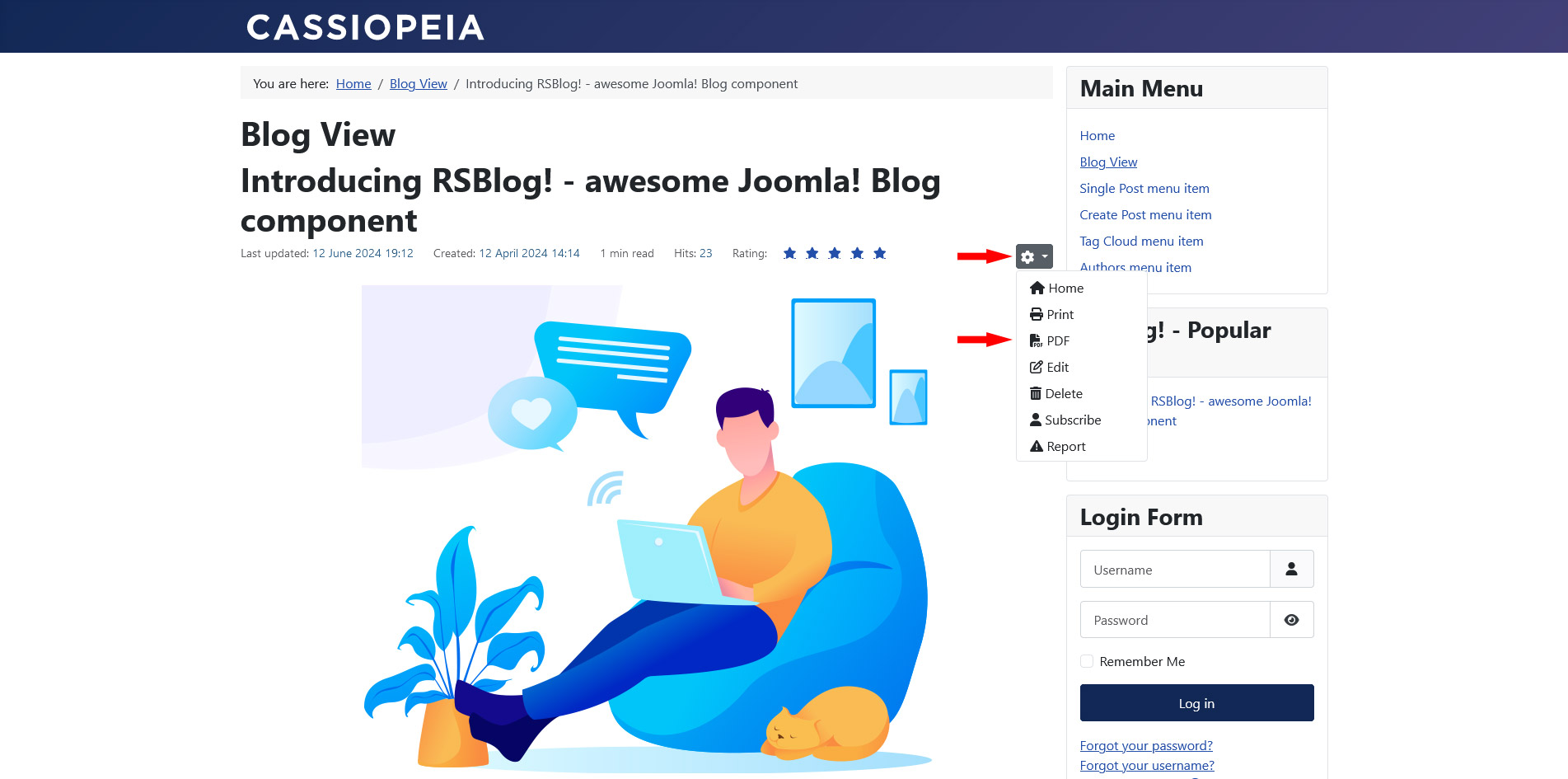
The PDF plugin enables you to download a blogpost as a PDF file in the frontend.
To install the plugin, head to Extensions > Extension Manager > click Browse > provide the path to the .zip file >> click on Upload & Install. Please make sure to enable the plugin after installing it.
To enable the PDF download in the frontend, head to Components > RSBlog! > click on Options > Frontend > set Show PDF icon to Yes.
Configuration parameters:
- Font: Select your desired font: Courier / Helvetica / Times Roman / DejaVu Sans (Unicode) / Firefly (Unicode)
- Orientation: Select the documents orientation: Portrait / Landscape
- Paper size: Set the documents paper size. By default this option is set to A4.
2 persons found this article helpful.
You Should Also Read
Smart Search Plugin |