Moderation
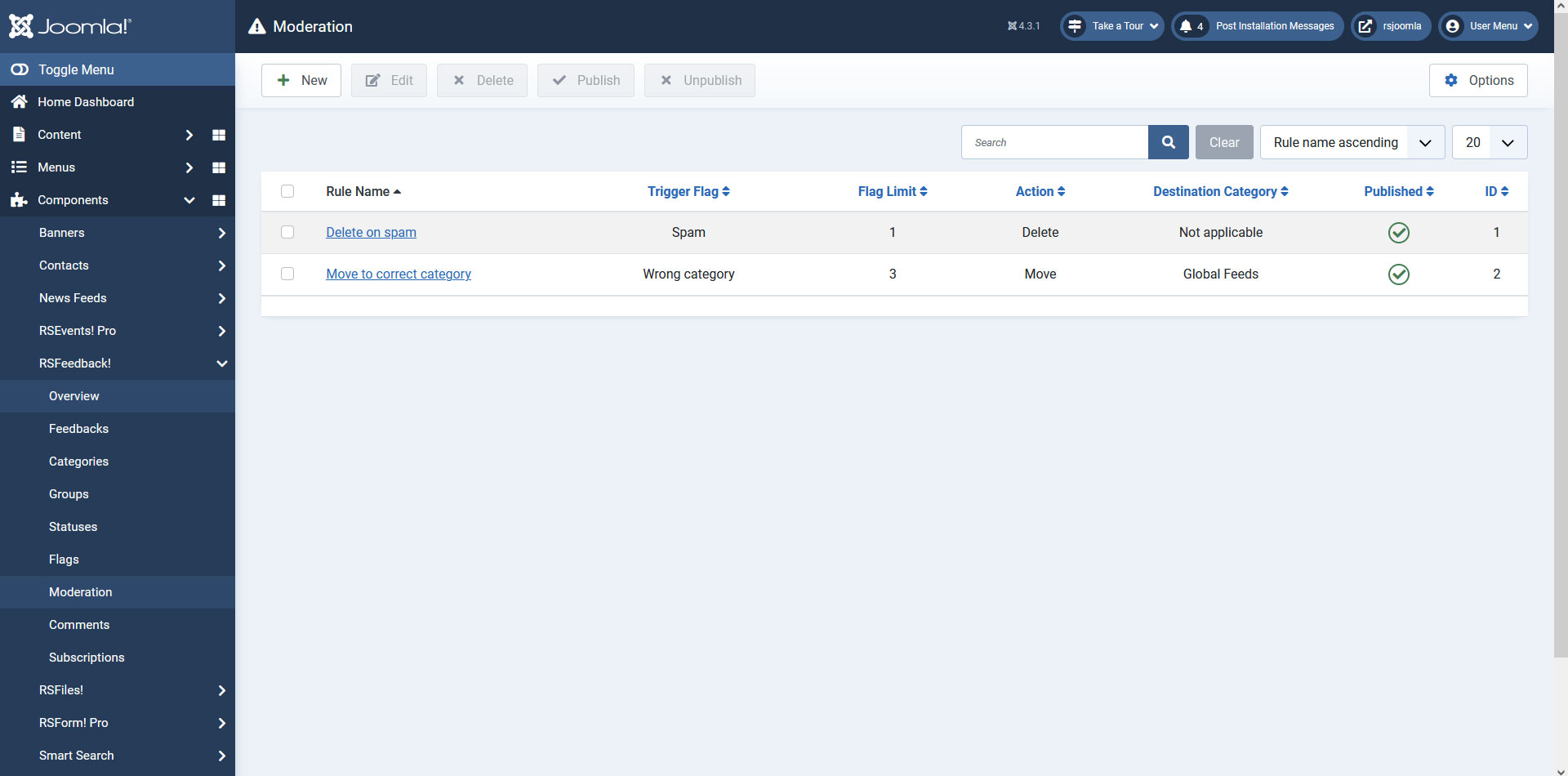
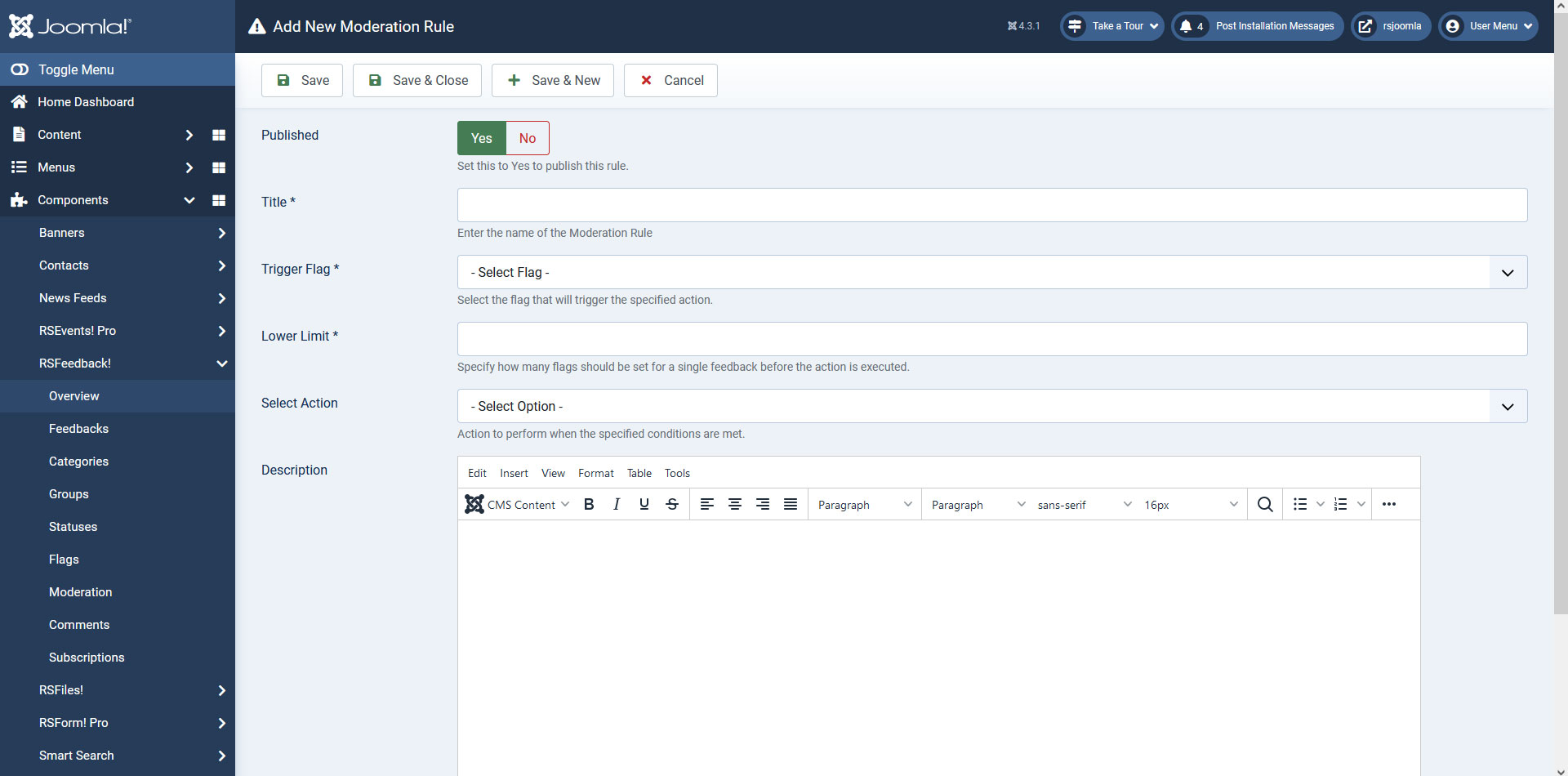
In the Moderation screen you can create/delete moderation rules for your feedbacks. When creating a new moderation rule you will have to select the action that will be activated when the rule limit (number of flags until the action will be triggered) will be reached. You can select which flag will trigger the selected action, set a label for the rule and also publish or unpublish the created rules.
The following actions can be chosen when creating a new moderation rule:
- Archive: Automatically archives the flagged feedback.
- Unpublish: Automatically unpublishes the flagged feedback.
- Delete: Automatically deletes the flagged feedback.
- Move: Automatically moves the flagged feedback to a selected category.
- Auto Move: Automatically moves the flagged feedback to a category selected by the users.
You Should Also Read
RSFeedback! Configuration |
Why should i use RSFeedback ? |
Adjusting the component's look and feel through template overrides |
