Staff Members
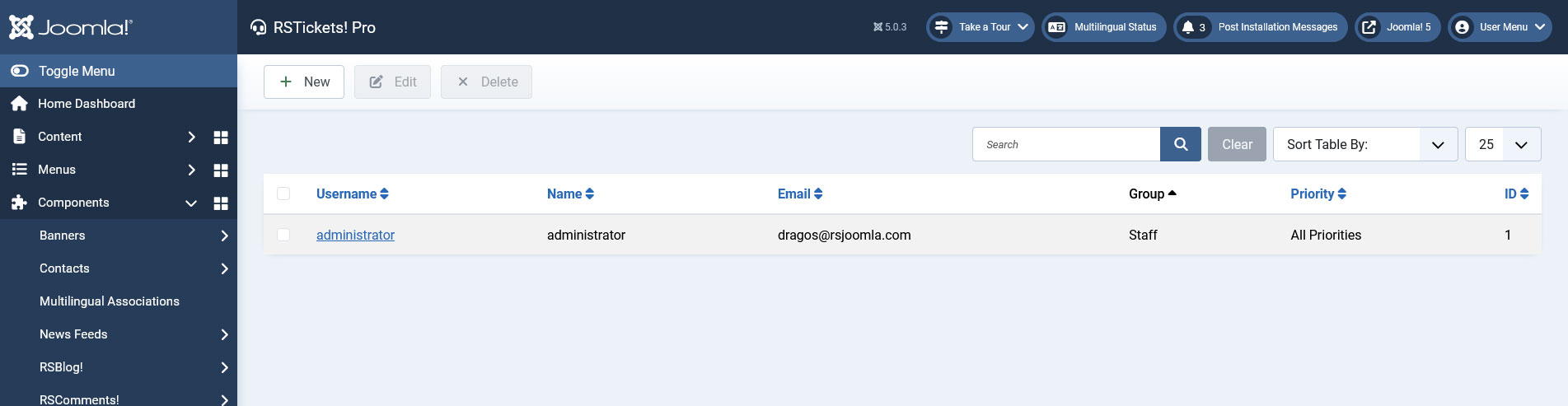
Staff members are assigned Joomla! users that respond to support tickets. They need to be assigned to one or more departments and must belong to one group.
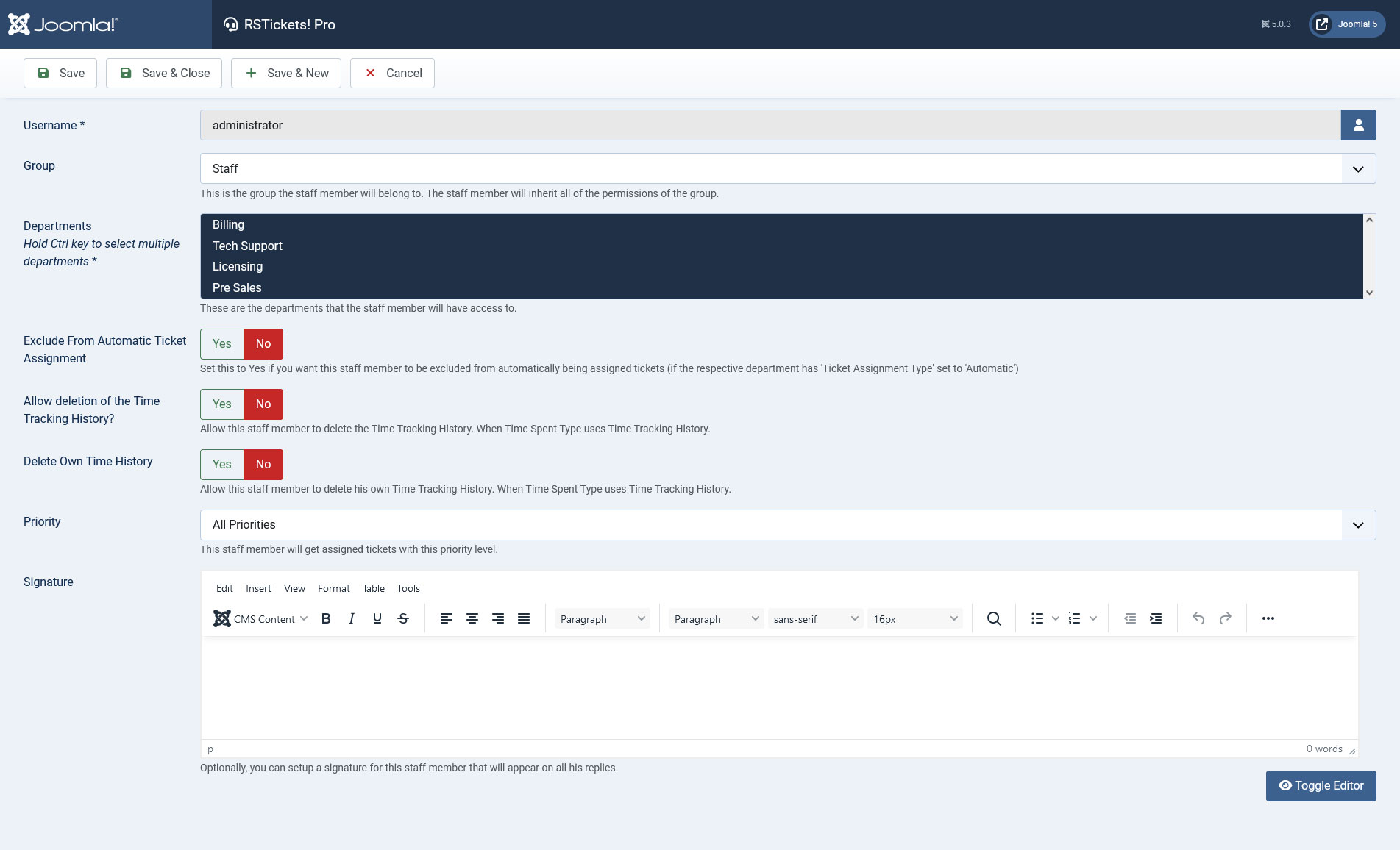
- Username: Here you can search for a specific username in the user list. The user which you select will be set as staff member in RSTickets! Pro.
- Group: The group the staff member will belong to. You must select only one group. The staff member will be able to perform the actions defined in the group.
- Departments: Select one or more departments the staff member will belong to. Hold the Ctrl key to select multiple departments.
- Exclude From Automatic Ticket Assignment: Set this to Yes if you want this staff member to be excluded from automatically being assigned tickets (if the respective department has 'Ticket Assignment Type' set to 'Automatic').
- Allow deletion of the Time Tracking History?: Set this to Yes if you want to allow this staff member to delete the Time Tracking History when Time Spent Type uses Time Tracking History.
- Delete Own Time History: Allow this staff member to delete his own Time Tracking History, when Time Spent Type uses Time Tracking History.
- Priority: The staff member in question will only receive tickets that have the selected priority level. This is applied only when using the auto-assignment ticket type (can be configured from within the Departments > Tickets area).
- Signature: You can type a signature for the staff member. A WYSIWYG editor is available in order to customize the text. The signature will be added to ticket replies that the staff member will post.
6 persons found this article helpful.
You Should Also Read
Configuration HOT |
Departments HOT |
Email Messages HOT |
Manage tickets HOT |
RSTickets!Pro Menu Items HOT |
