Creating a multi-language form with RSForm! Pro
With RSForm! Pro you can have a single form for all of your language packs installed in the front-end. When editing a form you will notice a language selector, as displayed in this image:
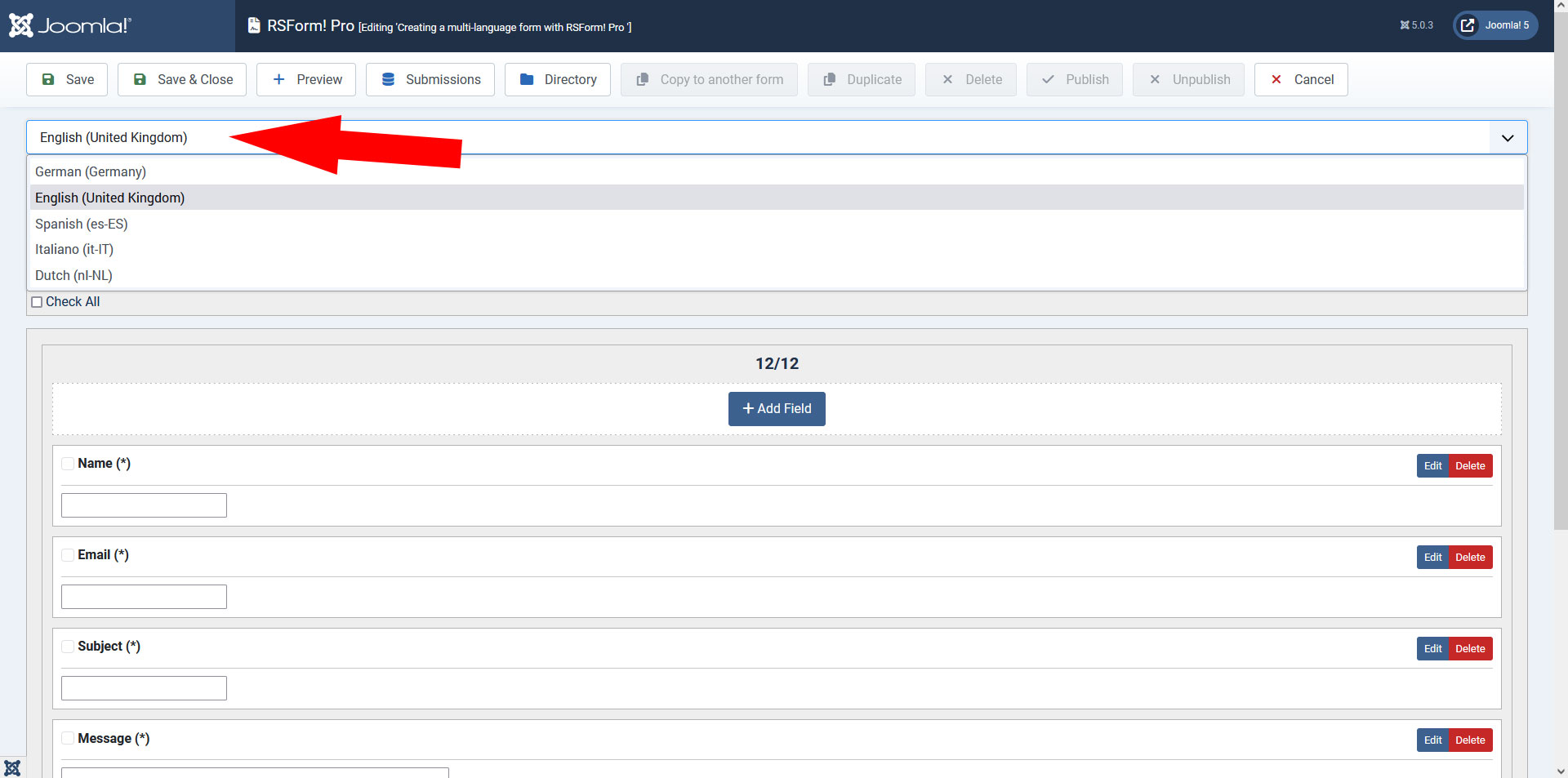
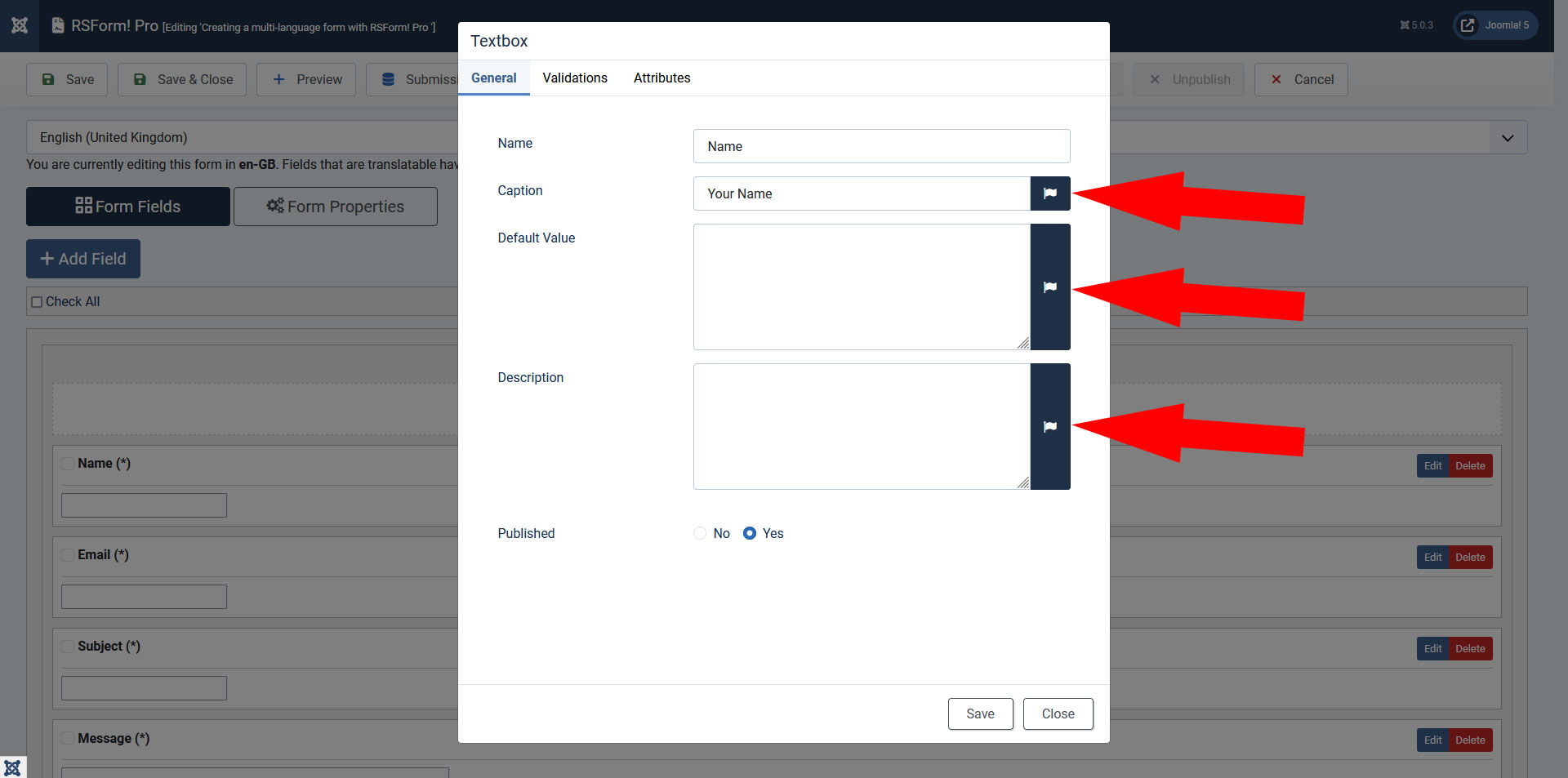
Using this method you will basically be able to translate all the necessary information. All translatable items have been marked with the  symbol.
The following field properties can be translated:
- Caption
- Validation message
- Default value
- Description
- Items
- Labels
- Placeholders
In terms of form properties and options, the following items can be translated:
Form information:
- Form Title
- Thank You message
- Error Message
- Return URL
Meta Tags
- Meta Description
- Meta Keywords
User Email, Admin Email and Additional Emails:
- From Name
- Reply To Name
- Subject
- Message Body
The form metadata is also configurable for each language. As a side note to the multi-language functionality, the form submissions can be filtered by the submitted language tag. This filtering option is also available in the RSForm! Pro - View Submissions menu item and mod_rsform_list module.
Watch the video tutorial
- If a field hasn't been translated, the original value will be displayed.
- In a multi-language form, the Conditional Fields feature is configured separately for each language. The reason behind this is that values can be translated - a condition that triggers when a specific value is selected will not work if the value has been translated in another language.
14 persons found this article helpful.
