Ep.10 - How to add a Joomla! additional back-end password with RSFirewall!
The Joomla! additional back-end password allows you to prevent brute-force password attempts.
This can be easily configured with RSFirewall!
Step 1:
- Once you have installed RSFirewall!, head to Components >> RSFirewall! >> Firewall Configuration. In the "Configuration" area, enable the additional back-end password feature.
Step 2:
- Type the additional password (minimum 6 characters).
The additional back-end password is automatically activated.
Video Tutorials Categories
- All Videos 104
- RSBlog! 4
- RSComments! 2
- RSContact! 1
- RSDirectory! 4
- RSEvents!Pro 5
- RSFeedback! 2
- RSFiles! 6
- RSFinder! 1
- RSFirewall! 8
- RSFirewall! for WordPress 0
- RSForm! 1
- RSForm!Pro 26
- RSMail! 5
- RSMediaGallery! 1
- RSMembership! 14
- RSPageBuilder! 0
- RSSearch! 2
- RSSeo! 7
- RSShowcase! 0
- RSSocial! 0
- RSTickets!Pro 4
- Templates 11
Comments
Related Videos
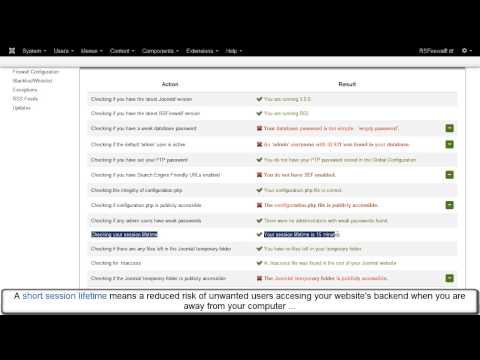
Ep. 11 - RSFirewall! - Joomla! Security Scanner
RSFirewall! is a Joomla! security suite that scans files for known Joomla! malware scripts, shows the vulnerabilities and protects your website from intrusions and hacker attacks.
This episode presents the most important features of the...
read more
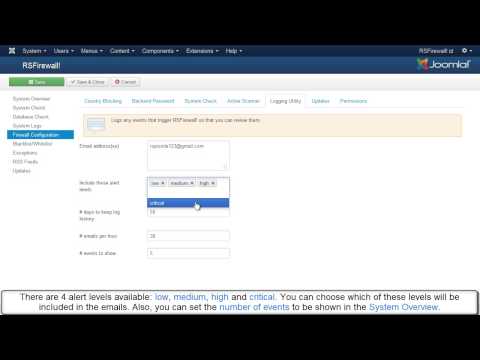
Ep. 12 - How to set up the Logging Utility
The RSFirewall! "System Logs" displays a list of activity logs that allows the administrator to keep track of the site security issues.
Each logged information has a brief description of the problem and a link to a detailed explanation.
Each time...
read more

Ep.14 - Lock sensitive areas of your Joomla! website with...
RSFirewall!! locks sensitive areas of your Joomla! website in 2 ways: denies access to Joomla! installer - com_installer and blocks admin registration, thus preventing hackers to add new information to your site.
The System...
read more
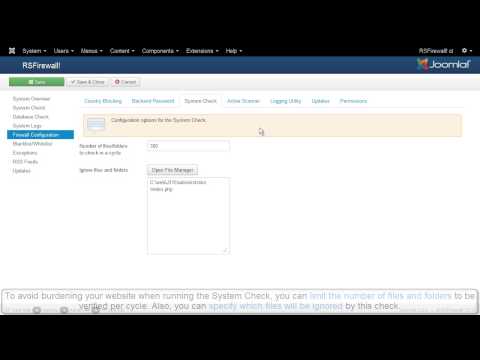
Ep. 46 - RSFirewall! - Joomla! security service -...
RSFirewall! actively protects your Joomla! website from intrusions and hacker attacks.
1. The CPanel Module:
The Cpanel Module offers a summary of your website security status: website grade, the RSFirewall! and System...
read more

@Dennis
Thank you for your kind offer. I do agree with you. This is why all our new videos will include a voice.
QuoteYour Video
Voice on your videos would really enhance them. I'm starting as a voice over artist and would consider doing some probono to build my VO resume.
QuoteHere are two samples of my voice.
https://soundcloud.com/dennis-velco/demo-vo-dennis-velco-2014-1
https://soundcloud.com/dennis-velco/demo-voice-over-psas-dennis
Kind regards,
Dennis Velco
Columbus, Ohio, USA
614-285-6040
Thanks
Nice post - thanks for the information about RSFirewall, I've never thought about using a Firewall App on Joomla before.
Quote