Ep. 71: How to pass RSFiles! users to an RSMail! subscribers list
Starting with rev. 8, RSFiles! allows you to pass user's data to an RSMail! mailing list.
Step 1: create an RSMail! mailing list
- In the Joomla! backend panel, head to Components >> RSMail! >> Lists and create a subscribers list.
- The mailing list will record the user's name and email.
Step 2: Enable the RSMail! integration
- To enable the RSFiles! - RSMail! integration, head to Components >> RSFiles! >> Settings >> RSMail! integration.
- Choose the RSMail! list where you want to save the RSFiles! subscribers.
- Map the RSFiles! field with the corresponding RSMail! field.
- Now, users that download files via email are added in the configured subscribers list.
Test
- To be able to download the file, the user must provide his name and email.
- The user receives an email with the download link.
- The RSFiles! user details are saved in the configured mailing list.
Video Tutorials Categories
- All Videos 104
- RSBlog! 4
- RSComments! 2
- RSContact! 1
- RSDirectory! 4
- RSEvents!Pro 5
- RSFeedback! 2
- RSFiles! 6
- RSFinder! 1
- RSFirewall! 8
- RSFirewall! for WordPress 0
- RSForm! 1
- RSForm!Pro 26
- RSMail! 5
- RSMediaGallery! 1
- RSMembership! 14
- RSPageBuilder! 0
- RSSearch! 2
- RSSeo! 7
- RSShowcase! 0
- RSSocial! 0
- RSTickets!Pro 4
- Templates 11
Comments
Related Videos
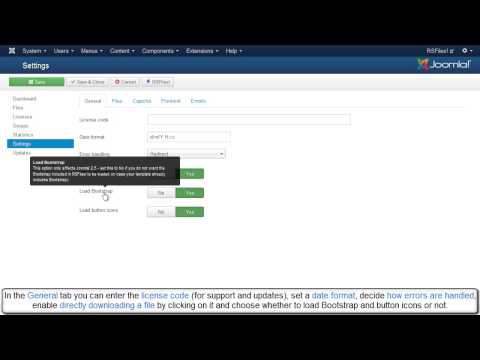
Ep.23 - RSFiles! - Joomla! download manager - backend...
This video presents the most important backend features included in RSFiles!.
Backend access:
In the backend Joomla! panel, head to Components >> RSFiles! >> Files
The "Files" tab:
1.The Files tab allows you to...
read more

Ep. 24 - RSFiles! - Joomla! download manager - frontend...
This video presents the most important frontend features included in RSFiles!.
Frontend features:
1. Visitors have access to information like: file version, license, size, description, author, file type.
2. Licenses,...
read more
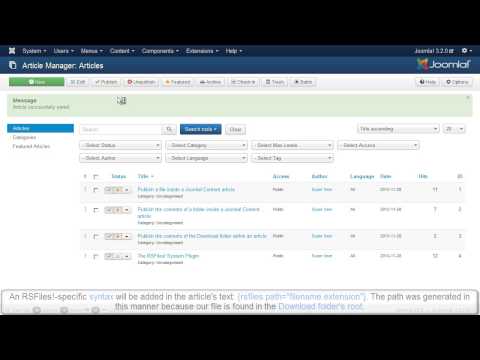
Ep. 50: Publish files and folders inside Joomla! articles ...
RSFiles! allows you to publish the file content on any Joomla! or 3rd party page. You can also publish the content of a specific folder or
the entire download folder.
We have previously created 3 Joomla! articles: "File Content", "Folder...
read more
