Video tutorials on the usage of RSForm!Pro

Episode 3 : Joomla! Form inside article - RSForm!Pro
The RSForm!Pro Content Plugin allows you to publish a Joomla! form inside a content item.
Step 1: Download the Content Plugin
To be able to embed Joomla! forms inside articles, you need to download the RSForm!Pro Content Plugin....
read more
Ep. 7 - How to send e-mails to recipients listed in a...
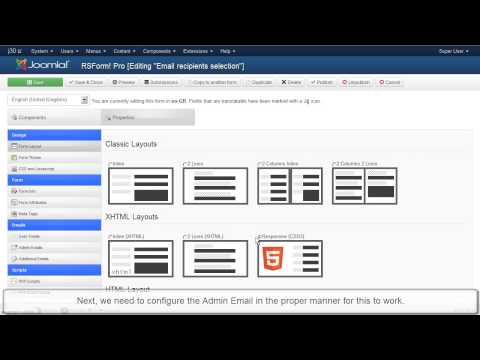
This video tutorial explains how to configure the RSForm!Pro "user and admin emails".
As an example, we have used a simple Joomla! contact form with 5 fields (name, email, message, staff and a submit button )that allows...
read more
Episode 8 : Creating forms for Joomla! with RSForm! Pro
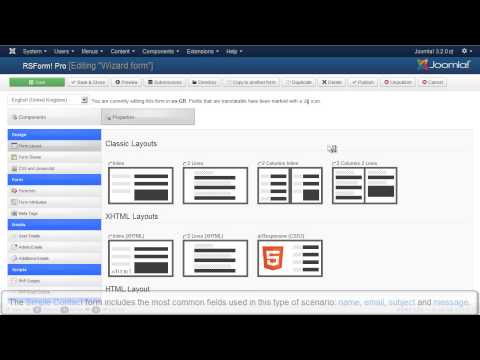
In this tutorial, we will show you how to create a simple Joomla! form with 5 fields using the RSForm!Pro wizard:
1. Textbox- Standard HTML text field
2. Textarea - Standard HTML text area
3. Captcha Antispam for the user authentication
4. Submit...
read more
Ep.9 - Create a multilanguage form in Joomla! with RSForm!...
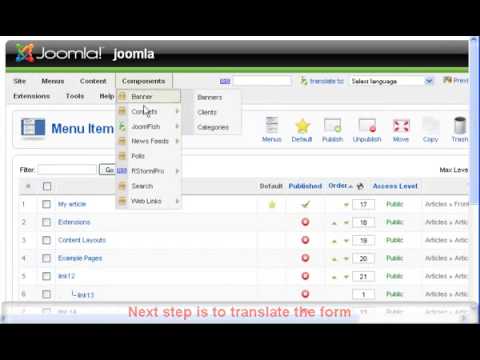
Starting with RSForm!Pro revision 36, RSForm!Pro has a built-in multilanguage option: you will be able to translate all the necessary form information. For further details, please refer to Ep. 52: Translate a Joomla! form using the RSForm!Pro...
read more
Ep. 25 - How to add Paypal functionality to your Joomla!...
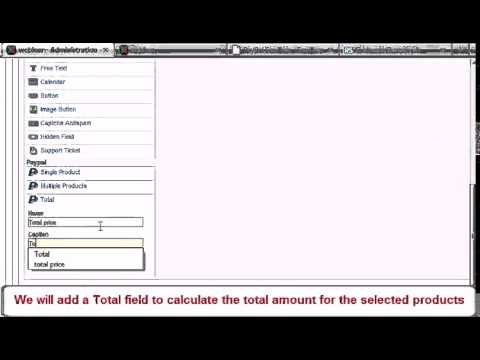
Before we begin, please note that the following explanations, along with the video tutorial, are only available for the RSForm!Pro Joomla! 1.5 PayPal plugin. For more information and a video tutorial on how to implement a PayPal functionality to an...
read more
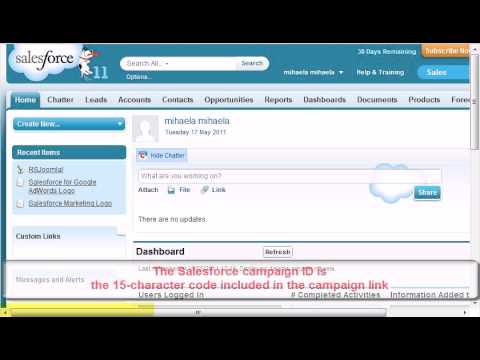
Ep. 32 - Using RSForm!Pro and Salesforce to create new...
Starting with RSForm!Pro 1.3.0, you can automatically assign the users submited details to your Salesforce.com account as new leads, using the Salesforce Web2Lead plugin
In this episode we will show you, step by step, how to integrate the Salesforce...
read more
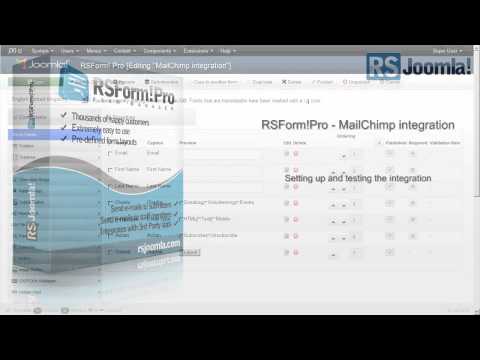
Ep. 33 - Using RSForm!Pro with Mailchimp
RSForm!Pro allows you to create Joomla! subscription forms, pass users data to your Mailchimp account and assign them to the existing lists and groups using the RSForm!Pro Mailchimp plugin.
Step 1:
In the Joomla! backend panel, head to...
read more
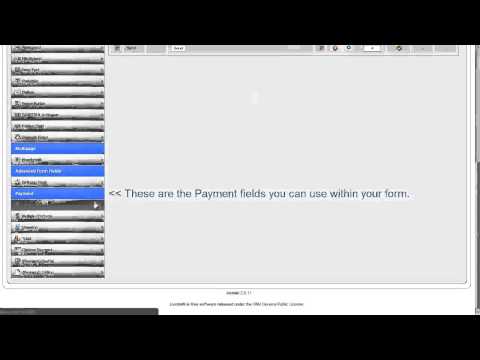
Ep. 80 - Using the RSForm!Pro payment package
This episode will provide detailed information on how to install, setup and tweak the Payment Package available for RSForm!Pro.
We recommend using the PayPal Sandbox mode for testing.
Important:
This plugin package is only compatible...
read more

RSForm!Pro Commercial
RSForm!Pro is the most complex, flexible, customizable and user-friendly Joomla! 3.x form builder on the market. Aside from the default HMTL form components, it offers advanced look and...
read more
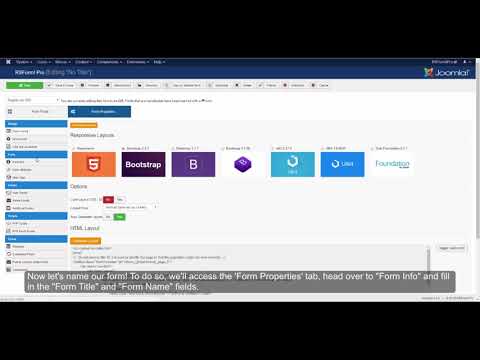
Build your first form with RSForm!Pro
RSForm!Pro is a powerful and versatile form builder for Joomla!, offering a wide variety of configuration and customization options.
Step 1: Create new form
Let's start by creating a simple contact form. Head over to Components >> RSForm!Pro >> Manage...
read more
How to create a multi-language form in Joomla!
In this tutorial we will show you how to set up a multi-language form using RSForm!Pro.
Step 1: Install language
Many websites support more than one language in both their frontend and backend areas. RSForm!Pro includes a feature that was...
read more
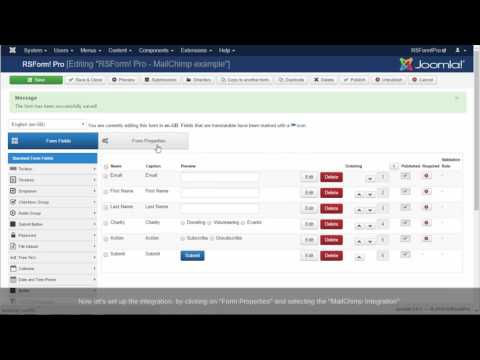
How to create a MailChimp subscriber form with Joomla
In this tutorial we will show you how to easily integrate RSForm!Pro with MailChimp using the RSForm!Pro – MailChimp Plugin.
Step 1: Download & Install the plugin
To download the Plugin from our website go to the "Downloads" section and click...
read more

Ep. 90: RSForm!Pro and Zoho CRM integration
The Zoho CRM integration plugin will allow you to automatically assign the user's submitted data to your Zoho CRM account as new leads.
In this episode we will show you, step by step, how to integrate the Zoho CRM plugin with the RSForm!Pro...
read more
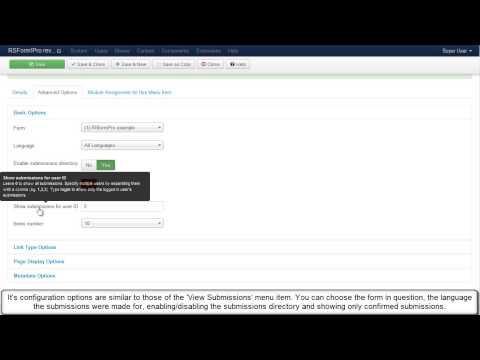
Ep. 82 - RSForm!Pro's Submissions Directory feature
Another feature brought by RSForm!Pro rev. 48 is Submissions Directory. It enables frontend users to edit and download their own submissions (and other users' submissions as well, if enough permissions are set).
Backend configuration...
read more
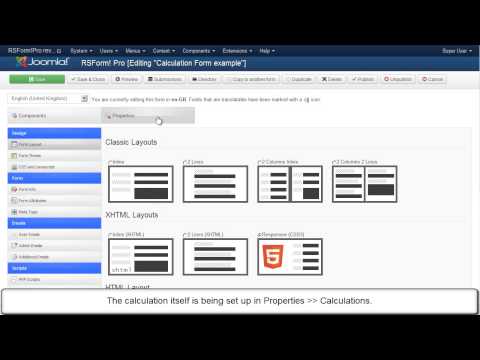
Ep. 81 - How to configure the RSForm!Pro calculations...
In this episode we will provide detailed explanations on how to set up RSForm!Pro's 'Calculations' feature, which was released along with rev. 48.
For more information on updating the component, please referr to the RSForm!Pro update guide in our...
read more
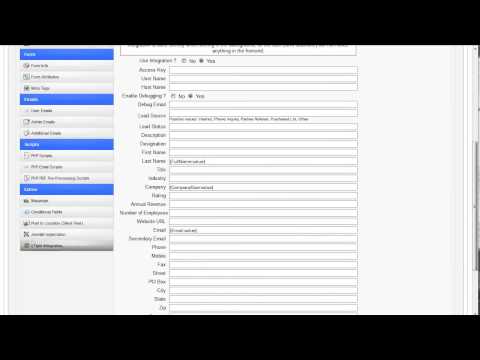
RSForm!Pro - vtiger integration
The vtiger Plugin allows integration between RSForm!Pro and the vtiger.com Webservice (Leads). The integration is done silently while running in the background, so the user (form submitter) will not notice anything in the frontend.
read more
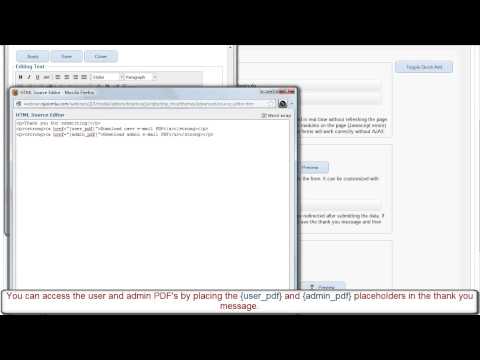
RSForm!Pro PDF plugin
The long awaited PDF generation plugin is here. It is designed to generate PDF files that include submission information. The PDF files can then be attached to the built-in User and Admin e-mails or published on the website using our RSForm!Pro List...
read more
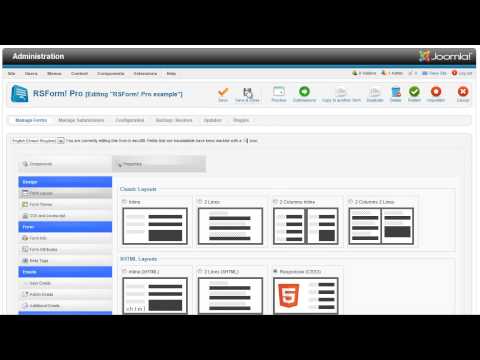
RSForm!Pro Responsive form layout - Rev 44
The responsive layout is a technique using CSS3 that adapts the form layout to the viewing environment. The result is that users can properly see and fill the form in a broad range of devices and browsers without the need of resizing or zooming in. You...
read more
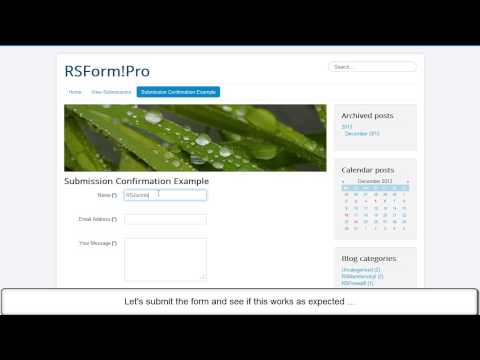
Ep. 73: How to send form submission confirmation in...
Starting with rev. 40, RSForm!Pro allows you to confirm a submission via an email activation link and display in frontend its status (confirmed or not).
Two global placeholders: "confirmation" and "confirmed" will include a confirmation...
read more
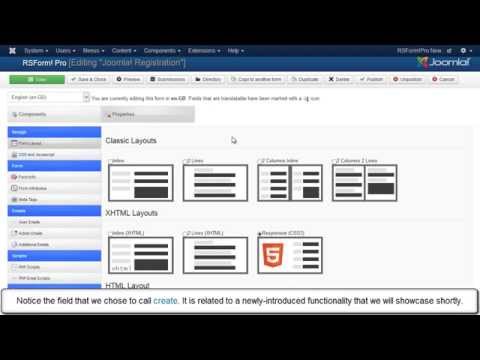
Ep. 59: How to create custom Joomla! registration forms ...
The integration between RSForm!Pro and the Joomla! user registration allows you to use custom forms during the registration process.
This video tutorial explains step by step, how to install and configure the RSForm!Pro - Joomla! user...
read more
Video Tutorials Categories
- All Videos 104
- RSBlog! 4
- RSBooking! 0
- RSComments! 2
- RSContact! 1
- RSDirectory! 4
- RSEvents!Pro 5
- RSFeedback! 2
- RSFiles! 6
- RSFinder! 1
- RSFirewall! 8
- RSFirewall! for WordPress 0
- RSForm! 1
- RSForm!Pro 26
- RSMail! 5
- RSMediaGallery! 1
- RSMembership! 14
- RSPageBuilder! 0
- RSSearch! 2
- RSSeo! 7
- RSShowcase! 0
- RSSocial! 0
- RSTickets!Pro 4
- Templates 11
