
Ep. 58: RSForm!Pro integration with Akismet
The RSForm!Pro Akismet integration allows you to block potential spam submissions to your form. There are 3 form fields that can be checked against spam patterns: Author, Email and Body text.
This video tutorial explains how to install and configure the RSForm!Pro - Akismet plugin.
Step 1: Download the RSForm!Pro - Akismet Plugin
- Access your www.rsjoomla.com account >> "Downloads" area and download the plugin.
Step 2: Install the RSForm!Pro - Akismet Plugin
- Head to Extensions >> Install/Uninstall and install the RSForm!Pro Akismet Plugin.
Step 3: Configure the RSForm!Pro Akismet plugin
Components >> RSForm!Pro >> Configuration >> Akismet. - Add the API key from the www.akismet.com website.
Step 4: Enable the Akismet Integration
- 1. In the "Manage forms" tab, edit the form where you want to use the Akismet plugin.
- 2. Enable the Akismet Integration Akismet checks the Full Name, email and the body text against spam. Map them with the corresponding RSForm!Pro fields.
-
In frontend:
- In frontend, the user submitted data are passed through the Akismet filter. A validation error is displayed each time spam is detected.
Video Tutorials Categories
- All Videos 104
- RSBlog! 4
- RSBooking! 0
- RSComments! 2
- RSContact! 1
- RSDirectory! 4
- RSEvents!Pro 5
- RSFeedback! 2
- RSFiles! 6
- RSFinder! 1
- RSFirewall! 8
- RSFirewall! for WordPress 0
- RSForm! 1
- RSForm!Pro 26
- RSMail! 5
- RSMediaGallery! 1
- RSMembership! 14
- RSPageBuilder! 0
- RSSearch! 2
- RSSeo! 7
- RSShowcase! 0
- RSSocial! 0
- RSTickets!Pro 4
- Templates 11
Comments
Related Videos

Episode 3 : Joomla! Form inside article - RSForm!Pro
The RSForm!Pro Content Plugin allows you to publish a Joomla! form inside a content item.
Step 1: Download the Content Plugin
To be able to embed Joomla! forms inside articles, you need to download the RSForm!Pro Content Plugin....
read more
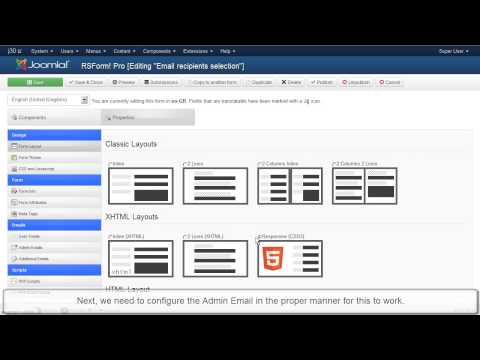
Ep. 7 - How to send e-mails to recipients listed in a...
This video tutorial explains how to configure the RSForm!Pro "user and admin emails".
As an example, we have used a simple Joomla! contact form with 5 fields (name, email, message, staff and a submit button )that allows...
read more
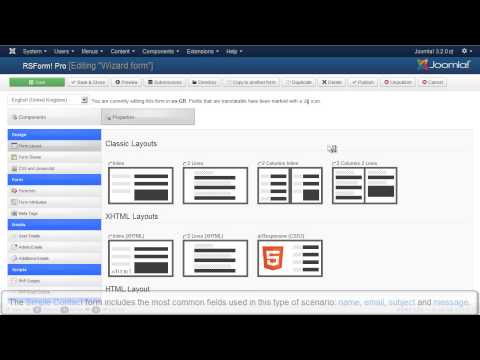
Episode 8 : Creating forms for Joomla! with RSForm! Pro
In this tutorial, we will show you how to create a simple Joomla! form with 5 fields using the RSForm!Pro wizard:
1. Textbox- Standard HTML text field
2. Textarea - Standard HTML text area
3. Captcha Antispam for the user authentication
4. Submit...
read more
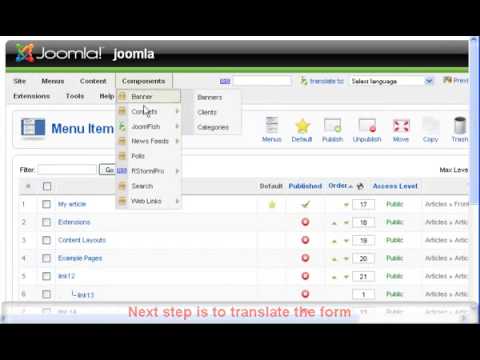
Ep.9 - Create a multilanguage form in Joomla! with RSForm!...
Starting with RSForm!Pro revision 36, RSForm!Pro has a built-in multilanguage option: you will be able to translate all the necessary form information. For further details, please refer to Ep. 52: Translate a Joomla! form using the RSForm!Pro...
read more
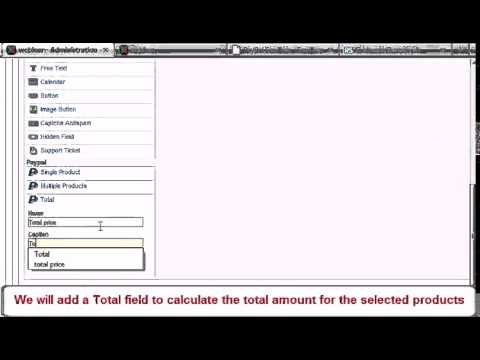
Ep. 25 - How to add Paypal functionality to your Joomla!...
Before we begin, please note that the following explanations, along with the video tutorial, are only available for the RSForm!Pro Joomla! 1.5 PayPal plugin. For more information and a video tutorial on how to implement a PayPal functionality to an...
read more
Ep. 32 - Using RSForm!Pro and Salesforce to create new...
Starting with RSForm!Pro 1.3.0, you can automatically assign the users submited details to your Salesforce.com account as new leads, using the Salesforce Web2Lead plugin
In this episode we will show you, step by step, how to integrate the Salesforce...
read more
Ep. 33 - Using RSForm!Pro with Mailchimp
RSForm!Pro allows you to create Joomla! subscription forms, pass users data to your Mailchimp account and assign them to the existing lists and groups using the RSForm!Pro Mailchimp plugin.
Step 1:
In the Joomla! backend panel, head to...
read more

Ep. 39: Create newsletter subscription forms with...
In this video, you'll learn how to create custom subscription forms with RSMail! and RSForm!Pro.
Suppose you have created a subscription form to collect data from your subscribers: First Name, Last Name, Company, Job title , etc. Upon the form...
read more
Ep. 40: Create custom Joomla! registration forms for your...
There are situations when you need more than a simple Joomla! registration form for your events. In this case, you'll need to use RSForm!Pro to create the custom form, RSEvents! to manage the event registration and the integration plugin.
Let's see...
read more
Ep. 51: How to configure the user and the admin email in...
RSForm!Pro allows you to send custom emails (user and admin emails) upon the form submission. These two types of email are configured separately in the "Manage forms" area >> Properties, in two corresponding tabs ("User Emails" and "Admin...
read more
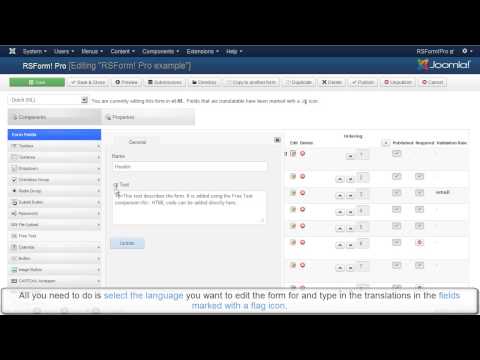
Ep. 52: How to translate a Joomla! form using the...
Starting with revision 36, the RSForm!Pro multi-language support allows you to easily translate your Joomla! forms from English to your native language.
This video tutorial explains how to use this new option to translate a Joomla! form from...
read more
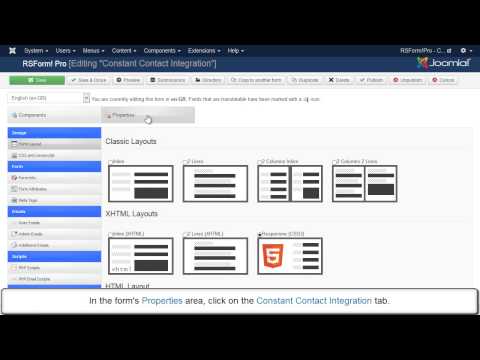
Ep. 57: RSForm!Pro Constant Contact Integration
Constant Contact is an email marketing solution that allows you
to send newsletters to your subscribers. You can create custom subscription forms for Constant Contact using
the RSForm!Pro-Constant Contact plugin. After the form submission, user's...
read more
