Ep. 35 - How to restrict with RSMembership! Joomla! categories to paid subscriptions
RSMembership! can handle 5 types of restrictions: folders, articles, sections, category, URL.
Let's see how can you restrict Joomla! categories to paid subscribers using the RSMembership! extension.
Step 1:
- In the Joomla! backend panel, head to Components >> RSMembership! >> Memberships and create a new membership..
Step 2:
- Add the membership details.
Step 3:
- In the "Shared Content" tab, click to "Add Content".
Step 4:
- Click on the "Categories" tab.
Step 5:
- Select the Joomla! categories for which you want to restrict access.
Test RSMembership! in frontend
Test RSMembership! in backend
Video Tutorials Categories
- All Videos 104
- RSBlog! 4
- RSBooking! 0
- RSComments! 2
- RSContact! 1
- RSDirectory! 4
- RSEvents!Pro 5
- RSFeedback! 2
- RSFiles! 6
- RSFinder! 1
- RSFirewall! 8
- RSFirewall! for WordPress 0
- RSForm! 1
- RSForm!Pro 26
- RSMail! 5
- RSMediaGallery! 1
- RSMembership! 14
- RSPageBuilder! 0
- RSSearch! 2
- RSSeo! 7
- RSShowcase! 0
- RSSocial! 0
- RSTickets!Pro 4
- Templates 11
Comments
Related Videos
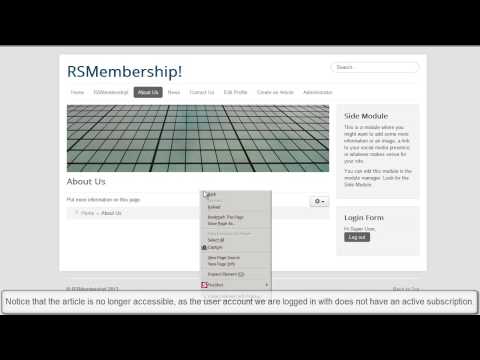
Ep. 20 - How to add article restrictions to a Joomla!...
With RSMembership! you can impose to a Joomla! membership site 5 types of restrictions: folders, articles, sections, category, URL.
Let's see how can you add restrictions to an article following some simple steps.
Step 1:
In the...
read more

Ep.21 - How to add URL restrictions to a Joomla! membership...
With RSMembership! you can impose5 types of restrictions to a Joomla! membership site : folders, articles, sections, category, URL.
URL restrictions can be imposed using 2 wildcards: {?} or {*}. The {?} wildcard replaces just one character The {*}...
read more
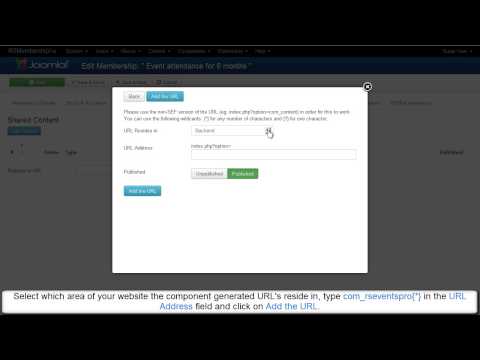
Ep. 22 - How to add url restrictions to a Joomla!...
RSMembership! can handle 5 types of content restrictions: folders, articles, sections, category, URL.
In this tutorial, we will show you how can you impose URL restrictions using the {*} wildcard following some simple steps. If you want to see how...
read more
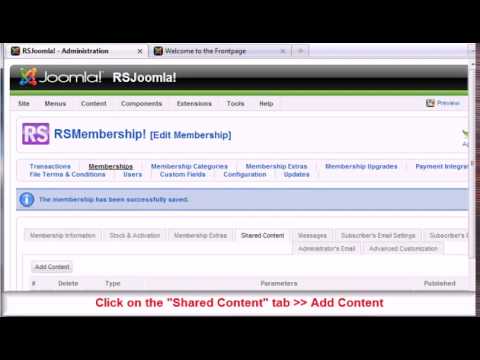
Ep. 36 - How to restrict with RSMembership! Joomla!...
RSMembership! can impose 5 types of restrictions: folders, articles, sections, category, URL.
Let's see how can you restrict Joomla! sections to paid subscribers using the RSMembership! extension.
Step 1:
In the Joomla!...
read more
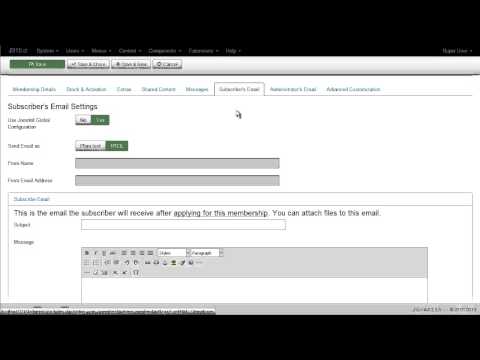
Ep. 44: Introducing RSMembership! - Joomla! membership...
This episode presents the most important backend features included in RSMembership!: membership setup, recurring payments, payment gateweays, coupons, subscribers and transactions.
With RSMembership! you can create and manage an advanced...
read more
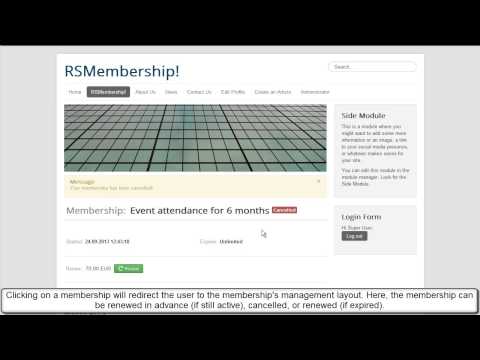
Ep. 45: Introducing RSMembership! - Joomla! membership...
This episode presents the most important frontend features included in RSMembership!: content restrictions, renewal memberships, extras, payment options, coupon code, terms and conditions and upgrades.
1. Categories...
read more
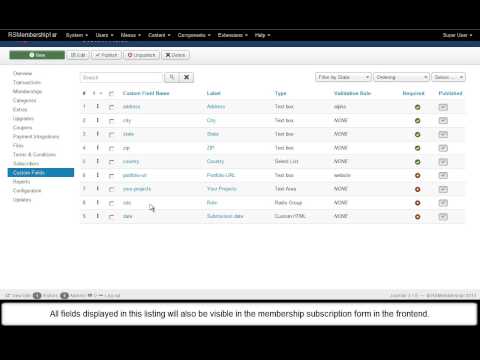
Ep. 56: How to customize the RSMembership! subscription...
RSMembership! allows you to add custom fields to the default membership subscription form.
How to add custom fields?
1. In the Joomla! admin panel, head to Components >> RSMembership! >> Custom fields.
2. By default, the...
read more
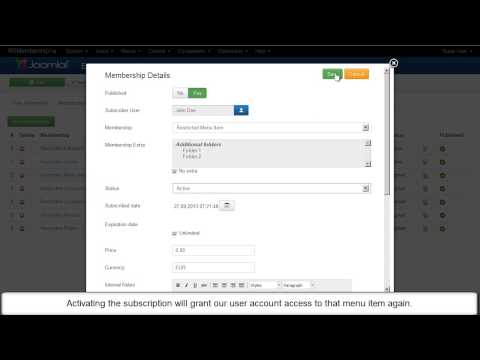
Ep. 60: How to create Joomla! membership websites with...
With RSMembership!, you can configure a fully functional membership website. You can impose restrictions to Joomla! categories, sections, articles, menus, components, folders and modules.
1. Restrict the access to Joomla!...
read more
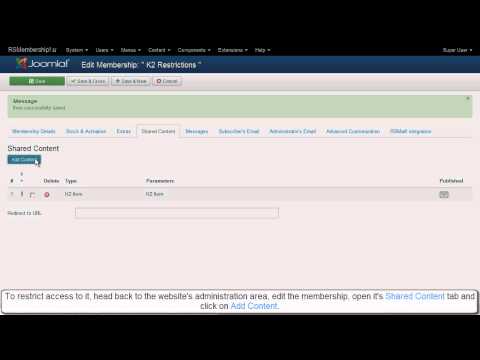
Ep. 61: Restrict K2 content with RSMembership!
With RSMembership!, you can restrict the access to some component specific URLs by using the RSMembership! content sharing plugins for K2, ZOO and FlexiContent. In this video tutorial, we will show you step by step, how can you restrict K2 items,...
read more
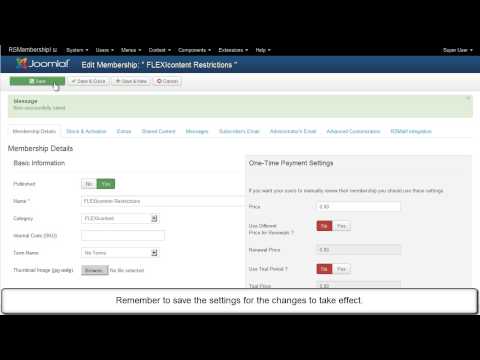
Ep. 62: Restrict FLEXIcontent with RSMembership!
With RSMembership!, you can restrict the access to Joomla! component specific URLs: K2, FLEXIcontent and ZOO. In this episode we will show you how to restrict the access to FLEXIcontent items and categories.
We have previously created the...
read more
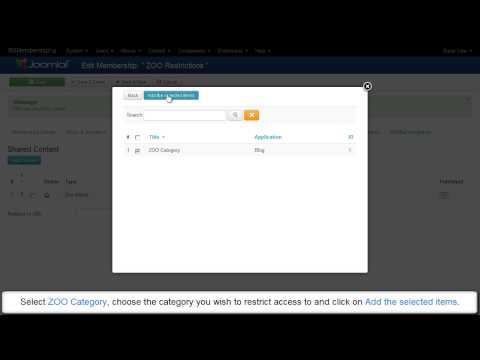
Ep. 63: How to restrict ZOO content with RSMembership!
RSMembership! allows you to impose content restrictions to ZOO items, categories and applications using the specific shared content plugin. After applying the restrictions, only users with active subscriptions will be able to access the ZOO content....
read more

Ep. 68: How to add the RSMembership! subscribers to the...
Starting with RSMail! revision 13, you can include the RSMembership! subscribers to a mailing list, via the "Integrations" tab.
1. Map the RSMembership! fields with RSMail!
In the Joomla! backend panel, head to Components...
read more
