
Episode 3 : Joomla! Form inside article - RSForm!Pro
The RSForm!Pro Content Plugin allows you to publish a Joomla! form inside a content item.
Step 1: Download the Content Plugin
- To be able to embed Joomla! forms inside articles, you need to download the RSForm!Pro Content Plugin.
Step 2:
Install the Content Plugin using the default Joomla! installer.
Step 3:
Make sure you publish the Content Plugin in "Extensions" >> "Plugin Manager" area.
Step 4: Embed the Joomla! form inside article
- 1. Head to "Components" >> RSForm!Pro >> Manage Forms and remember your form id.
- 2. Head to "Content" >> Article Manager and edit the article where you want to place the form. Use the following syntax to embed the form: {rsform 1}. Remember to use the form ID that you wish to embed.
Test RSForm!Pro in frontend
Test RSForm!Pro in backend
Video Tutorials Categories
- All Videos 104
- RSBlog! 4
- RSBooking! 0
- RSComments! 2
- RSContact! 1
- RSDirectory! 4
- RSEvents!Pro 5
- RSFeedback! 2
- RSFiles! 6
- RSFinder! 1
- RSFirewall! 8
- RSFirewall! for WordPress 0
- RSForm! 1
- RSForm!Pro 26
- RSMail! 5
- RSMediaGallery! 1
- RSMembership! 14
- RSPageBuilder! 0
- RSSearch! 2
- RSSeo! 7
- RSShowcase! 0
- RSSocial! 0
- RSTickets!Pro 4
- Templates 11
Comments
Related Videos
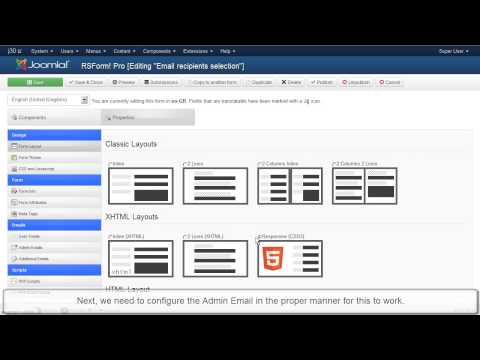
Ep. 7 - How to send e-mails to recipients listed in a...
This video tutorial explains how to configure the RSForm!Pro "user and admin emails".
As an example, we have used a simple Joomla! contact form with 5 fields (name, email, message, staff and a submit button )that allows...
read more
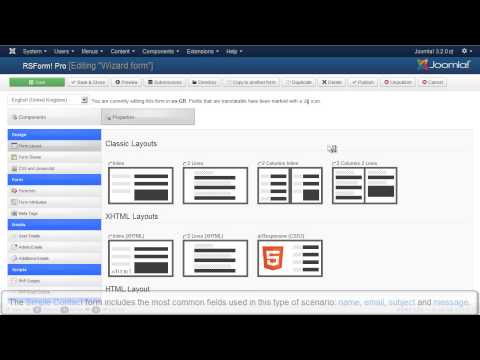
Episode 8 : Creating forms for Joomla! with RSForm! Pro
In this tutorial, we will show you how to create a simple Joomla! form with 5 fields using the RSForm!Pro wizard:
1. Textbox- Standard HTML text field
2. Textarea - Standard HTML text area
3. Captcha Antispam for the user authentication
4. Submit...
read more
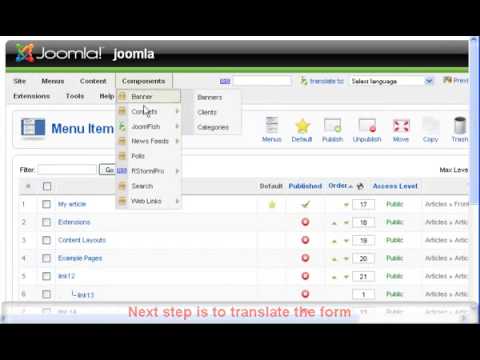
Ep.9 - Create a multilanguage form in Joomla! with RSForm!...
Starting with RSForm!Pro revision 36, RSForm!Pro has a built-in multilanguage option: you will be able to translate all the necessary form information. For further details, please refer to Ep. 52: Translate a Joomla! form using the RSForm!Pro...
read more
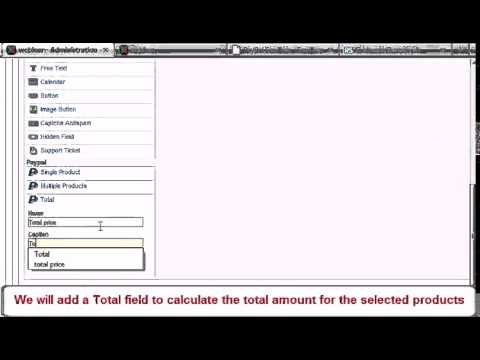
Ep. 25 - How to add Paypal functionality to your Joomla!...
Before we begin, please note that the following explanations, along with the video tutorial, are only available for the RSForm!Pro Joomla! 1.5 PayPal plugin. For more information and a video tutorial on how to implement a PayPal functionality to an...
read more
Ep. 32 - Using RSForm!Pro and Salesforce to create new...
Starting with RSForm!Pro 1.3.0, you can automatically assign the users submited details to your Salesforce.com account as new leads, using the Salesforce Web2Lead plugin
In this episode we will show you, step by step, how to integrate the Salesforce...
read more
Ep. 33 - Using RSForm!Pro with Mailchimp
RSForm!Pro allows you to create Joomla! subscription forms, pass users data to your Mailchimp account and assign them to the existing lists and groups using the RSForm!Pro Mailchimp plugin.
Step 1:
In the Joomla! backend panel, head to...
read more

Ep. 39: Create newsletter subscription forms with...
In this video, you'll learn how to create custom subscription forms with RSMail! and RSForm!Pro.
Suppose you have created a subscription form to collect data from your subscribers: First Name, Last Name, Company, Job title , etc. Upon the form...
read more
Ep. 40: Create custom Joomla! registration forms for your...
There are situations when you need more than a simple Joomla! registration form for your events. In this case, you'll need to use RSForm!Pro to create the custom form, RSEvents! to manage the event registration and the integration plugin.
Let's see...
read more
Ep. 51: How to configure the user and the admin email in...
RSForm!Pro allows you to send custom emails (user and admin emails) upon the form submission. These two types of email are configured separately in the "Manage forms" area >> Properties, in two corresponding tabs ("User Emails" and "Admin...
read more
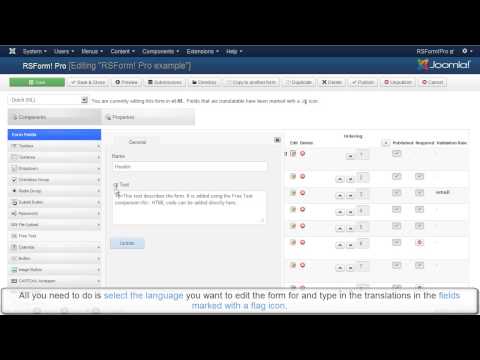
Ep. 52: How to translate a Joomla! form using the...
Starting with revision 36, the RSForm!Pro multi-language support allows you to easily translate your Joomla! forms from English to your native language.
This video tutorial explains how to use this new option to translate a Joomla! form from...
read more
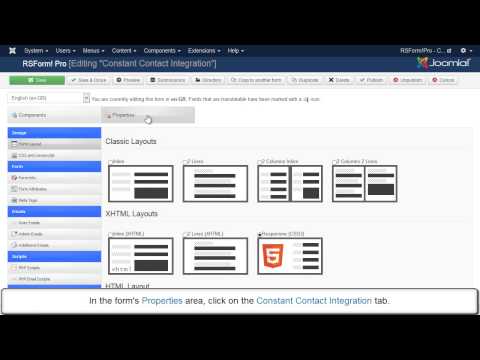
Ep. 57: RSForm!Pro Constant Contact Integration
Constant Contact is an email marketing solution that allows you
to send newsletters to your subscribers. You can create custom subscription forms for Constant Contact using
the RSForm!Pro-Constant Contact plugin. After the form submission, user's...
read more
Ep. 58: RSForm!Pro integration with Akismet
The RSForm!Pro Akismet integration allows you to block
potential spam submissions to your form. There are 3 form fields that can be checked against spam patterns: Author, Email and Body text.
This video tutorial explains how to install and...
read more
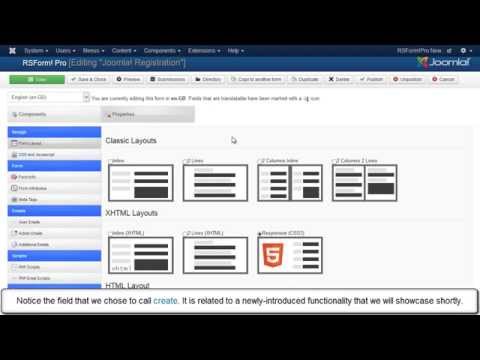
Ep. 59: How to create custom Joomla! registration forms ...
The integration between RSForm!Pro and the Joomla! user registration allows you to use custom forms during the registration process.
This video tutorial explains step by step, how to install and configure the RSForm!Pro - Joomla! user...
read more

@Johnnie
I am guessing that you are using the RSForm!Pro System plugin and not the one for content. Please try this one instead and see how it goes.
QuoteIf you are having further difficulties with this, please submit a support request.
google recaptcha v.2 doesnt work
I have installed nocaptcha recaptcha v.2 from google in my contact form and it shows without problem on my main contact form page: http://www.gulet.hr/contact-us.html tough, I can not see it in my Contact tab that uses the plugin syntax? is there a way around it?
Quoteany other boat/Gulet uses the plugin with the same form on each page:
for example http://www.gulet.hr/gulets-for-charter/gulet-linda.html the send enguiry uses the tab with the contact form but the recaptcha plugin isnt working there?
@Johnnie Kazija
Yes, of course. In your case simply use a hidden field and some PHP code to extract the value from the database.
QuotePick up website title after submitting
I am using this plugin for the first time now. Is there a way for example that the plugin picks up the title of the article somehow?
Quotefor example if someone sends and enquiry from this subpage: http://www.magnumadria.com/croatia/gulet-queen-of-adriatic.html
the tab "charter enquiry" is using this plugin in a K2 item/article. If it is possible, this way we would know in what boat the client is interested for and how and from which page the enquiry is has been sent?
is that possible?
Very nicely created the post..i like much its full of information
QuoteGood post as ever. Using a form to get information out of someone is essential, and fortunately, this is now possible to add them in Joomla
QuoteRoyal Australian Regiment Association
There is no doubt that your instruction are very informative, clear and helpful. Well done!
QuoteBest wishes
Murray
I didn't realize you could imbed a form in an article! RSForm is so easy to use, you don't need the documentation but then you miss out on all the additional things this great Joomla component/module can do.
Quote