Ep.15 - Enable canonicalization for your Joomla! website with RSSeo!
Canonicalization refers to different links that point to the same content. RSSeo! allows you to automatically set redirects from the non-www domain to www domain or viceversa, by enabling the canonicalization option, via the "RSSeo! System Plugin".
How to enable site canonicalization with RSSeo!
Step 1:
- The canonicalization is enabled from the RSSeo! system plugin. The plugin can be accessed from Extensions >> Plug-in Manager.
Step 2:
- Enable the canonicalization option form the plugin parameters, basic options area.
Step 3:
- Once you have enabled the canonicalization, add the preferred domain version - with or without "www"; for example when you want to set a redirect from mydomain.com to www.mydomain.com type www.mydomain.com
Test RSSeo! in backend
Video Tutorials Categories
- All Videos 104
- RSBlog! 4
- RSComments! 2
- RSContact! 1
- RSDirectory! 4
- RSEvents!Pro 5
- RSFeedback! 2
- RSFiles! 6
- RSFinder! 1
- RSFirewall! 8
- RSFirewall! for WordPress 0
- RSForm! 1
- RSForm!Pro 26
- RSMail! 5
- RSMediaGallery! 1
- RSMembership! 14
- RSPageBuilder! 0
- RSSearch! 2
- RSSeo! 7
- RSShowcase! 0
- RSSocial! 0
- RSTickets!Pro 4
- Templates 11
Comments
Related Videos
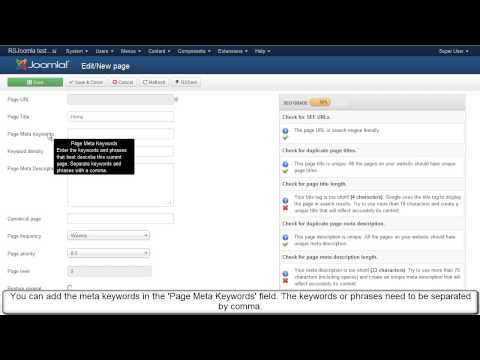
Ep. 13 - Optimize meta keywords and meta description for...
In this tutorial, we'll be using RSSEO! - the SEO suite for Joomla! to optimize the meta description and meta keywords of each Joomla! page.
Once you have crawled the website, you will be able to add meta tags to ALL Joomla! pages.
Let's...
read more
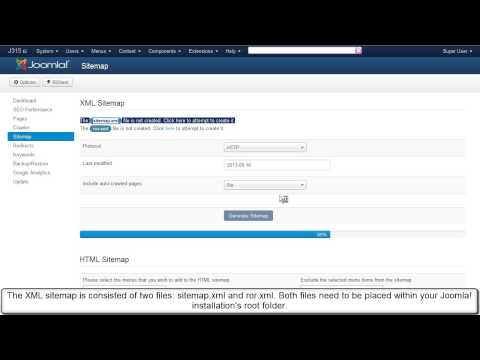
Ep.16 - Generate an XML sitemap for Joomla! with RSSeo!
RSSeo! allows you to generates Joomla! sitemaps, that can be submitted to search engines.
There are 2 types of files that can be generated: sitemap.xml and ror.xml
Step 1:
First, create in the website root directory 2 empty files :...
read more
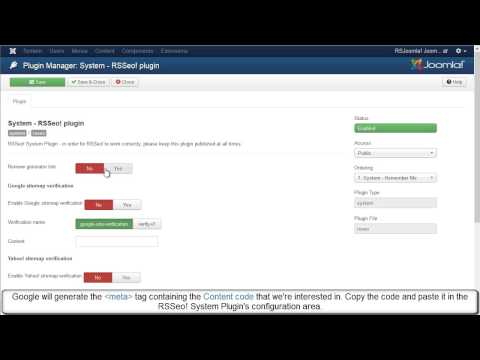
Ep. 17 - How to verify Joomla! site ownership for Google...
Google requests verifying the site ownership when submitting a sitemap to the Webmaster Account.
RSSeo! allows you to verify the site ownership, directly from the backend Joomla! administrator panel for major search engines .
In this episode we will...
read more
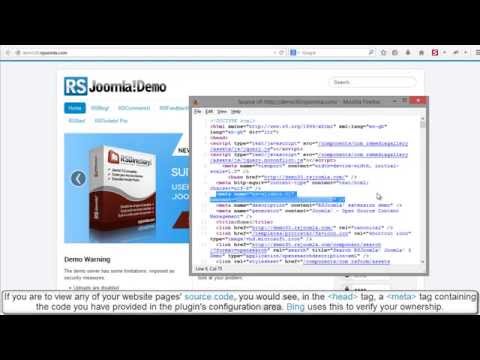
Ep.19 - How to verify Joomla! site ownership for Bing with...
Bing requests verifying the site ownership when submitting a sitemap to the Webmaster Account.
RSSeo! allows you to verify the site ownership, directly from the backend Joomla! administrator panel for major search engines .
In this episode we will...
read more
