Reports
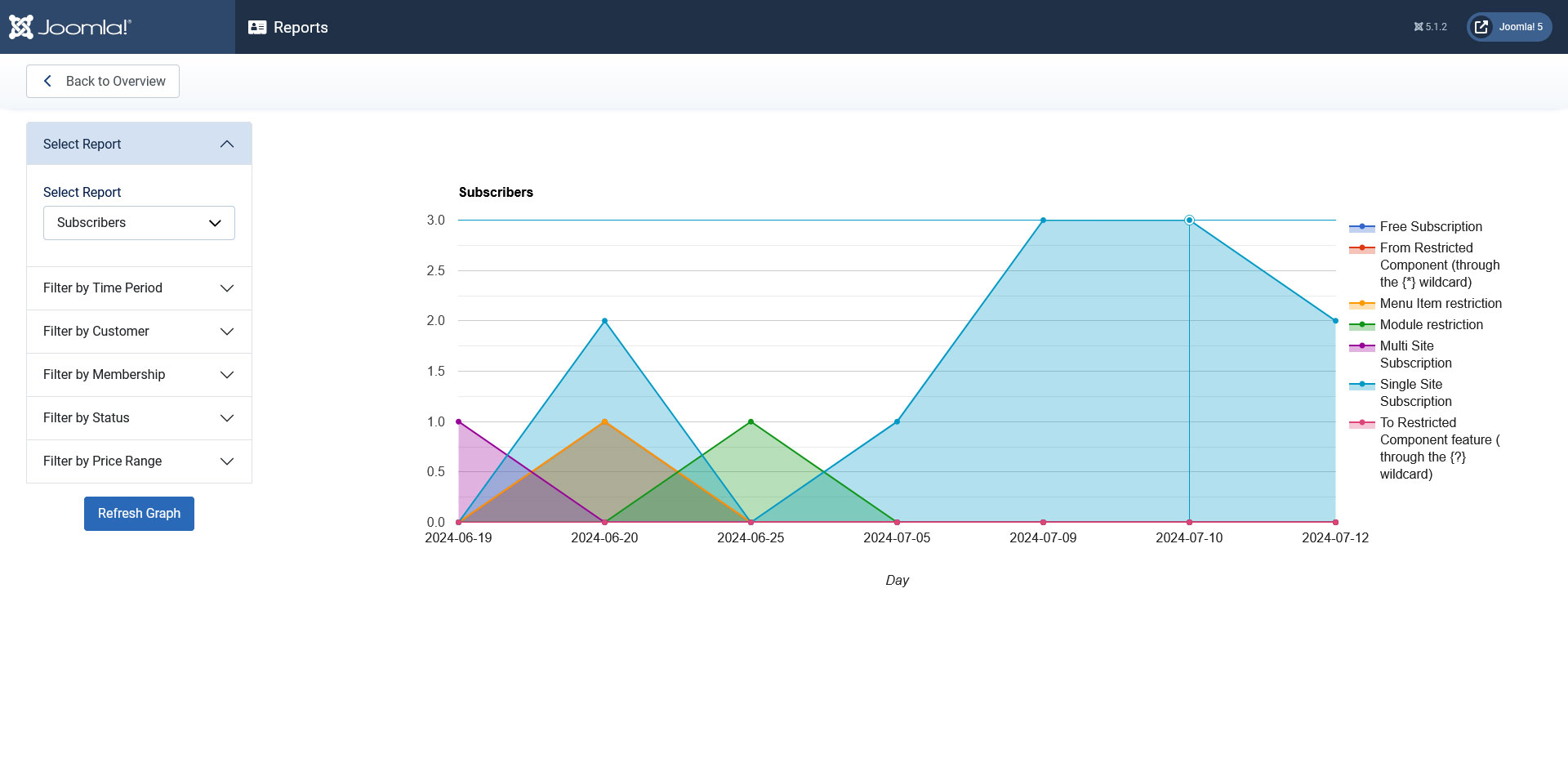
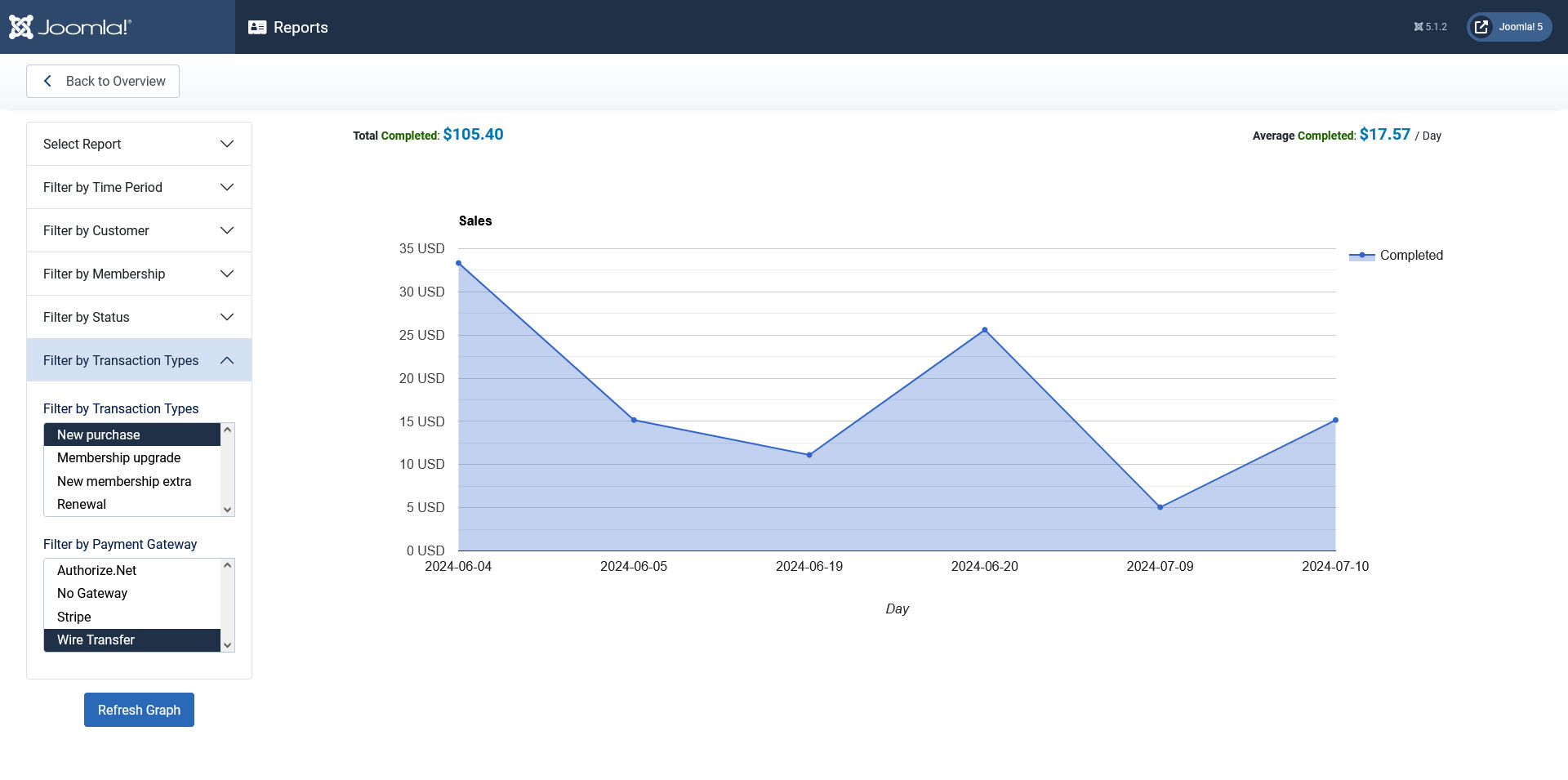
The Reports tool provides a graphical representation on membership related statistics. By default, 3 types of reports can be generated: Subscribers, Transactions and Sales.
Filtering options
- Filter by Time Period: you can select a time frame for the report. It offers a calendar selection for To and From dates, along with a unit selection (day, month, quarter, year)
- Filter by Customer: if selected, the Reports tool can generate a report for a individual user
- Filter by Membership: when generating a transactions report the result can be filtered by the memberships
- Filter by Status: when generating a transactions report the result can be filtered its status (pending, completed, denied)
- Filter by Price Range: a price range can be specified for the generated report
- Filter by Transaction Types: New purchase, Membership upgrade, New membership extra, Renewal. Color codes can be specified for each report
- Filter by Payment Gateway: it displays a list of all configured payment options. For example (PayPal, Wire transfer)
One person found this article helpful.
