Form Attributes
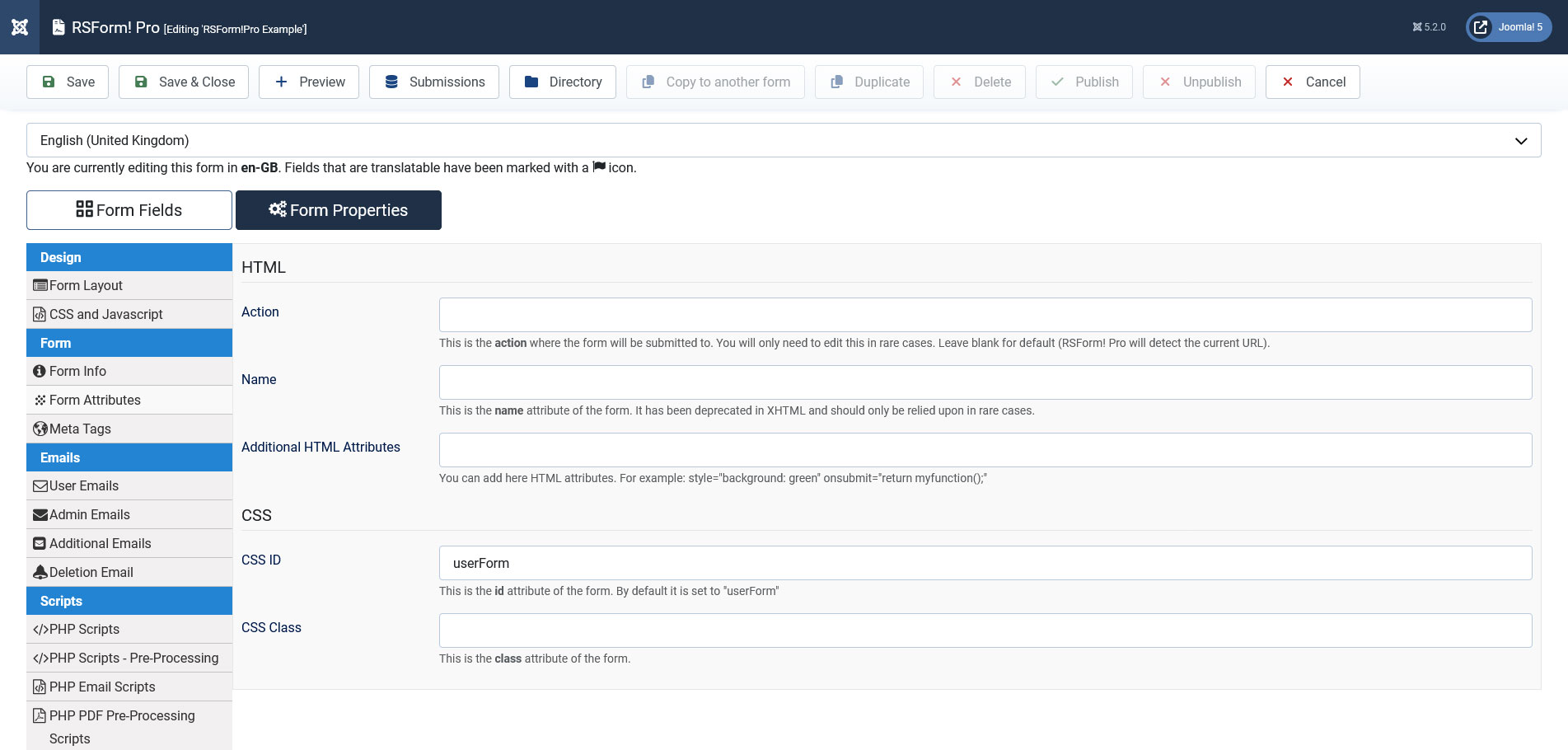
In the Form Attributes section of your form you can add custom attributes for your form such as: custom form action, CSS id and class, form name and custom HTML attributes. The tab is split into 2 sections:
HTML
Form Action - The action of the form can be set here. However this attribute should only be edited in certain as, by default, RSForm! Pro detects the current URL and sets the form action correspondingly.
Name - This is the name attribute of the form. It has been deprecated in XHTML and should only be relied upon in rare cases.
Additional HTML Attributes - You can add here HTML attributes and custom styles for the form. For example: style="background: green" onsubmit="return myfunction();".
CSS
CSS ID - This is the id attribute of the form. It is set by default to "userForm", however you can set a different CSS ID of your choice.
CSS Class - Here you are able to set any custom CSS class that you wish for the form. Through this class you can assign any custom styles for the form.
14 persons found this article helpful.
You Should Also Read
CSS and Javascript HOT |
Adding a trigger to the pagebreak button HOT |
Anchor point HOT |
