Create predefined searches
An easy way to group your tickets based on different criteria is to create a predefined search. To do this you will need to:
Step one
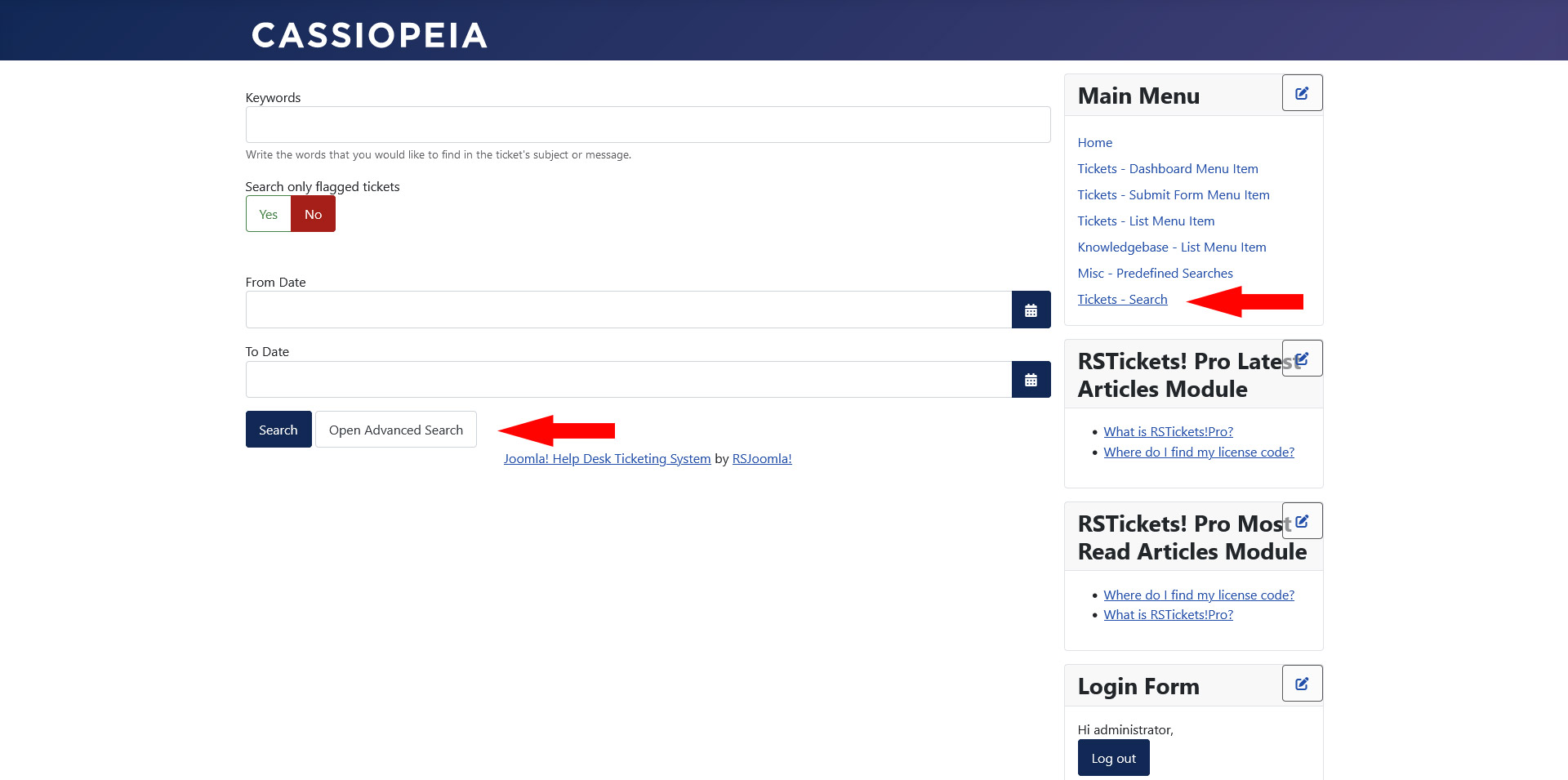
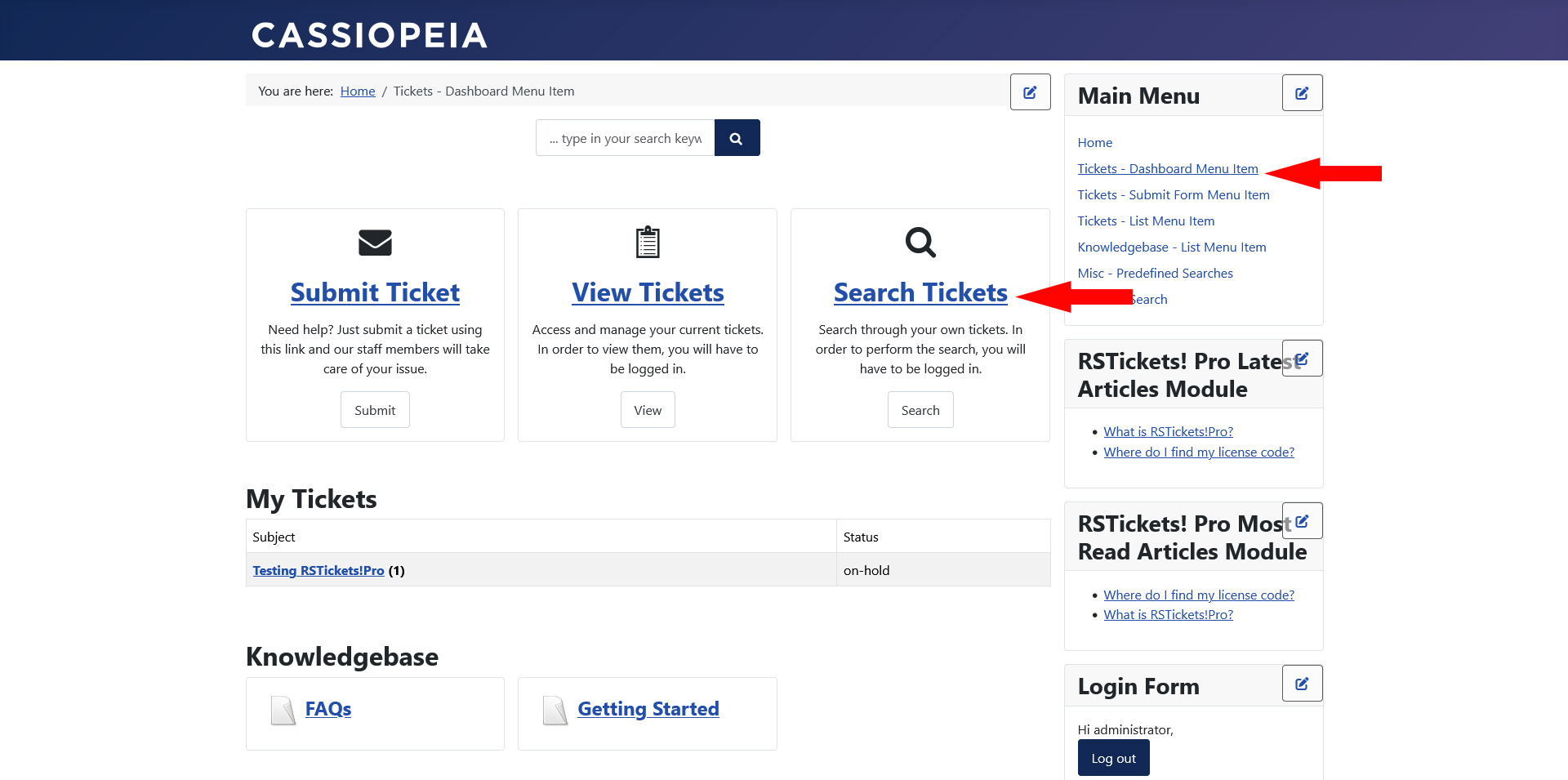
Access the Open Advanced Search area through:
- Tickets - Search: menu item.
- Tickets - Dashboard: menu item, by clicking on the Search Tickets URL.
Step two
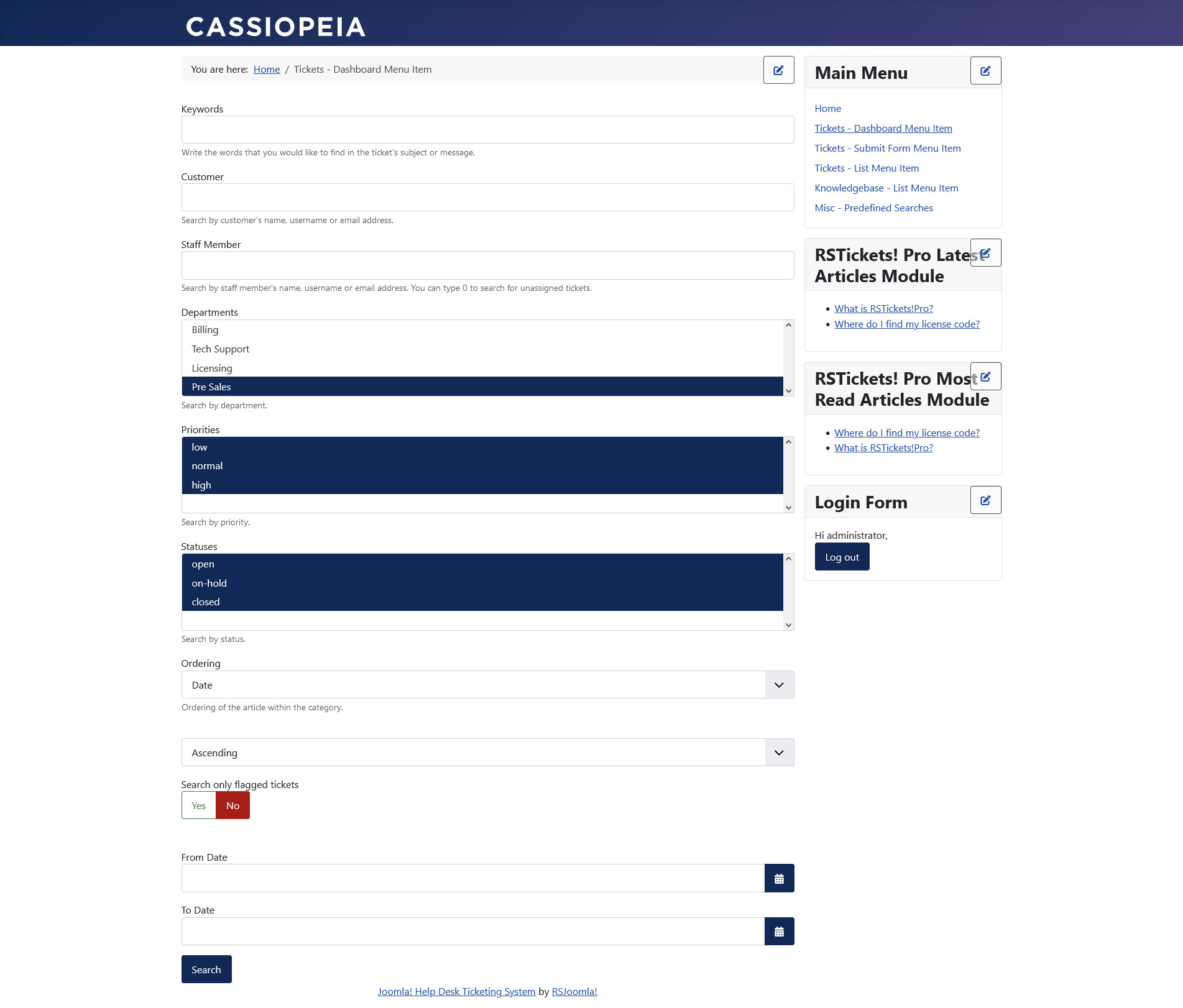
Select your desired criteria from the advanced search page.
If you are logged in as a staff member two new search fields will appear:
- Customer: search by customer's name, username or email address.
- Staff Member: search by staff member's name, username or email address. You can type 0 to search for unassigned tickets.
Apart from these fields you can also Search only flagged tickets.
Step three
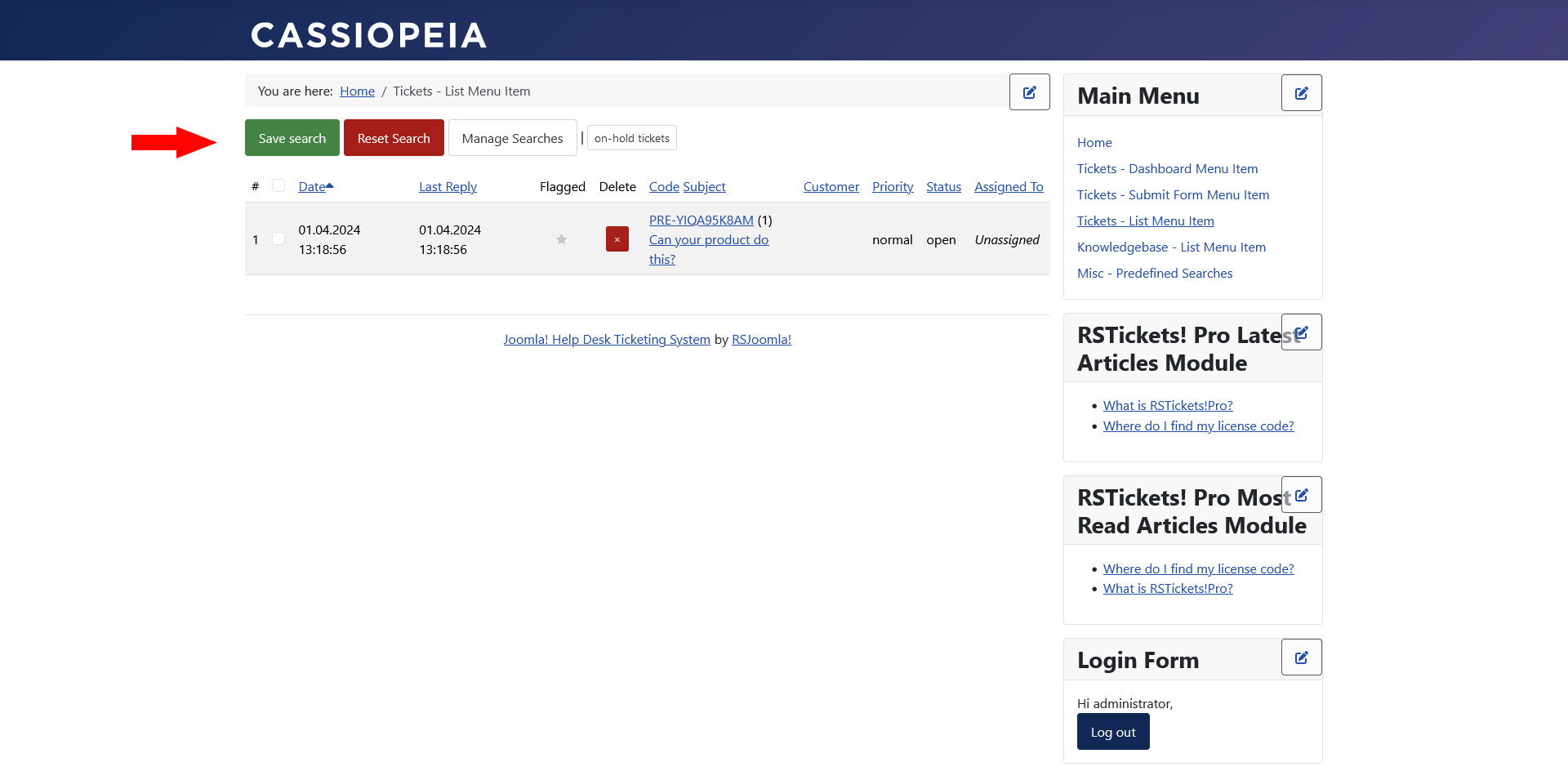
After the search results are displayed you will notice a "Save search" link above the results table, click on the link.
Step four
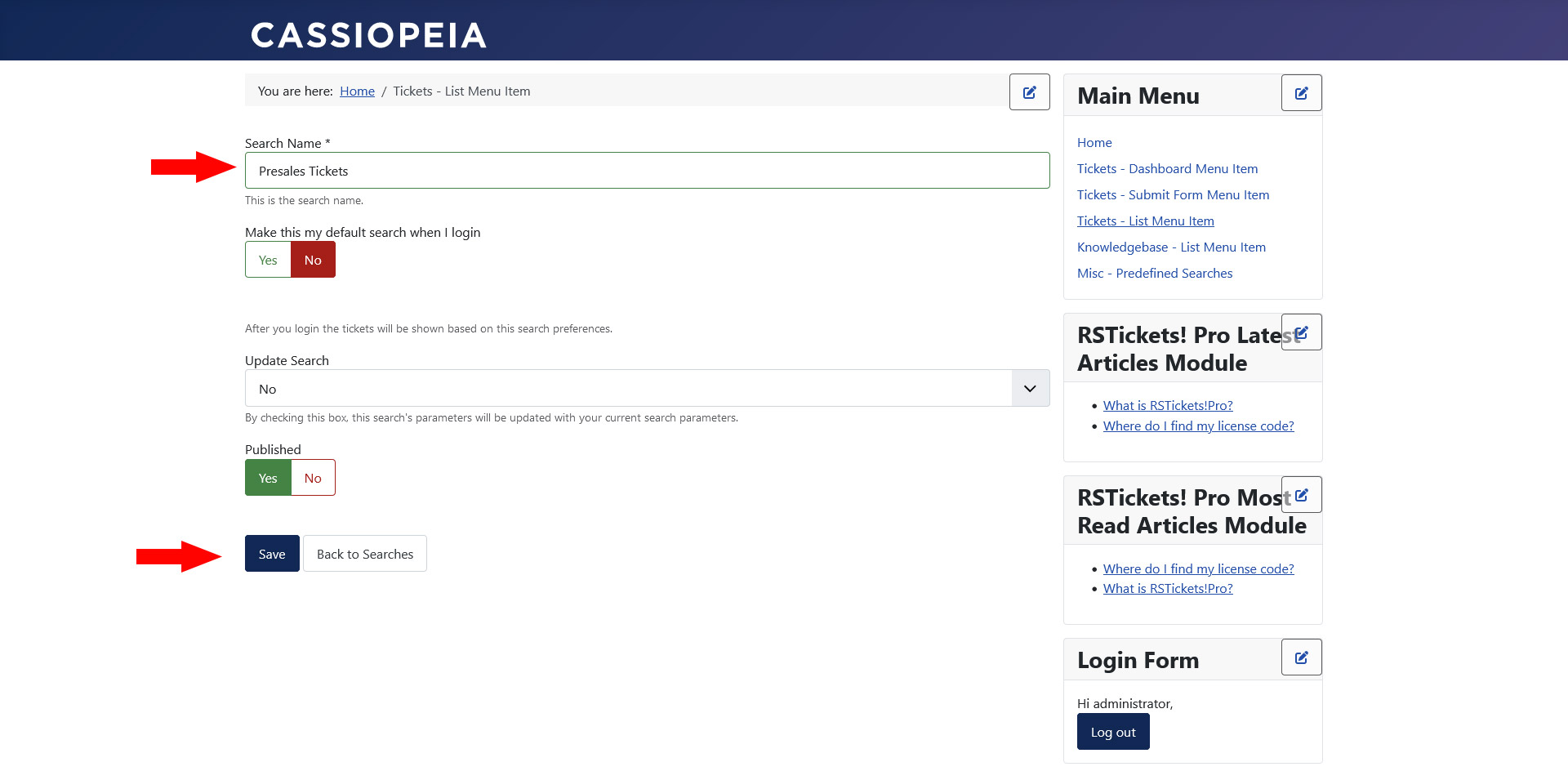
Enter the name of your search and choose if you want this to be your default view when you log in.
Step five
After adding the desired name for this new search, save your current settings.
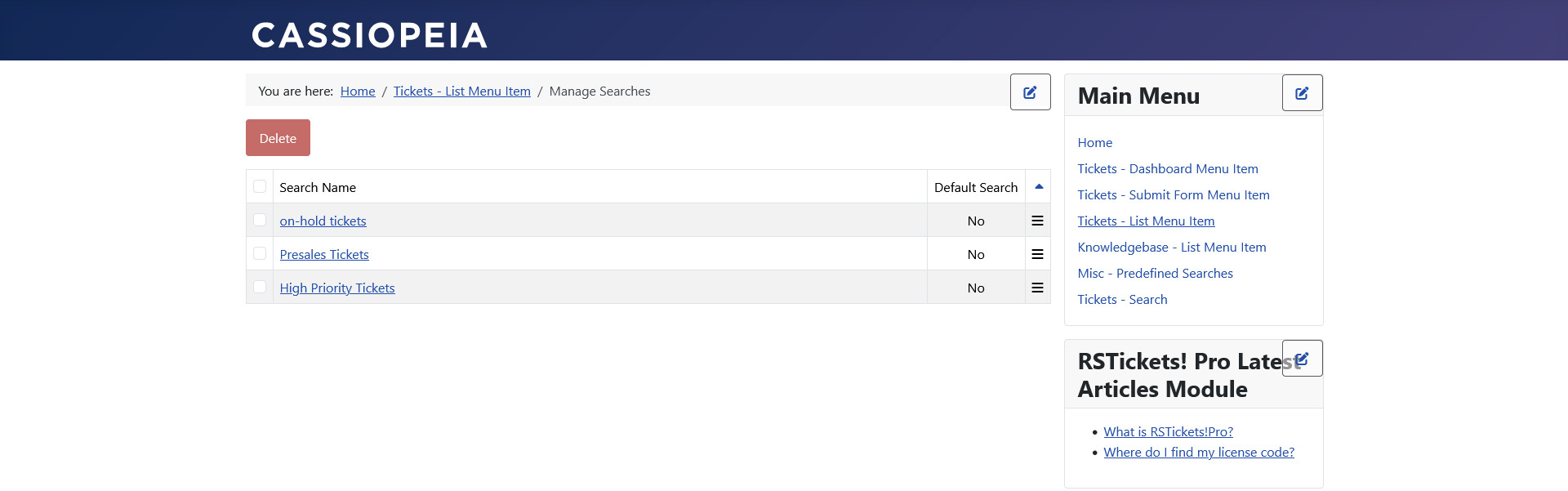
If you have more than one predefined search configured, you can manage them by creating a new RSTickets!Pro menu item. You will have to select the "Predefined Searches Layout" for the ticket menu type.
2 persons found this article helpful.
You Should Also Read
How can i filter out unassigned tickets ? |
