RSMail! Menu items
RSMail! incorporates a single menu item:
Show my subscriptions
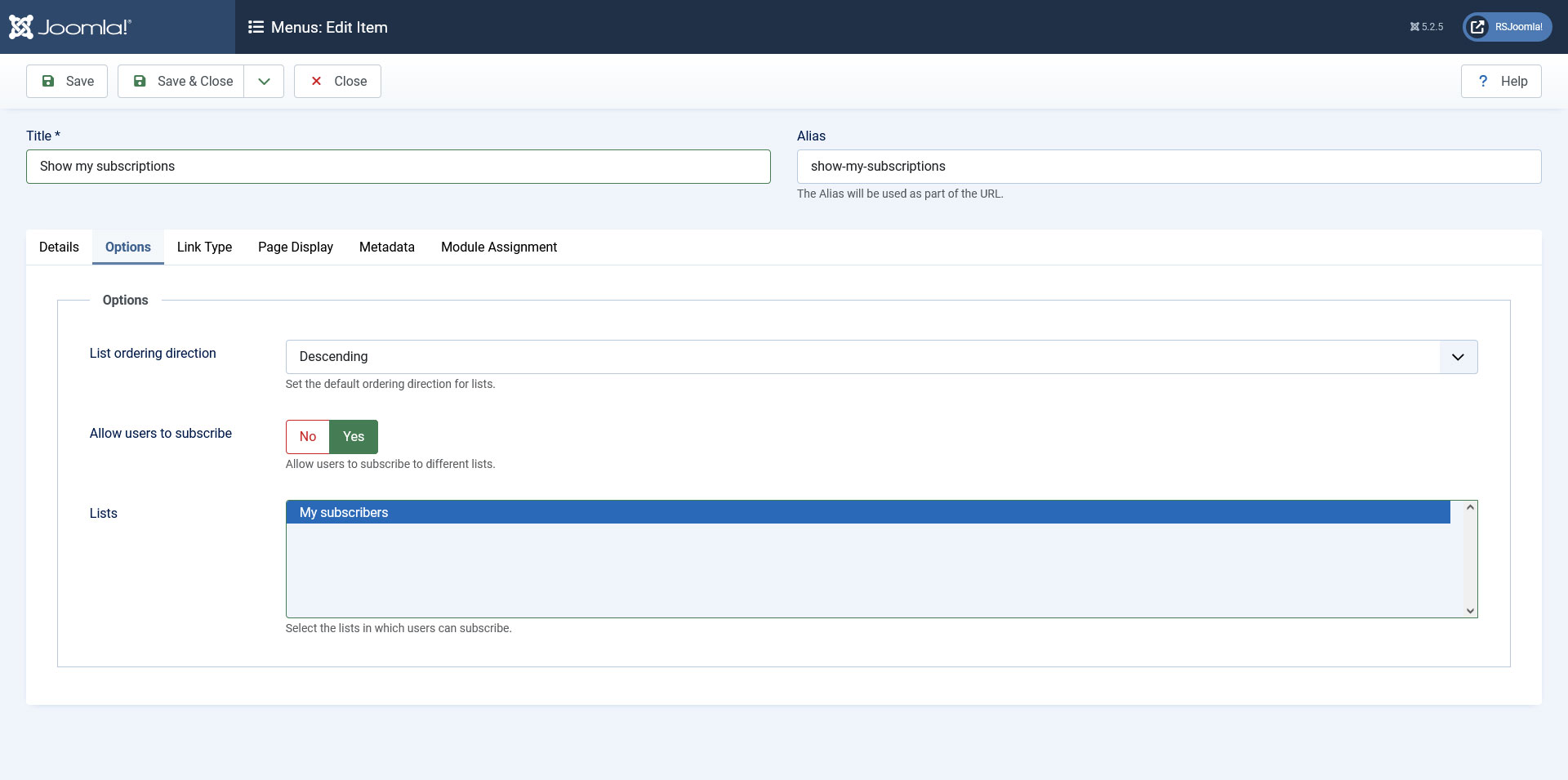
This menu item provides the following configurable options in the backend:
- List ordering direction: Sets the default ordering direction for lists
- Allow users to subscribe: No / Yes - allow your users to subscribe to different lists (this option works only when the user is already subscribed to one list. If the user is not subscribed, it will first need to subscribe to a list using the dedicated RSMail! Module)
- Lists: Select which lists a user can subscribe to
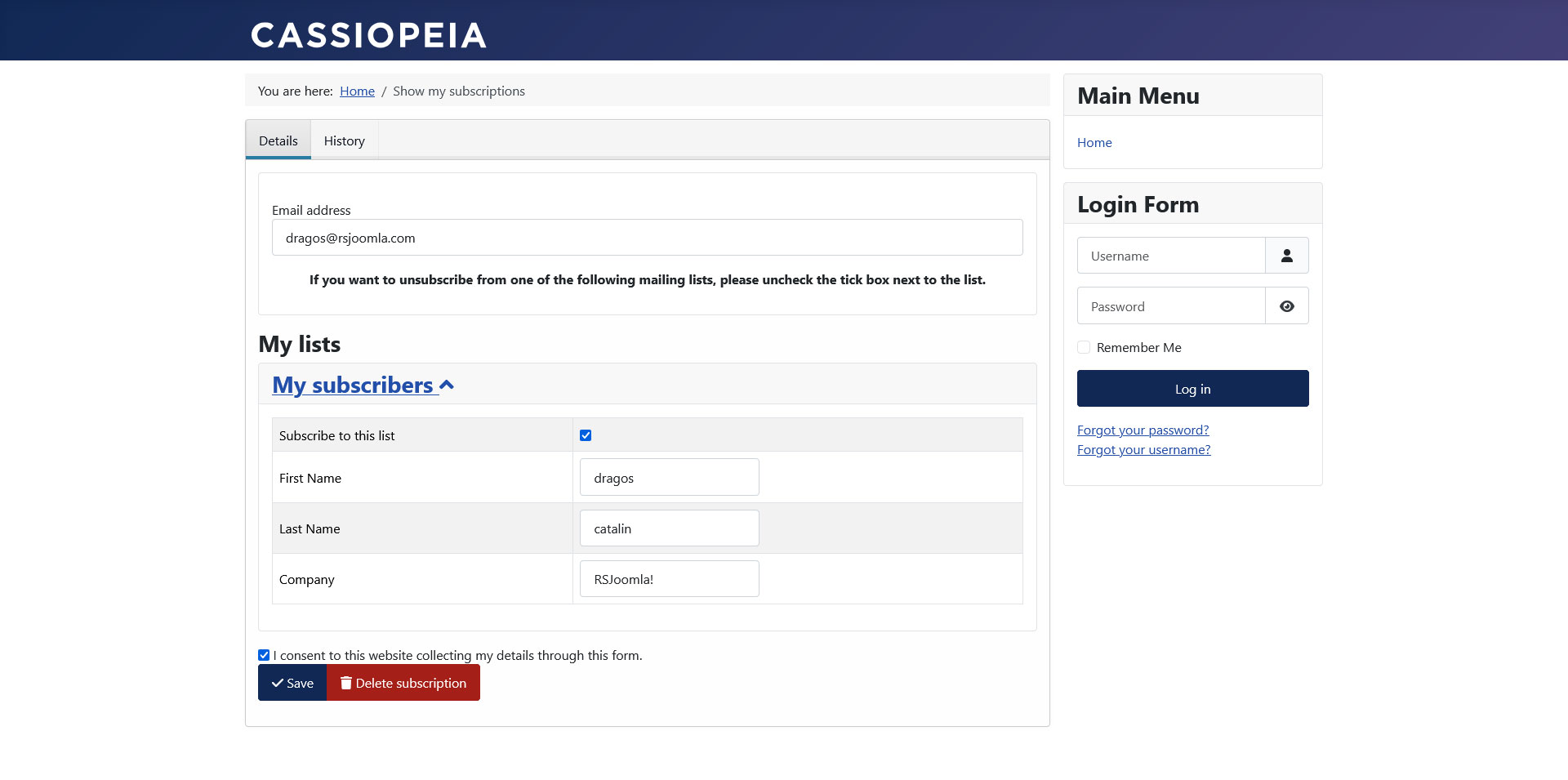
When accessed in the front-end, this menu item offers the following features:
- My lists: Displays the list you're subscribed to.
- Edit details: You can edit your details for each list
- Subscribe/Unsubscribe: With enough permissions, you can either subscribe or unsubscribe to a list by ticking the checkbox located in front of the mailing list name
- Delete subscription: This option will remove the subscriber from the RSMail! database.
Each time you are applying new changes to the subscriber section you will need to check the consent box according to the new GDPR law.
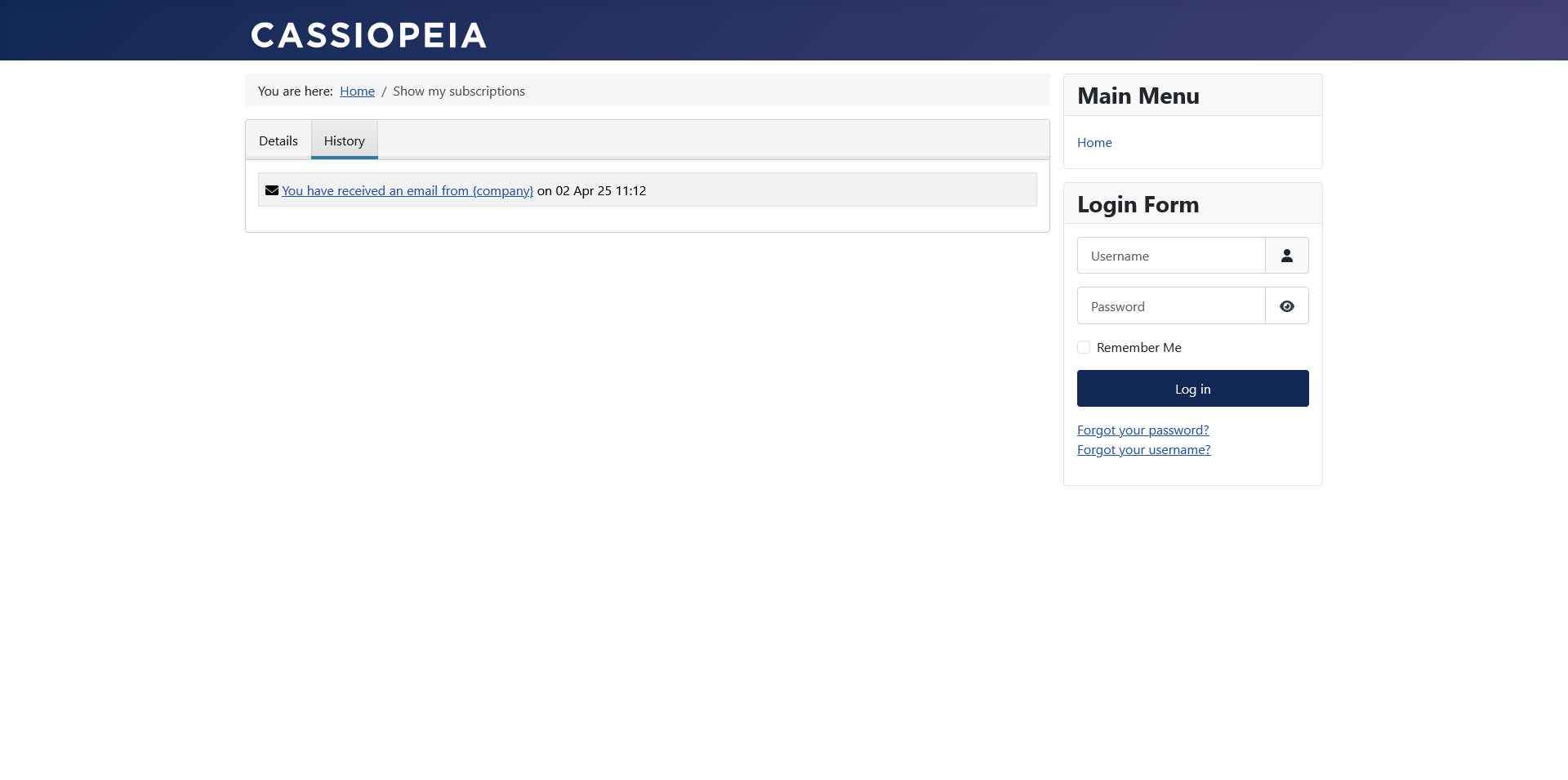
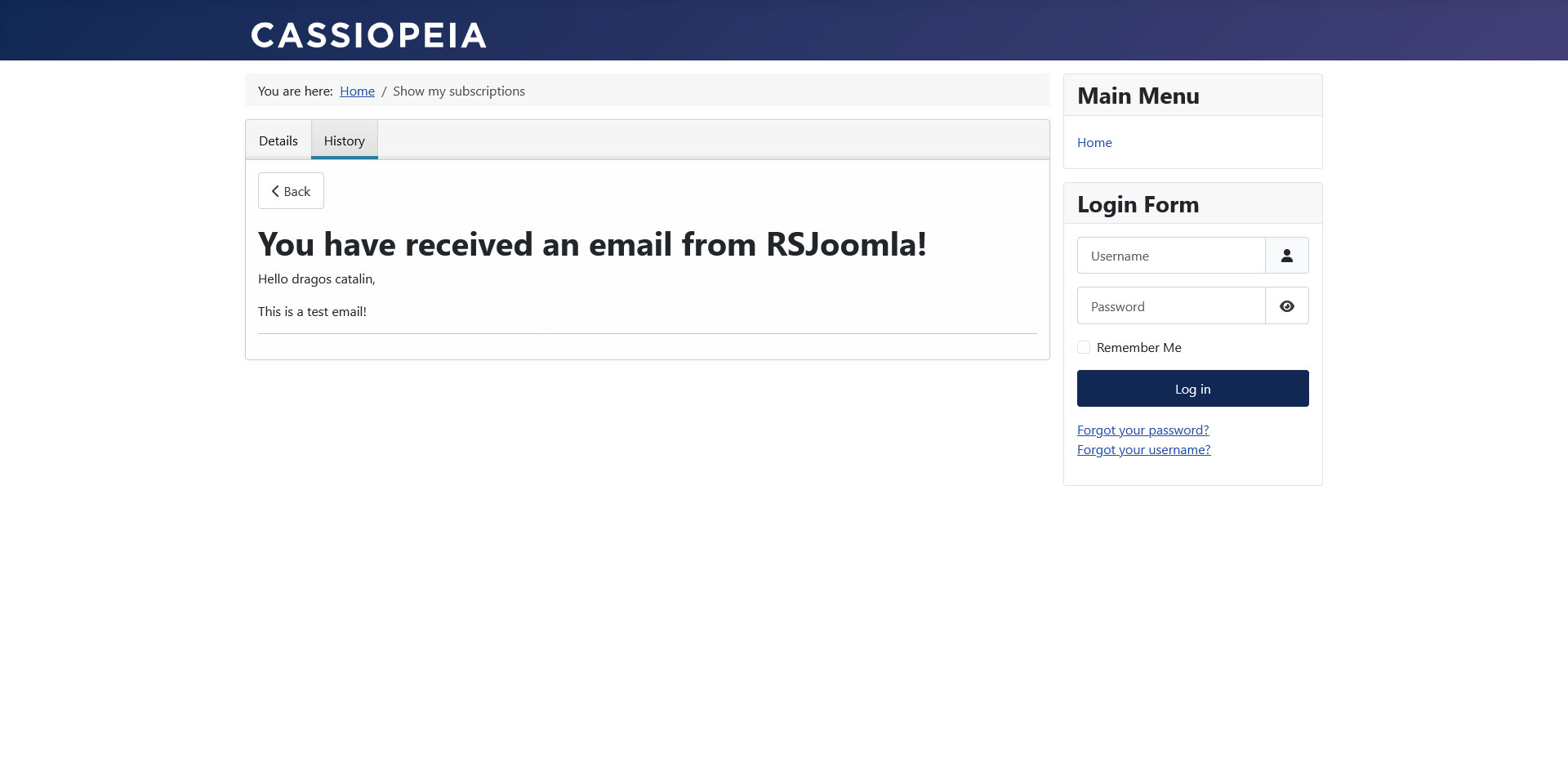
When logged in, users will be able to see a new tab named 'History', where the newsletters received by this users are displayed.
When not logged in, users will only have to type in their email address and they will receive a private link that will allow them to edit their subscriptions.
One person found this article helpful.
You Should Also Read
How to Unsubscribe from a list HOT |
RSMail! Integrations |
