
Ticket Priorities
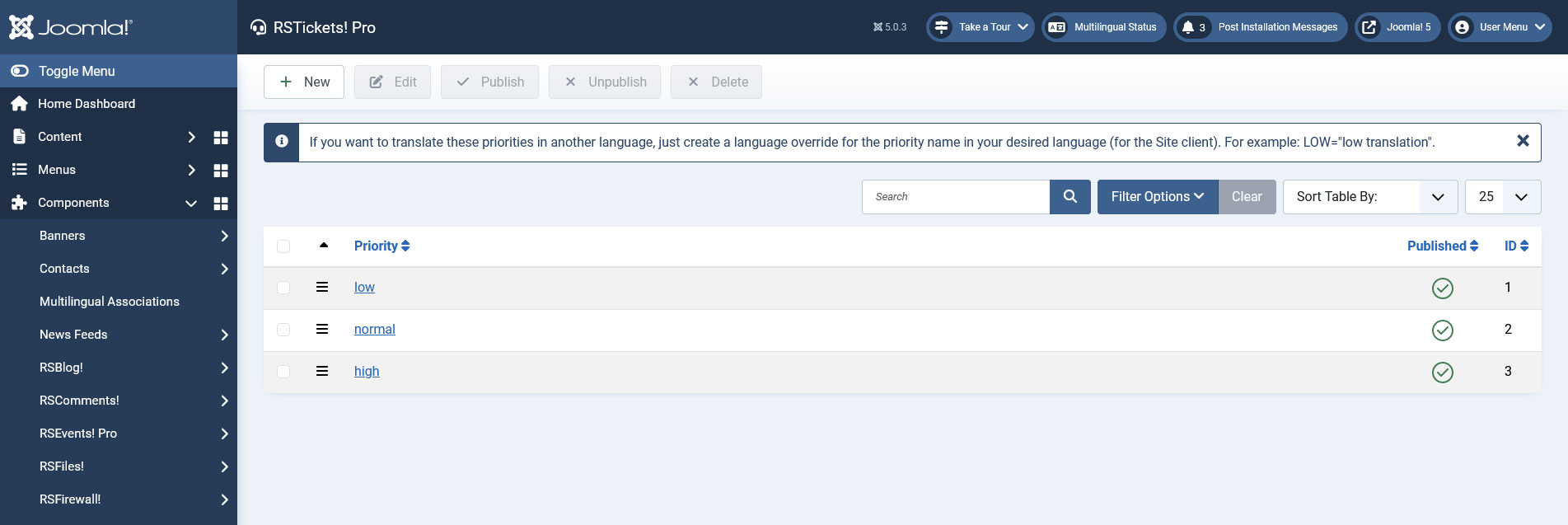
With RSTickets!Pro you have full control over your tickets priorities. By default the following priorities are available for your tickets:
- low
- normal
- high
If you want to translate these priorities in another language, just open the RSTickets! Pro language file from /languages/ and add the priority's name in uppercase. For example:
LOW=low translation
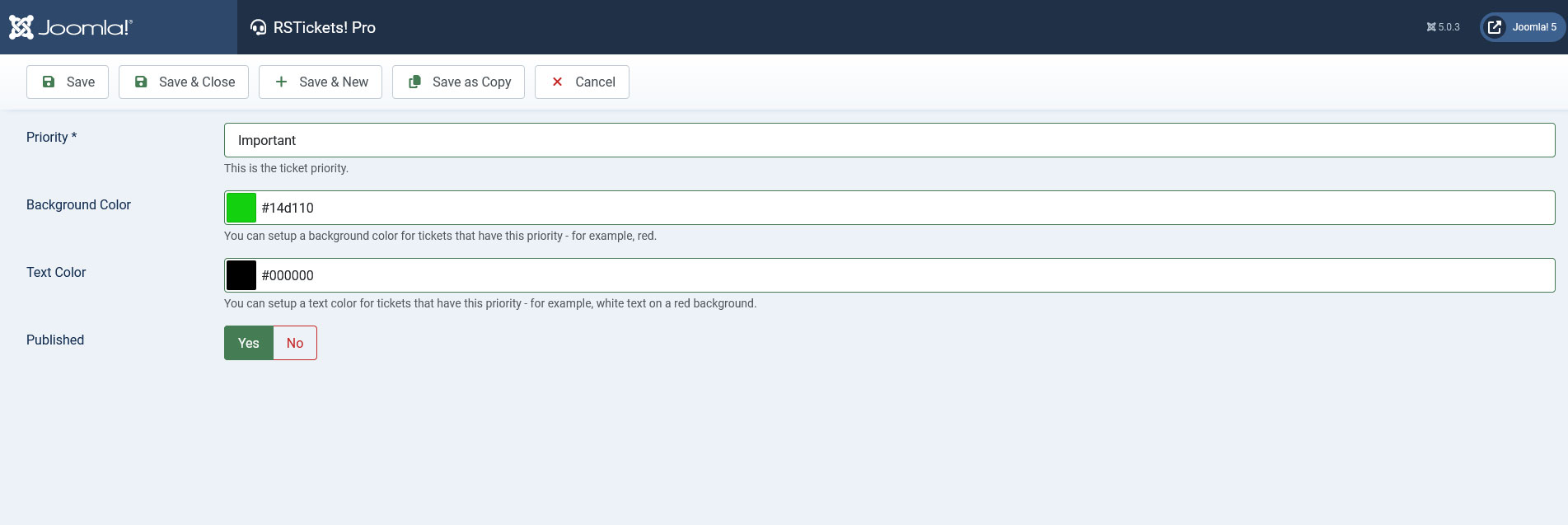
Creating a New Priority
You can also create additional priorities based on your customer's needs. In order to add a new priority for your tickets you just need to click the "New" button, add the priority name and click "Save".
7 persons found this article helpful.
You Should Also Read
Configuration HOT |
Email Messages HOT |
Manage tickets HOT |
Departments HOT |
RSTickets!Pro Menu Items HOT |
