Unfortunately, the username and password you have entered do not match!

Registration

Unfortunately, this username is already taken!

Unfortunately, this e-mail address is already used!

Please retype the verification code.

All fields are required

Uninstalling RSTickets! Pro

Uninstalling RSTickets! Pro
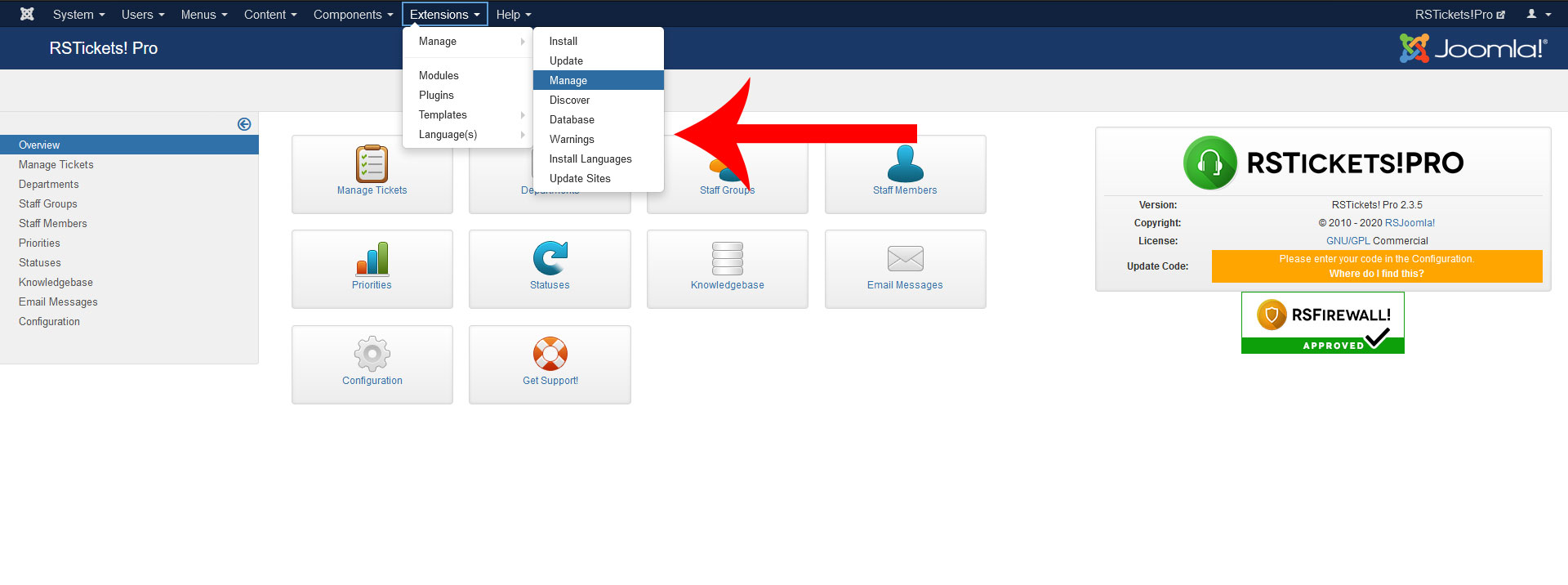
  1. On the top menu, select Extensions > Install/Uninstall
    Extensions > Install/Uninstall
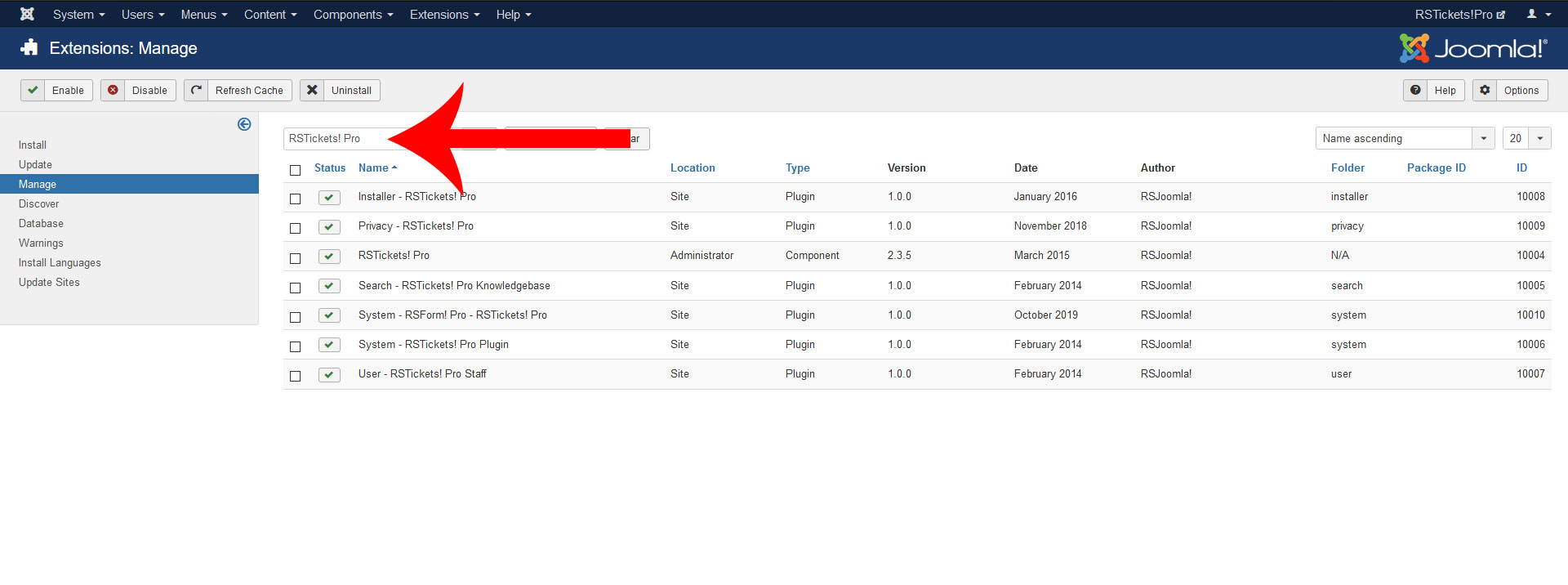
  2. Click on the Components tab and select RSTickets! Pro.
  3. Components tab
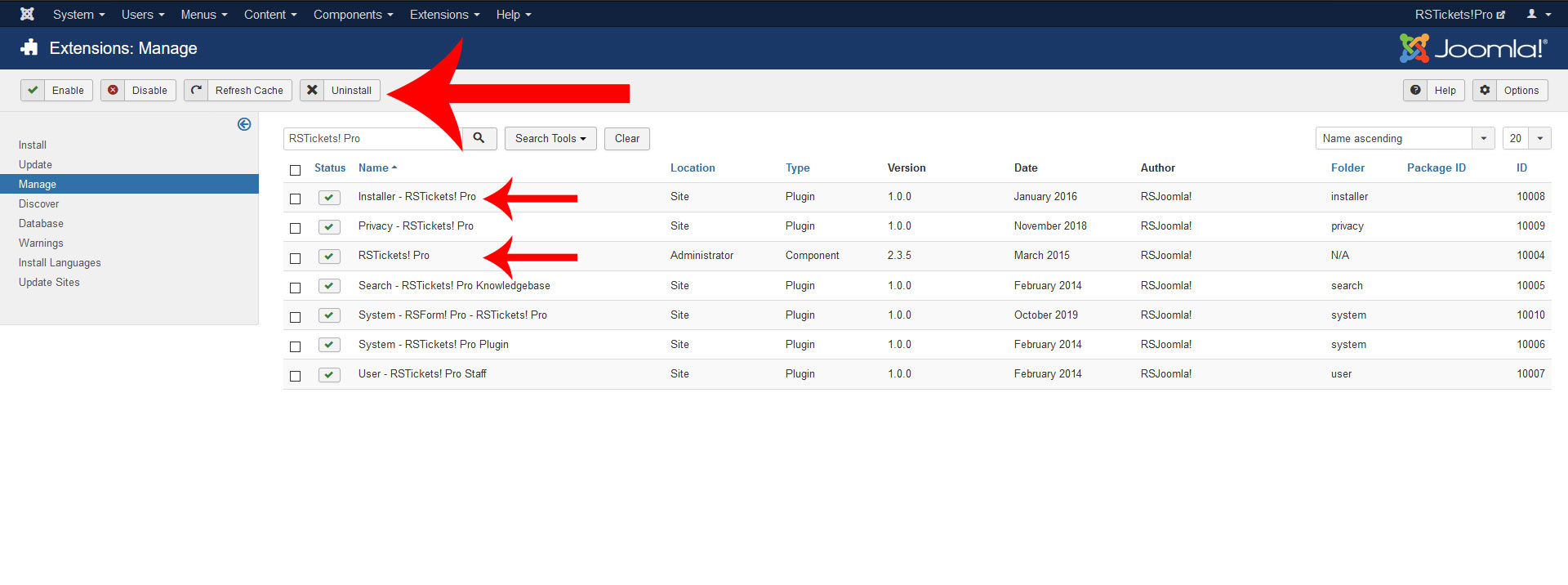
  4. Click on the top Uninstall button to remove RSTickets! Pro from your Joomla
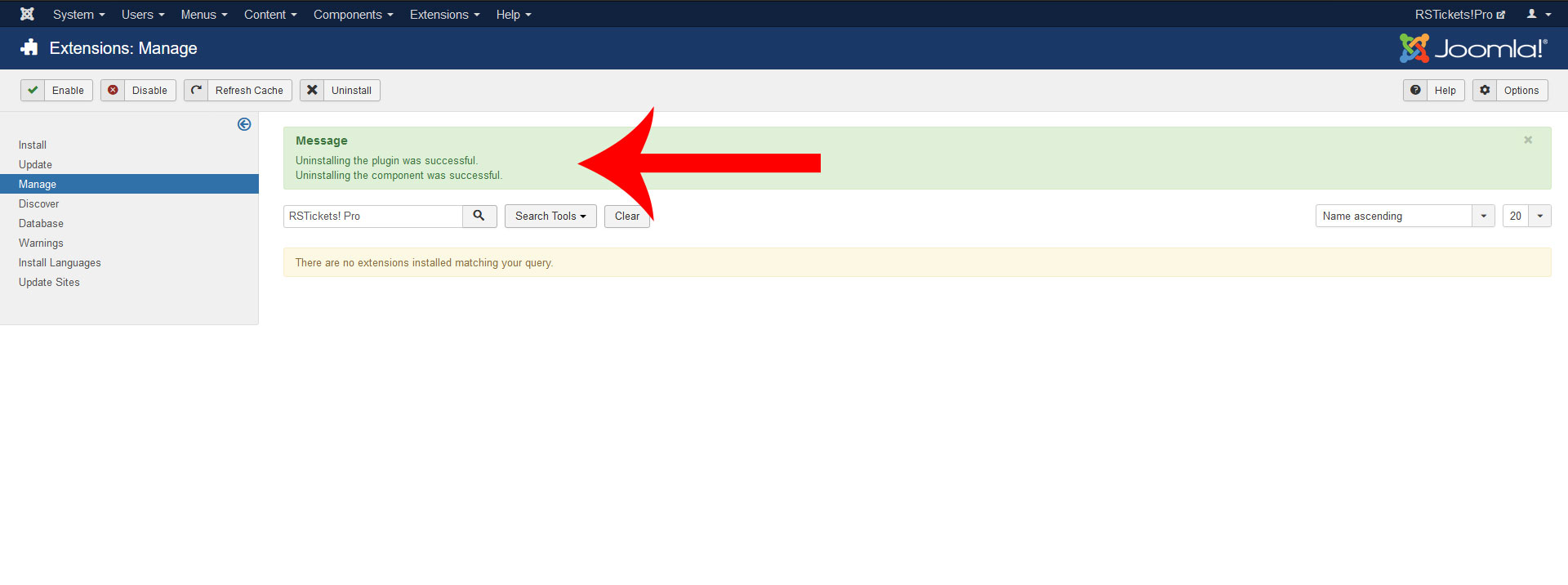
  5. If uninstallation was successful, you should see this message
  6. successful uninstalling RSTickets! Pro
  • The installation of any plugin or module is done strictly using the Joomla installer, as the above example illustrates.
  • If you encounter problems when uninstalling RSTickets! Pro check out the Manual uninstallation guide.
  • The following folders are writable: /components, administrator/components and /media.
Feedback