Plugin - System (Display the form anywhere on your website)
The RSForm!Pro System Plugin allows you to publish a form in third party content items, to be displayed within the frontend area.
Downloading and Installing the plugin
Download
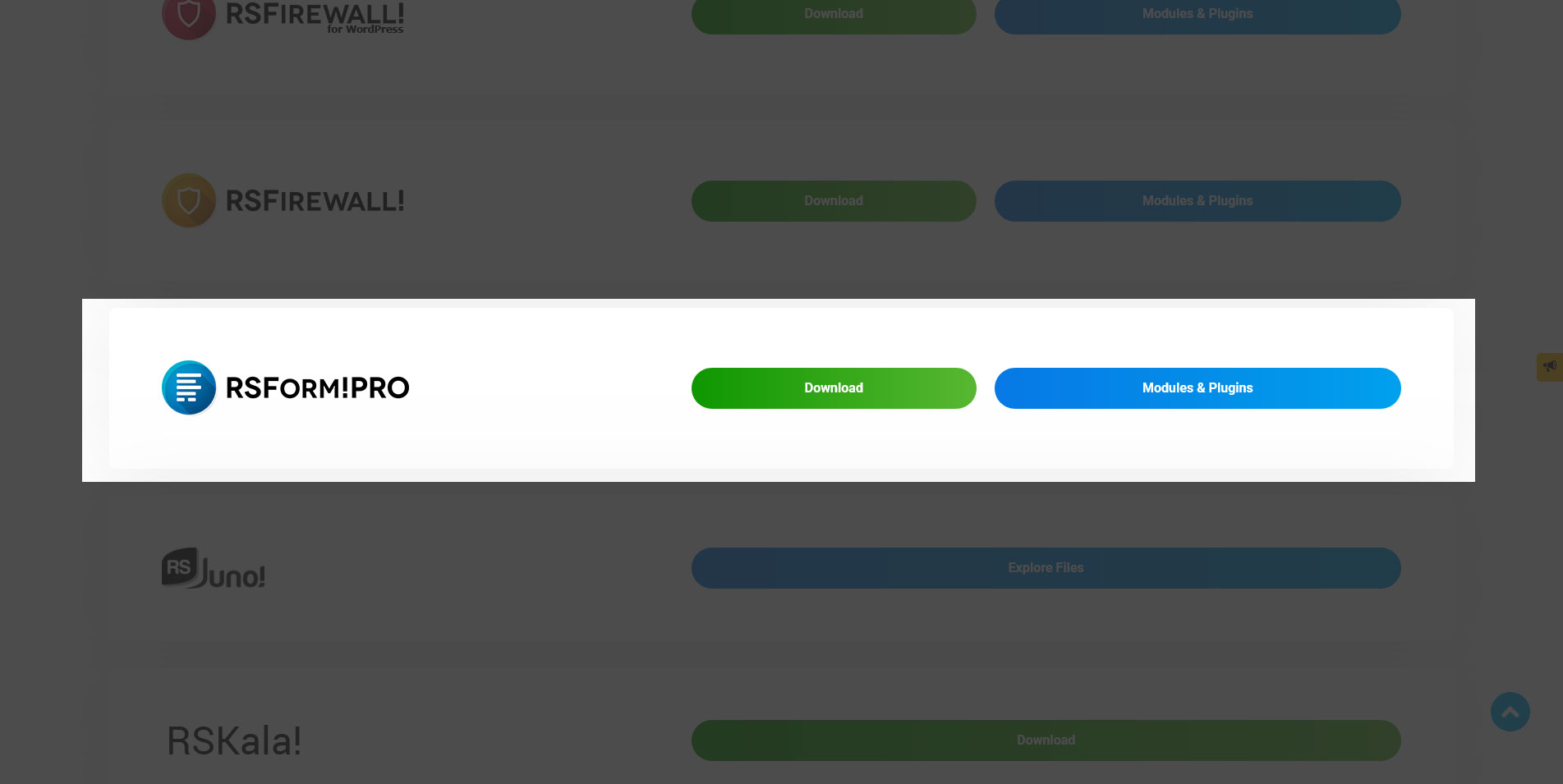
You can download the plugin by logging with your purchase user, then head to My Downloads > RSForm!Pro - Modules & Plugins > Plugins > "RSForm!Pro System" plugin.
Install
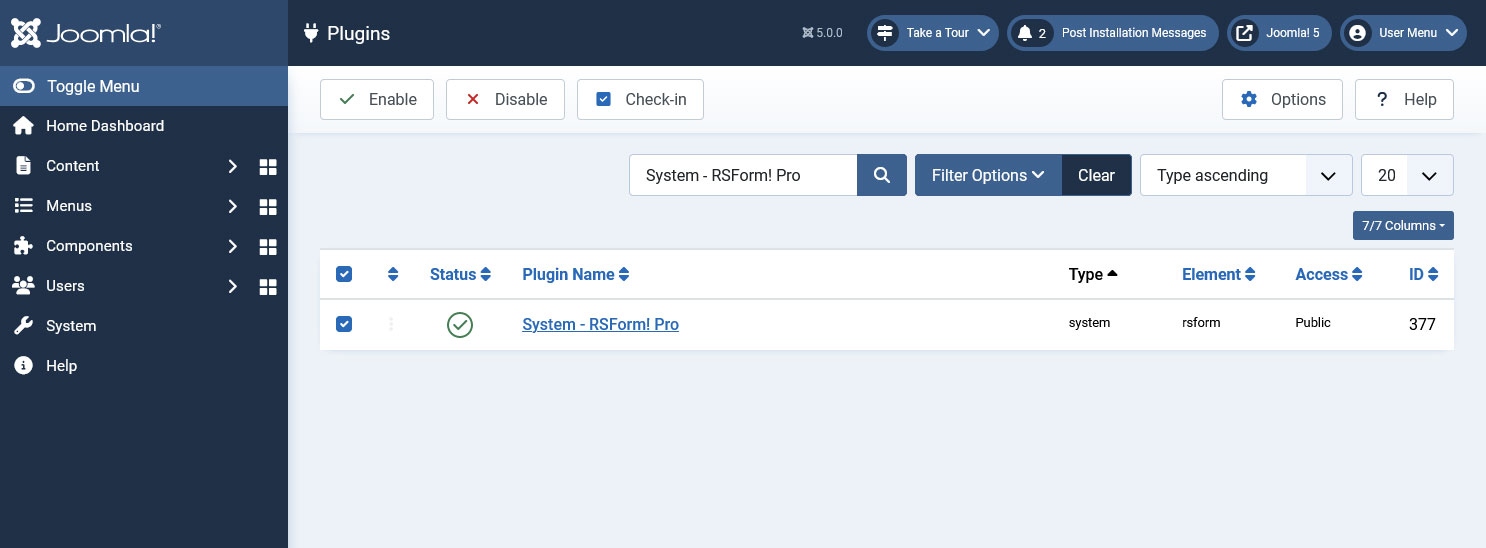
In the backend area go to the Extensions > Manager > Install page, and install the plugin. Next thing is to publish the plugin from Extensions > Plugins, search for the "System - RSForm!Pro" plugin.
Setting up the syntax & Pre-fill form fields
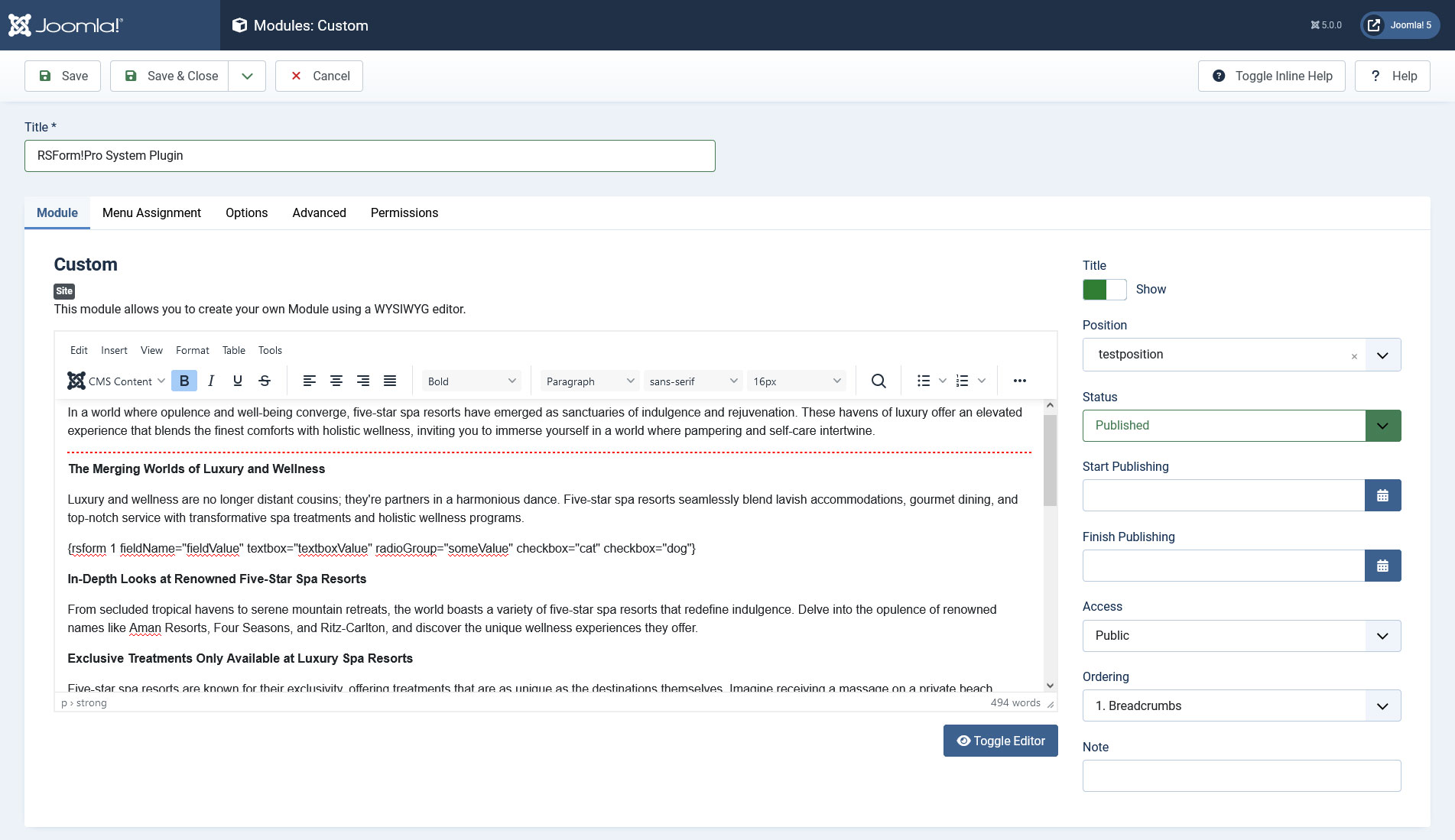
Open a third party content item where you want to display a form (basically any HTML/plain text block), and type {rsform 1} for example.
You can also pre-fill your fields from the syntax and your form will load with the specified values, for eg (whereas fieldName is the exact name of your field, case sensitive and fieldValue, the desired value you want to pre-fill your field):
{rsform 1 fieldName="fieldValue" textbox="textboxValue" radioGroup="someValue" checkbox="cat" checkbox="dog"}
Note: when pre-filling, depending on the field you need to take into consideration:
- textboxes, textareas - simply add the desired value
- radio, dropdown - the value you add has to actually exist in your field
- checkboxes or multiple dropdowns - besides using existing values, when selecting multiple values, you'll have to separately specify their values one at a time as in the above screenshot
Retrieving the Form ID
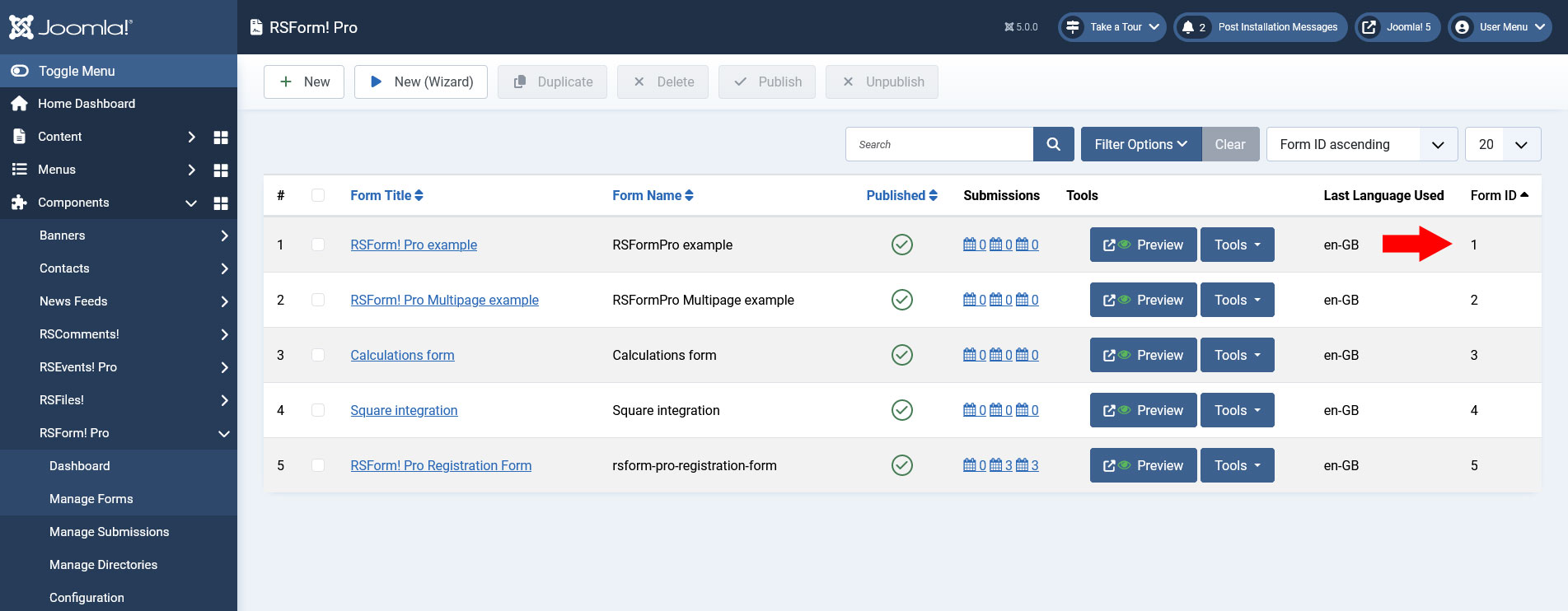
The Form ID can be found by accessing your admin panel and going under Components > RSform!Pro > Manage Forms > notice the last column as illustrated within the screenshot.
Testing the form
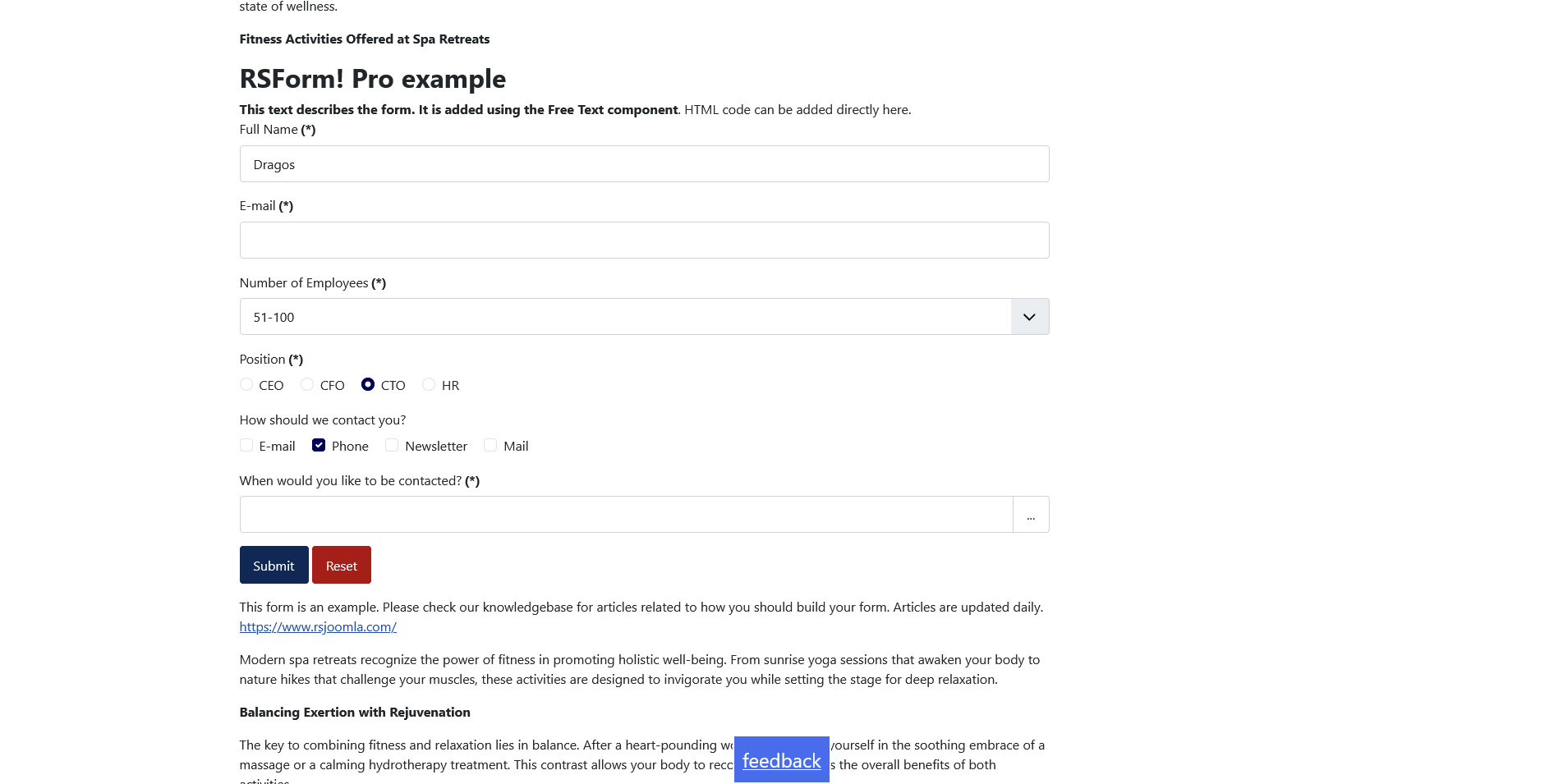
After setting up the content plugin syntax, you can now access the front-end area of your site, the form will be added in the chosen article.
In this example, the values of our form fields have been pre-filled using the above mentioned syntax.
Version 3.0.1
- Added - Joomla! 5 native compatibility - no longer needs the 'Behaviour - Backward Compatibility' plugin.
Version 3.0.0
- Updated - Joomla! 4.0 and RSForm! Pro 3.0 compatibility.
Version 2.0.0
- Added - Can prefill field values by adding them in the placeholder eg. {rsform 20 fieldname="fieldvalue"}
Version 1.52.1
- Fixed - Plugin no longer parses content from the head tag.
Version 1.52.0
- Updated - Bumped minimum requirements to use RSForm! Pro 1.52.5
- Fixed - CSS and JS assets are now loaded even after the onAfterRender() event.
Version 1.51.1
- Fixed - Google Tracker Plugin was not working when the System Plugin was used.
Version 1.51.0
- Added - Joomla! automatic updates support.
- Updated - Bumped minimum requirements to use RSForm! Pro 1.51.0
Version 1.50.0
- Fixed - Plugin was triggered even on non-HTML pages.
Initial Release
18 persons found this article helpful.
You Should Also Read
Plugin - Content (Display the form in an article) HOT |
