Files
The Files tab allows you to add/edit shared files or folders properties. Here you can upload new files to the specified root folder, create folders and move files between folders.
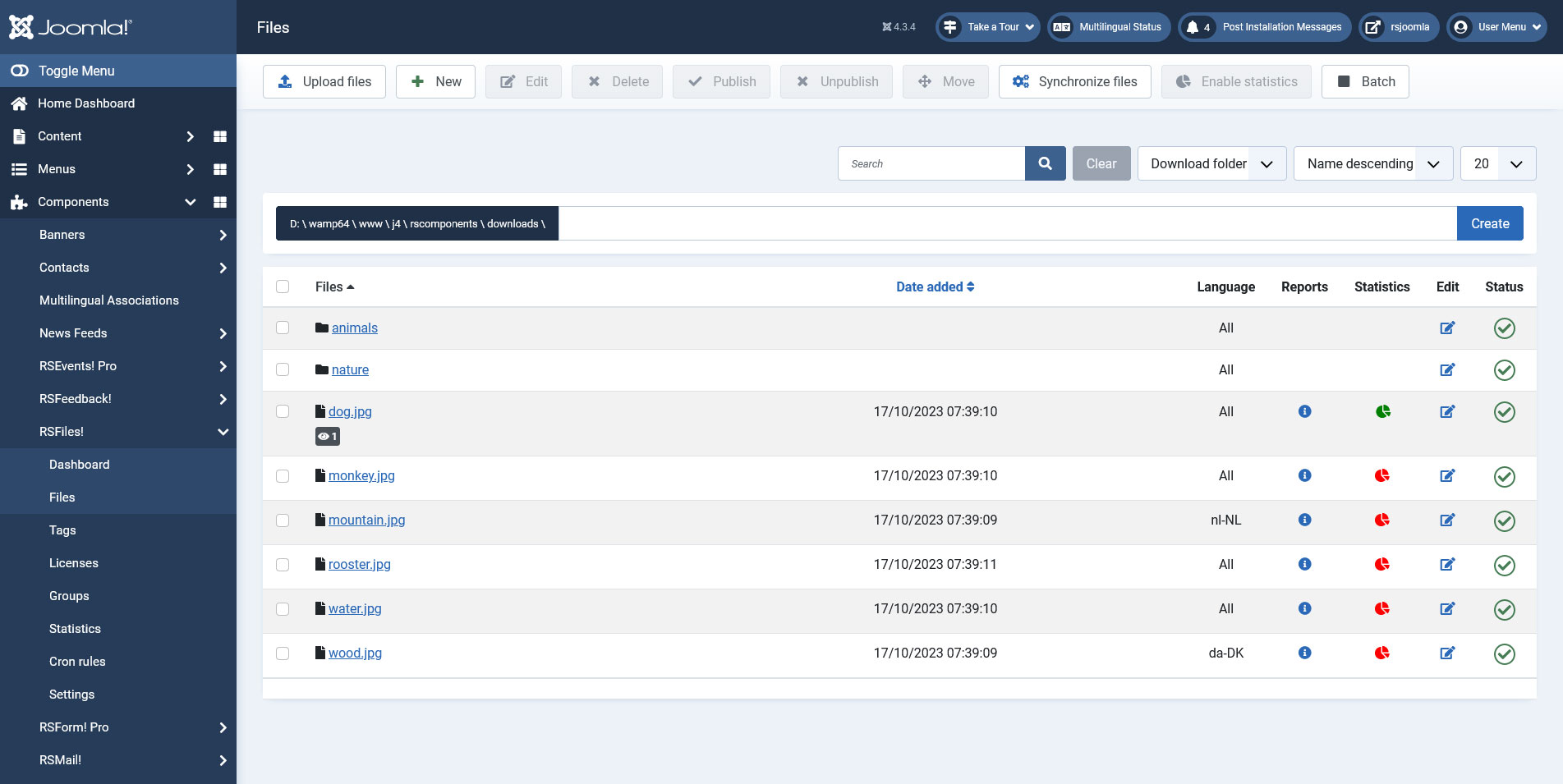
Besides the standard action of choosing a file, the 'Upload Files' functionality also allows you to choose files by performing a Drag / Drop action.
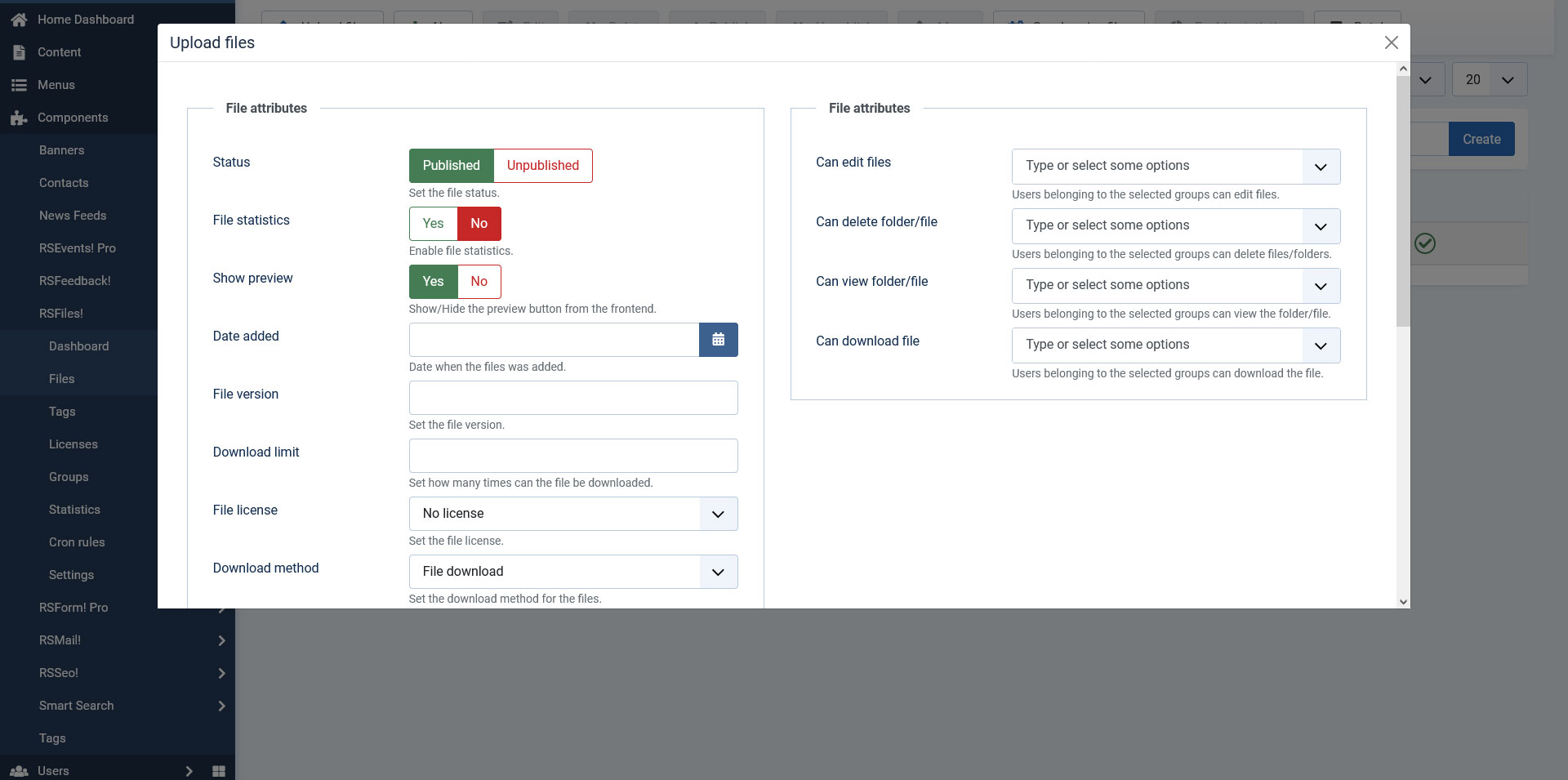
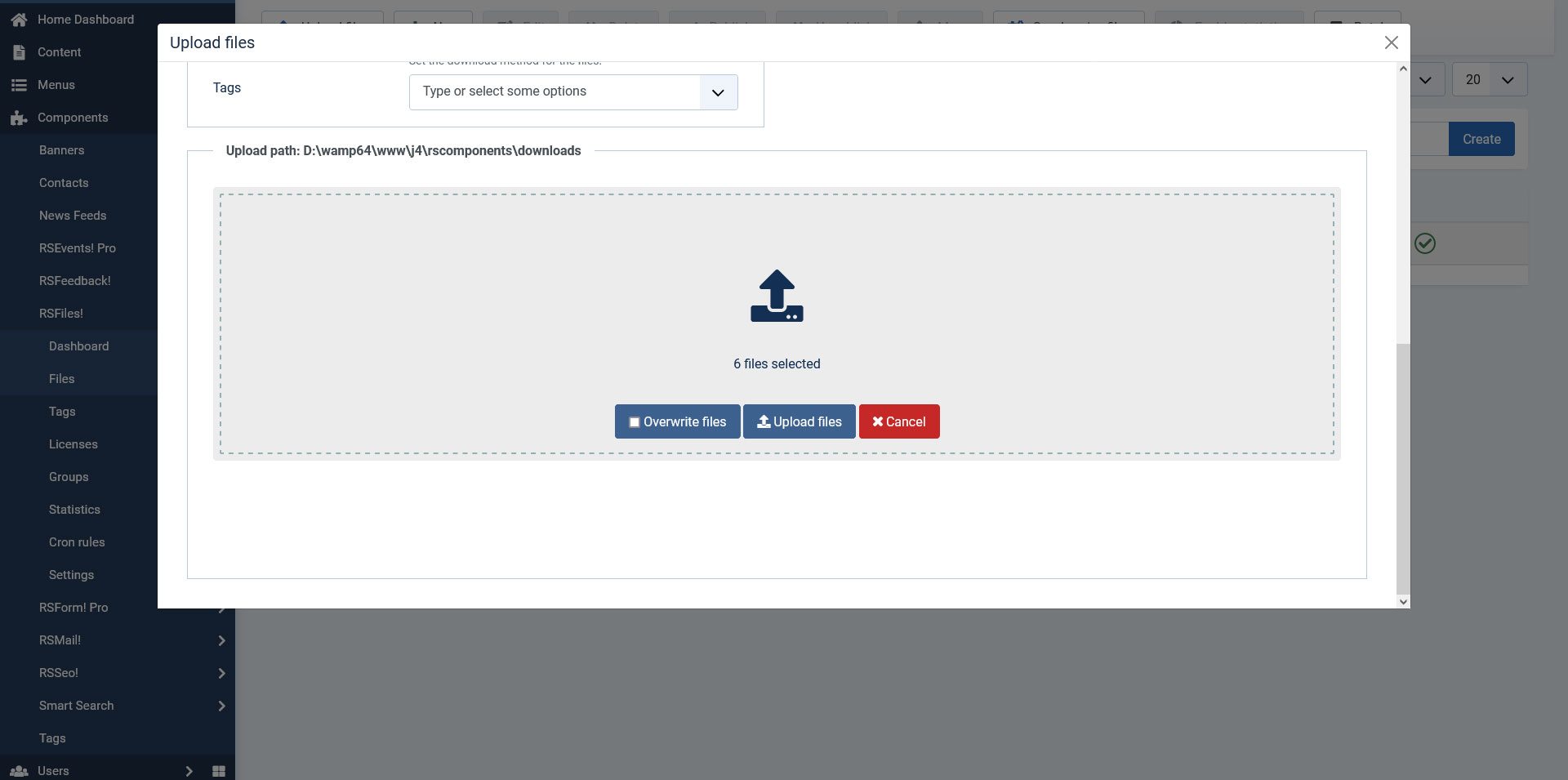
The possibility to toggle between the Downloads root and the Briefcase root folders has been added on this screen. This will permit users to upload/edit files or to create/edit folders in the either one of the root folders.
- Files can also be added via an FTP client (uploaded directly within the configured RSFiles! download folder). To synchronize RSFiles! with the FTP added files, simply use the Synchronize button located on the top-right corner. Filenames should only incorporate ASCII characters.
- If you upload a file that has the same name, you can choose to override it. This can be applied for both front-end and back-end areas. Newly added files will be marked with a New icon.
Top Batch button can be used to change or apply various options to multiple files at once. A Recursive batch functionality is provided as well in order to apply your desired options or permissions recursively to sub-files as well.
Folder properties
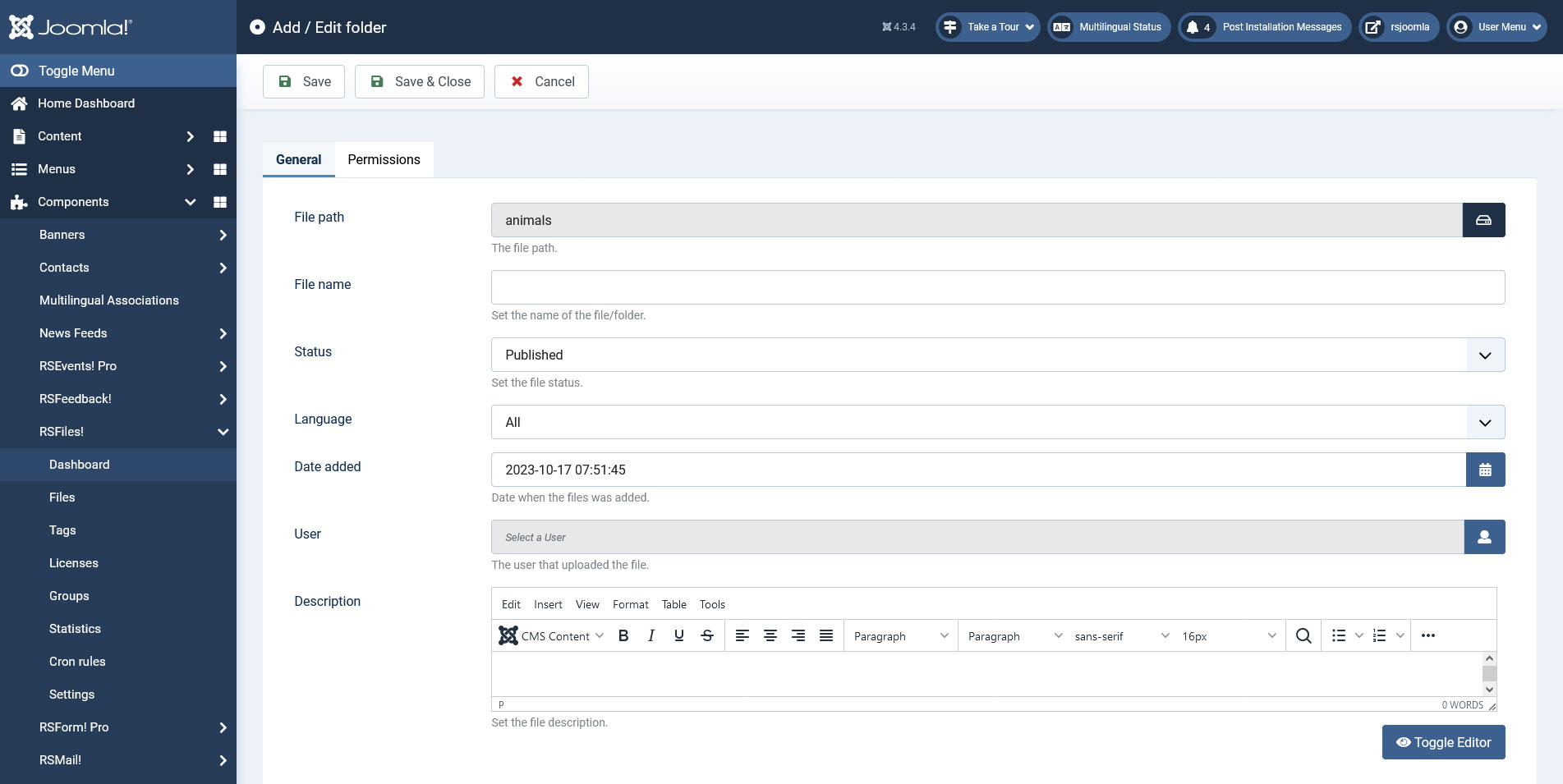
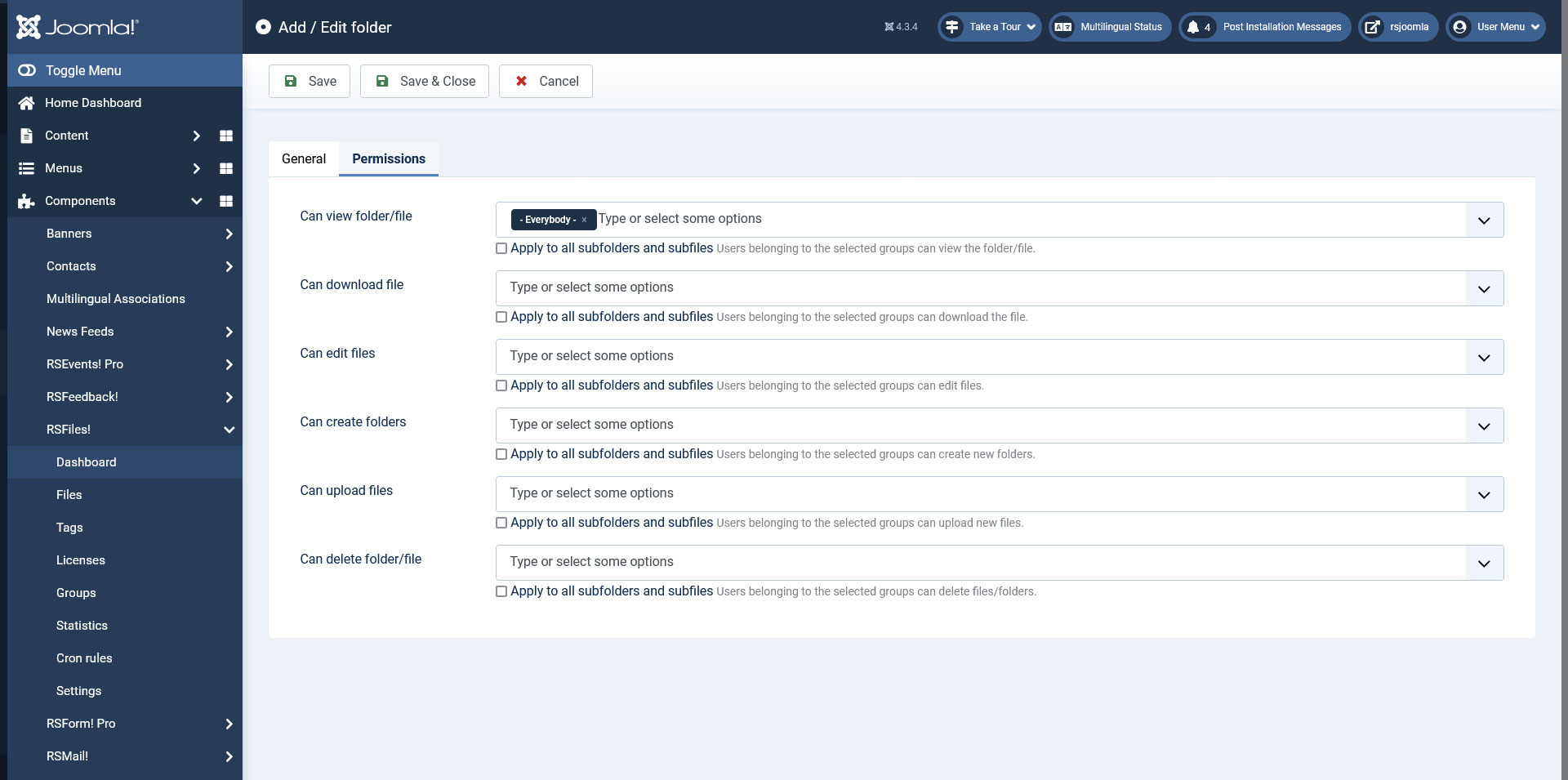
The property area for folders is divided into two tabs: General and Permissions. To access is, check a folder (using the checkbox to its left) and click on Edit.
General
- File Path: the path to the folder in question
- File Name: configurable option that acts as a label
- Status: Published / Unpublished
- Language: Select the language in which the folder will be displayed
- Date added The date the folder was created on
- User: The user that uploaded the file
- Description: WYSIWYG editor area
Permissions
- Can view folder/file: the specified user group will be able to view file and folders
- Can download file: the specified user group can download the file
- Can edit files: the specified user group can edit the file
- Can create folders: the specified user group can create folders
- Can upload files: the specified user group can upload files to the folder
- Can delete folder/file: the specified user group can delete files and folders
Each of the options above has a checkbox associated with it, Apply to all subfolders and subfiles. When checked, the permissions set for the folders will apply to all of the sub-folders and files it contains.
File properties
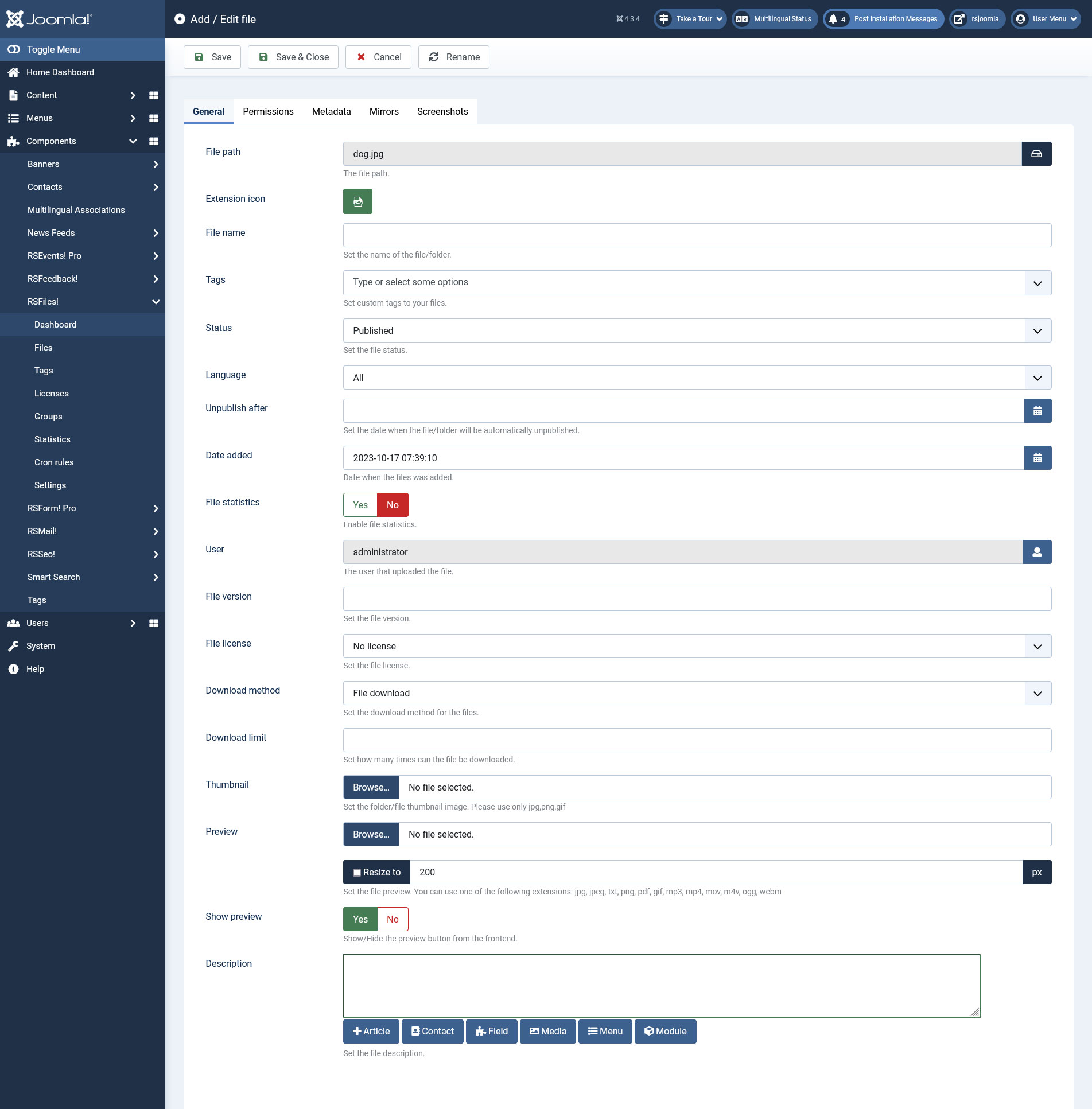
The property area for folders is divided into four tabs: General, Permissions, Metadata, Mirrors and Screenshots.
General
- File path: the path to the folder in question (you can change this by clicking on the 'Rename' button at the top)
- Extension Icon: choose from a wide range of extension icons
- File name: configurable option that acts as a label
- Tags: set custom tags to your files (new file tags can be added from Components > RSFiles! > Tags > New button)
- Language: Select in which website language the file will be displayed.
- Status: Published / Unpublished
- Unpublish after: Set a date (by a selection made in a calendar field) after which the file will be automatically unpublished
- Date added: The date the file was added on
- File statistics: Yes / No - enabling this option will populate the Statistics tab with the following information: hit count, Date and time, Ip and Username
- User: the user that uploaded the file
- File version: configurable text that will be displayed in the frontend
- File license: you can assign a configured license to the file
- Download method: File download / Email download / Password download
- Password: set the password for downloading the file. Only available when the 'Download method' is set to 'Password download'.
- Download limit: You can type here, the number of downloads that are available for the file
- Media poster: (only available for audio files) you can choose a picture to be displayed when playing this file using the RSFiles! Media Module.
- Thumbnail: upload an image that will be used as the file's thumbnail
- Preview: upload an image that will be displayed when pressing the Preview button
- Show Preview: show or hide the preview button from the frontend
- Description: WYSIWYG editor area
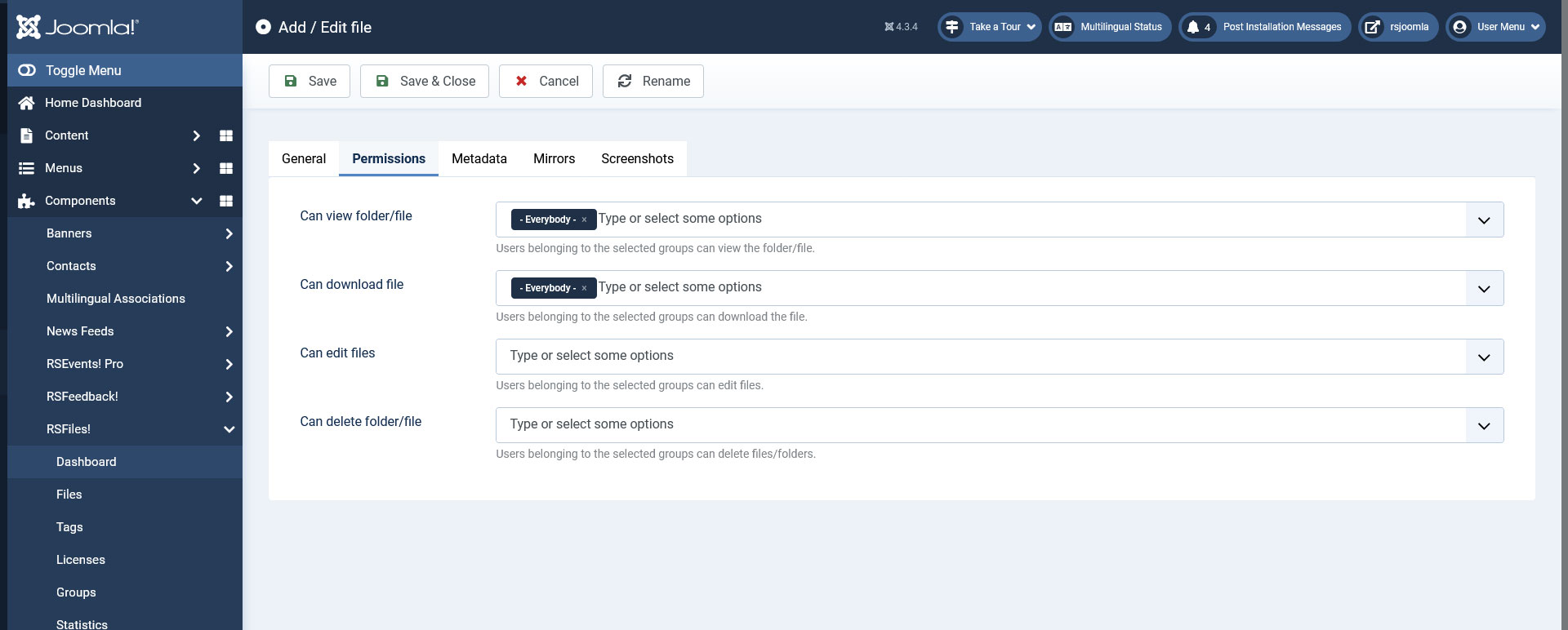
Permissions
- Can view folder/file: the specified user group will be able to view file and folders
- Can download file: the specified user group can download the file
- Can edit files: the specified user group can edit the file
- Can delete folder/file: the specified user group can delete files and folders
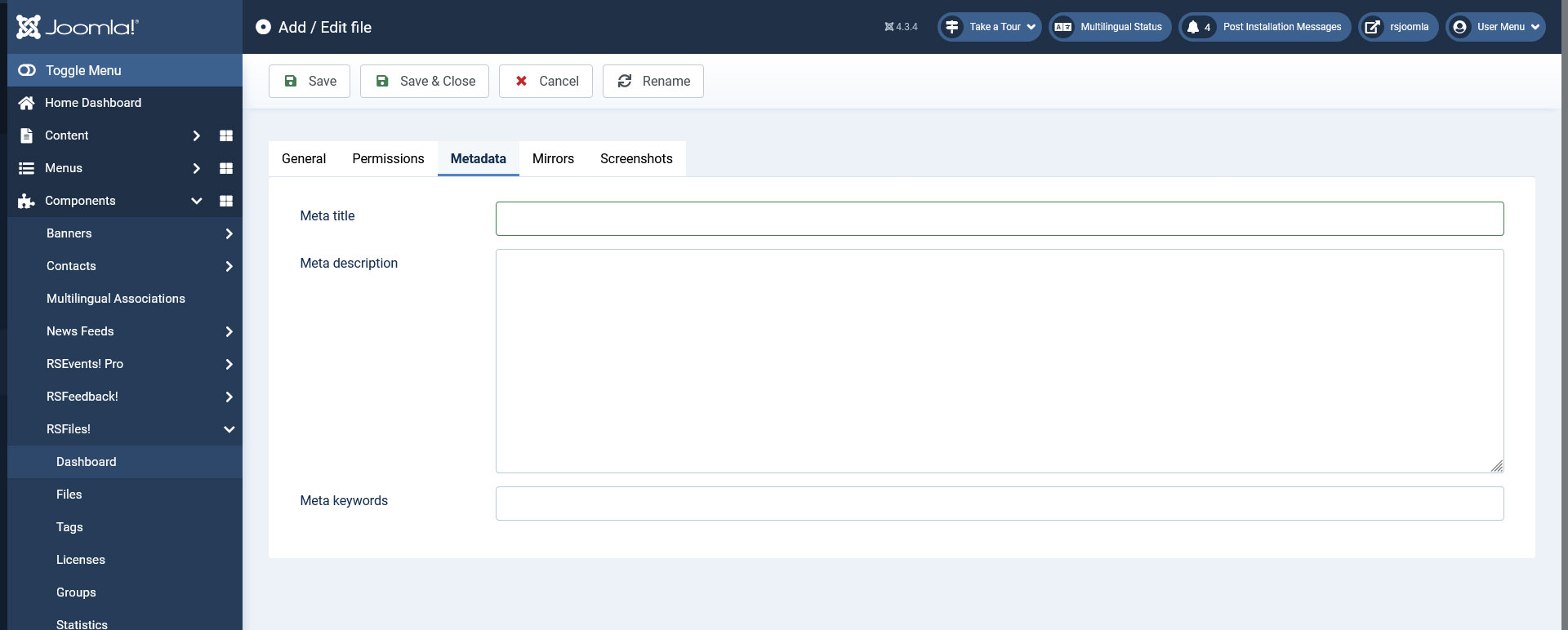
Metadata
- Meta title: the configured meta title will be added when accessing the file view (details page)
- Meta description: the meta description tag will be added in the file view page
- Meta keywords: the configured keywords will be added on the file view page
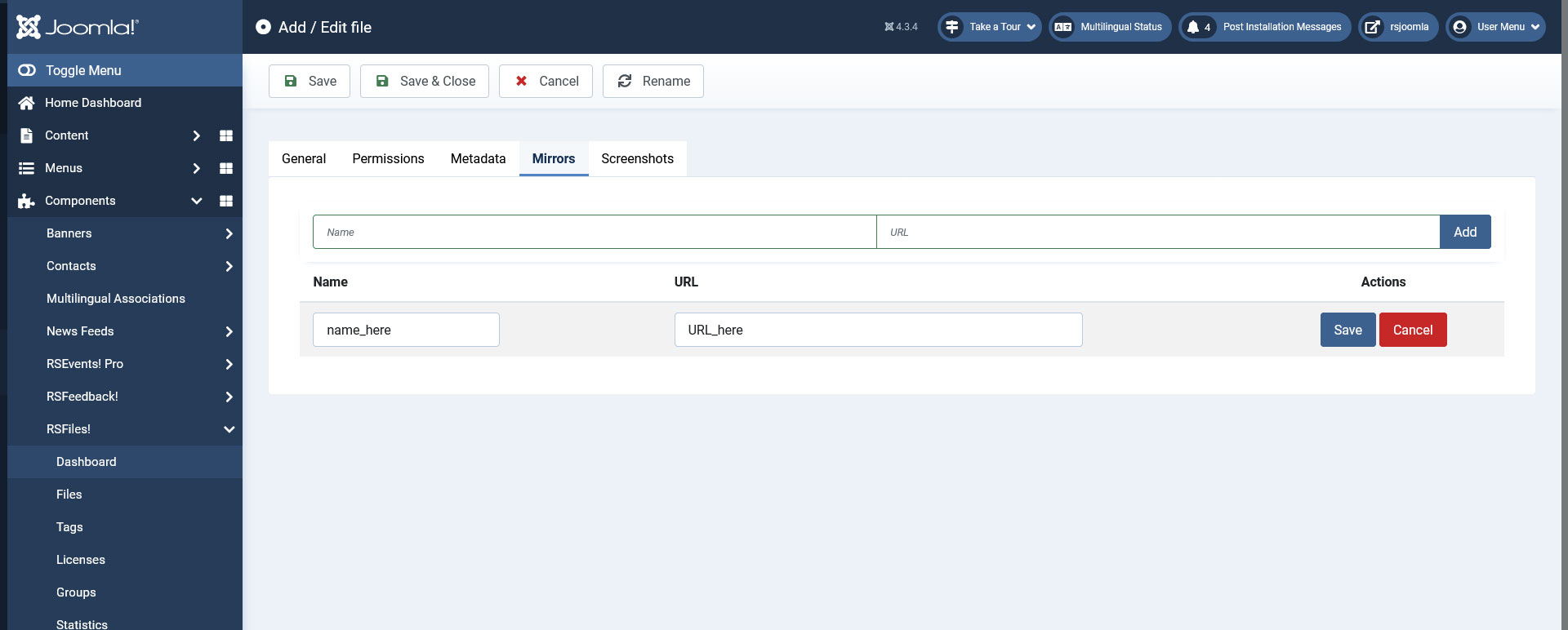
Mirrors
Allows you to add mirror downloads for the file in question.
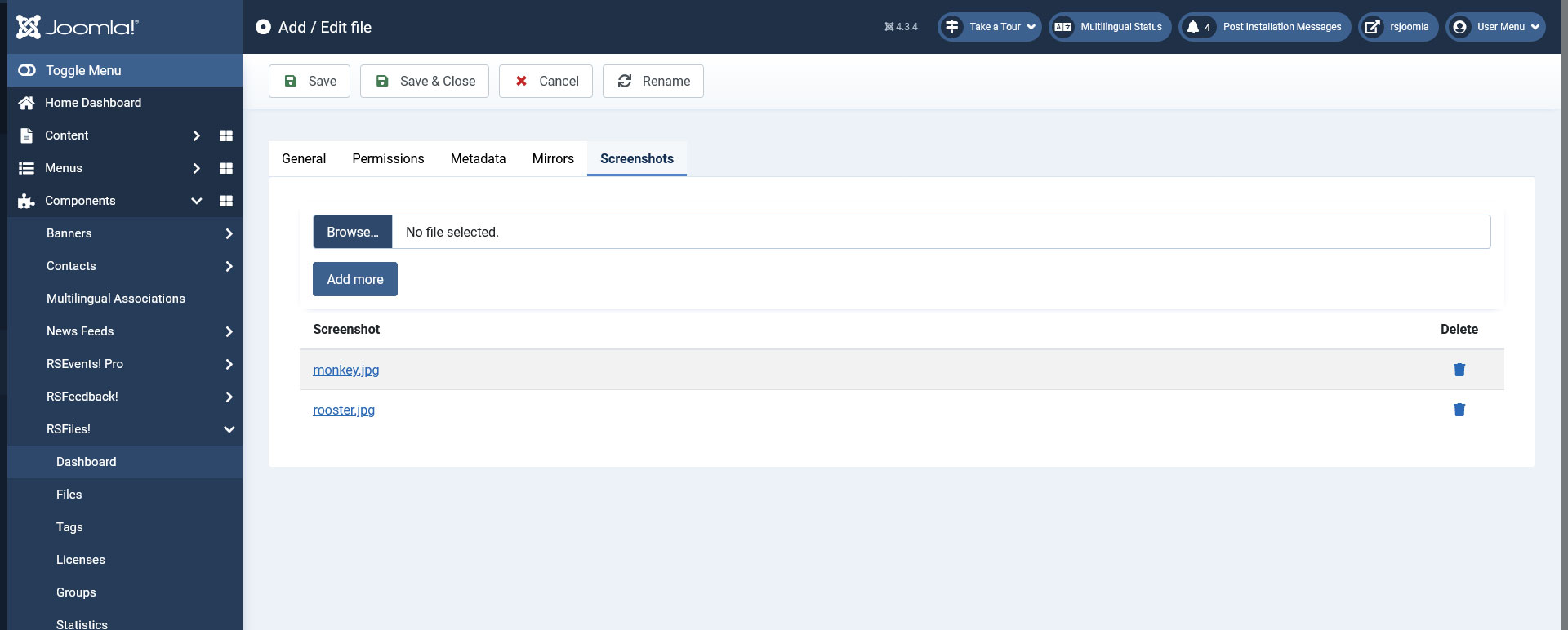
Screenshots
Allows you to add screenshots of the file in question. RSFiles! seamlessly integrates with RSMediaGallery!, allowing you to upload screenshots which will be associated with your file. You can now assign these screenshots from RSMediaGallery! to files by selecting one or more tags in the RSMediaGallery! Integration section of the Screenshots tab.
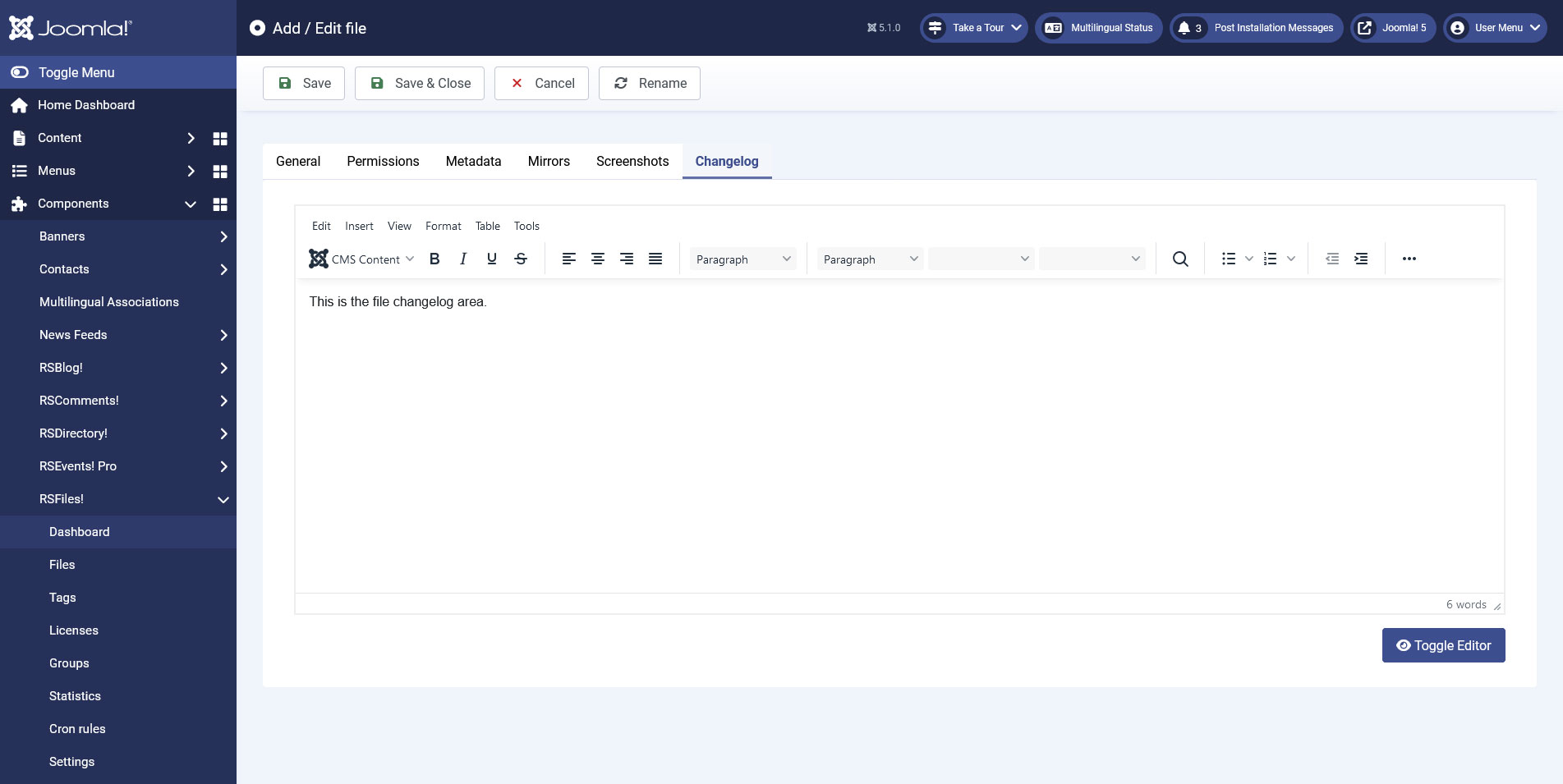
Changelog
Allows you to add a changelog for the file in question.
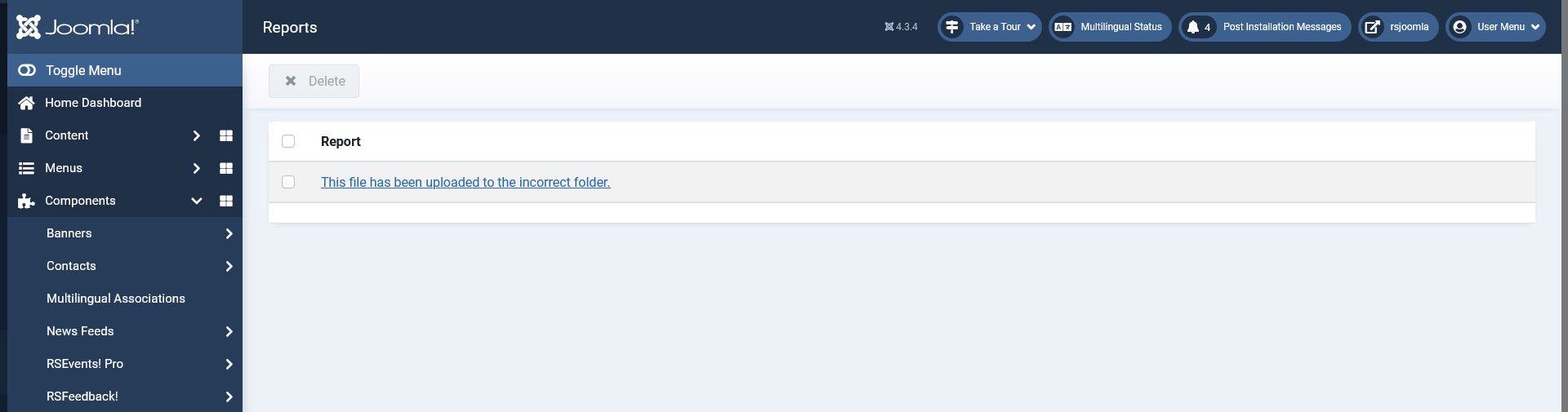
Reports
RSFiles! also incorporates a Reports feature. In the back-end listing view, each file has a separate link that will display the reports.
Bookmarks
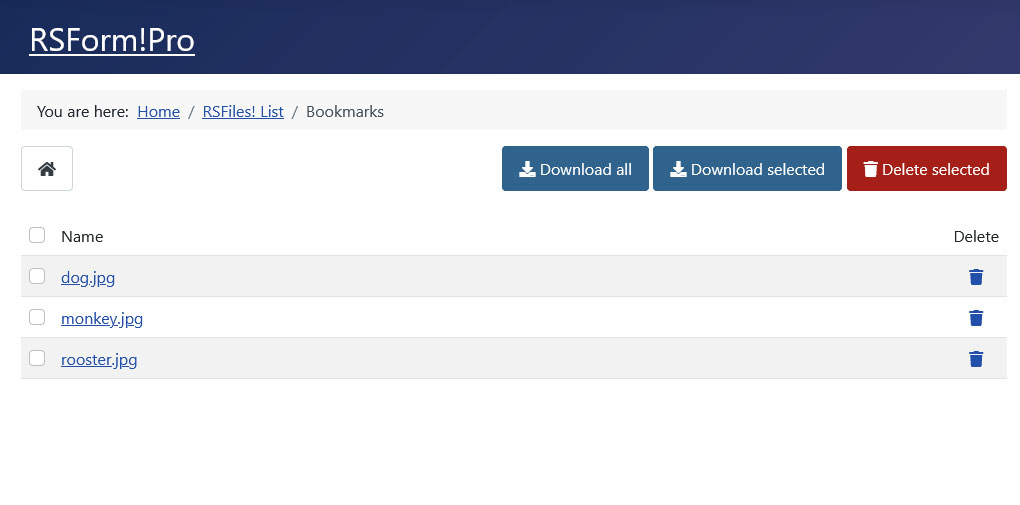
Multiple file downloads and deletes could prove handy when dealing with multiple files. Basically this will act as a shopping cart, in terms that you can select multiple file and perform a single download/delete action instead of downloading/deleting each file separately. This has been incorporated in the Bookmark option.
13 persons found this article helpful.
You Should Also Read
RSFiles! System plugin HOT |
What does RSFiles! do ? HOT |
Groups HOT |
Statistics |
Licenses |
