Keywords Replacements
The Keywords tab offers essential tracking tools for keywords.
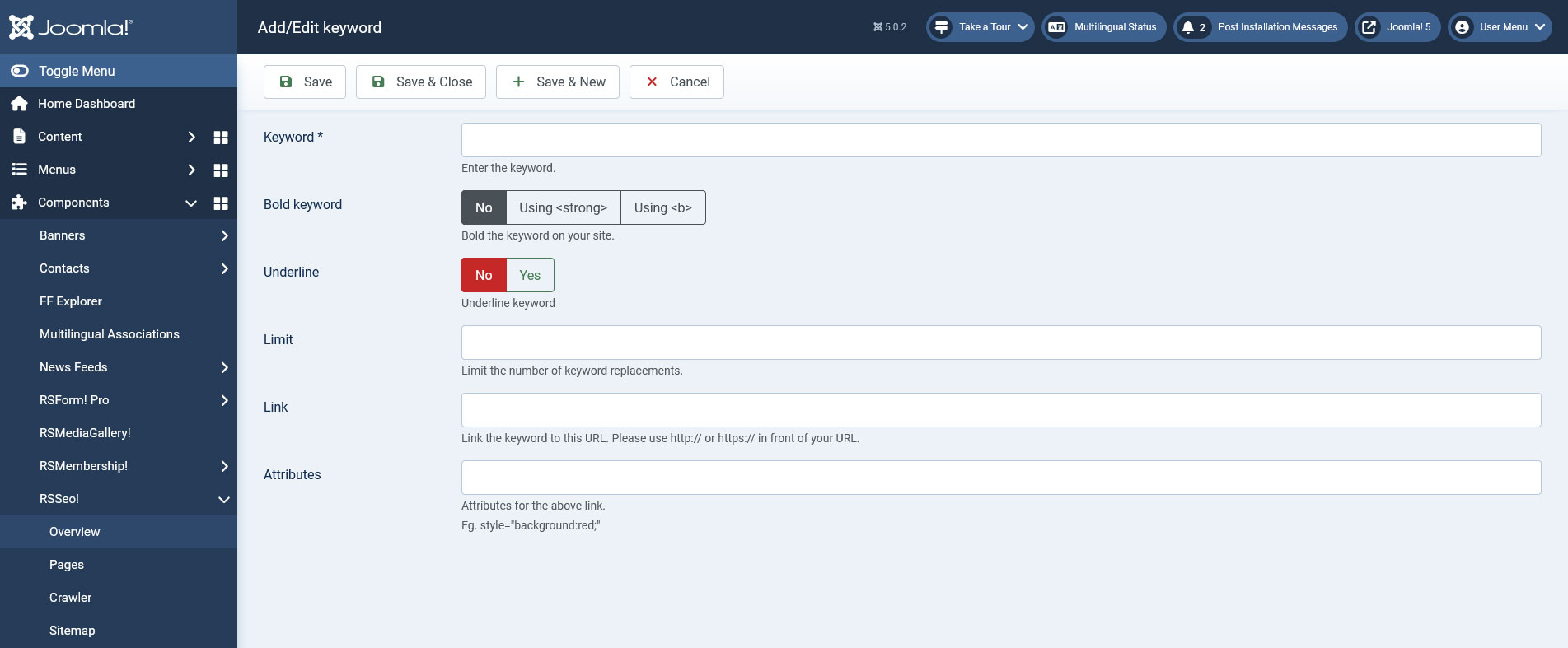
In the Add Keyword area you will find:
- Keyword - the actual keyword name
- Bold keyword - on every page that the keyword is present you can set it to be bold (with <b> or <strong>)
- Underline - on every page that the keyword is present you can set it to be underlined
- Limit - with this option you can restrict the number of times the keyword will be replaced
- Link - the keyword is transformed into a link that points to a configured location.
- Attributes - you can use this field in order to add a specific class or style to your keywords. For example style="background:red;"
10 persons found this article helpful.
You Should Also Read
What can RSSeo! do for your site ? HOT |
Crawler HOT |
Redirects HOT |
