RSMail! Templates
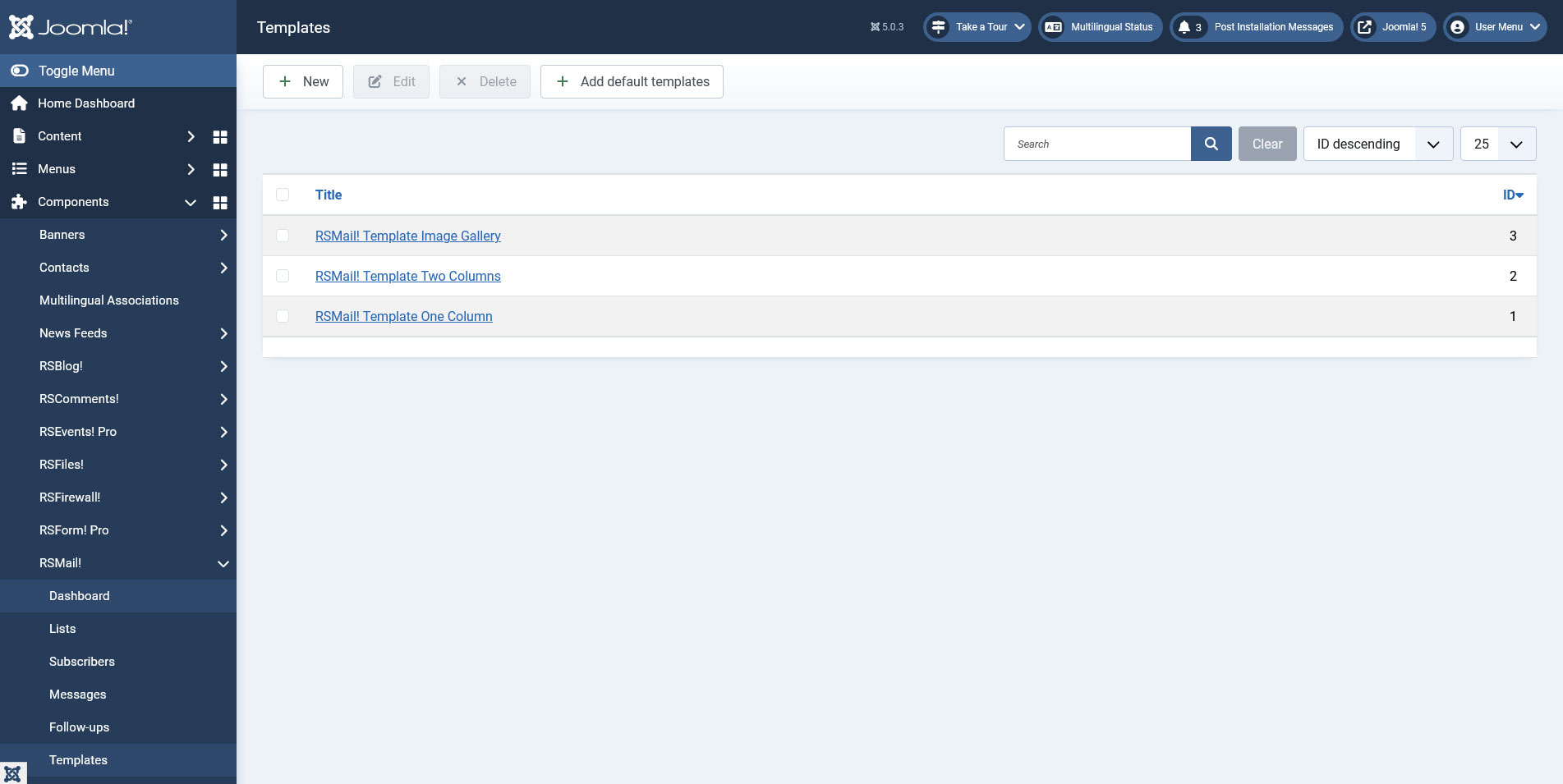
The Templates tab allows you to create and save different layouts that can be applied to your newsletter messages. If one of your newsletters had a great response from your subscribers, you can save it and use it for a new campaign at a later date.
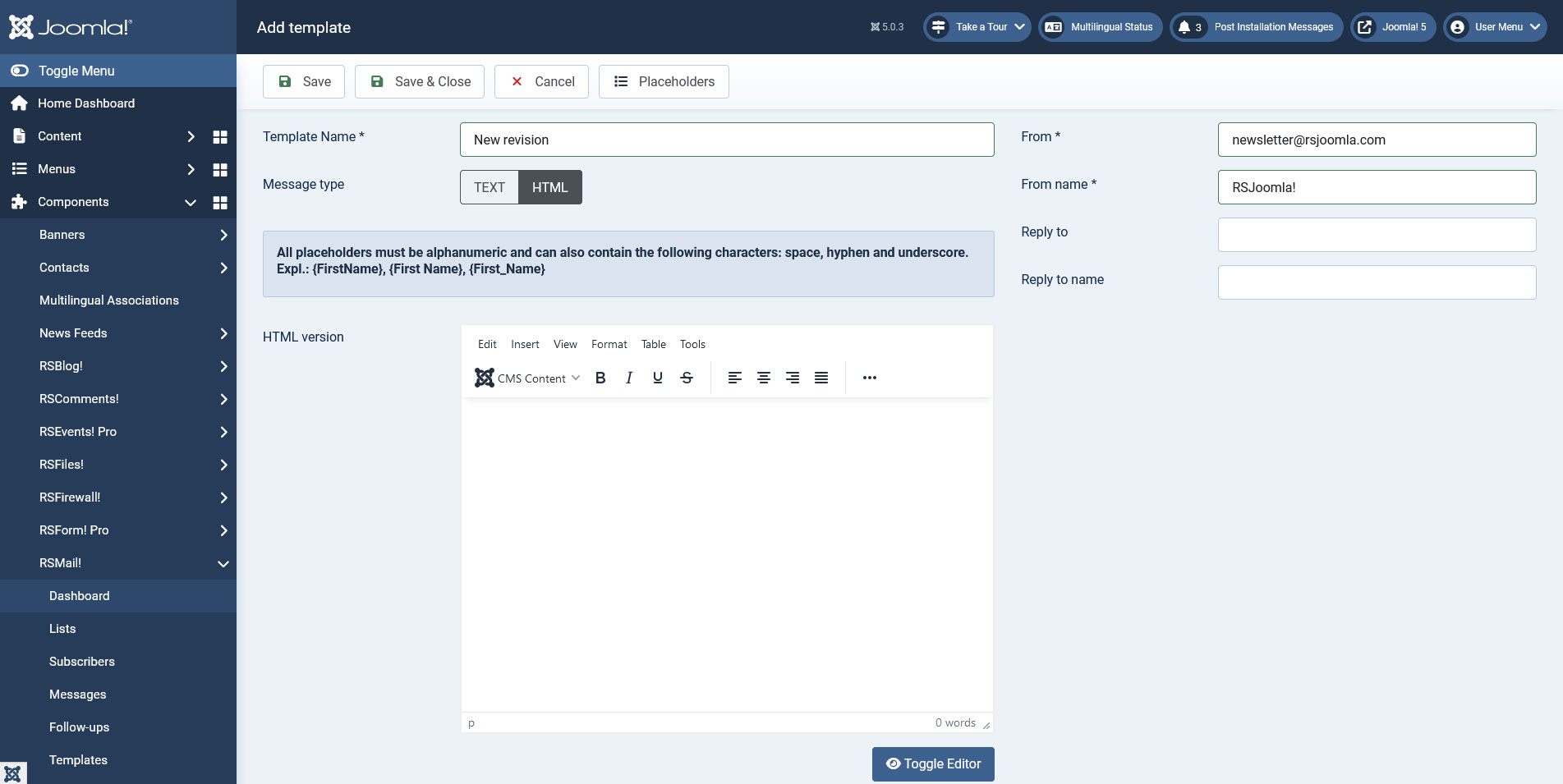
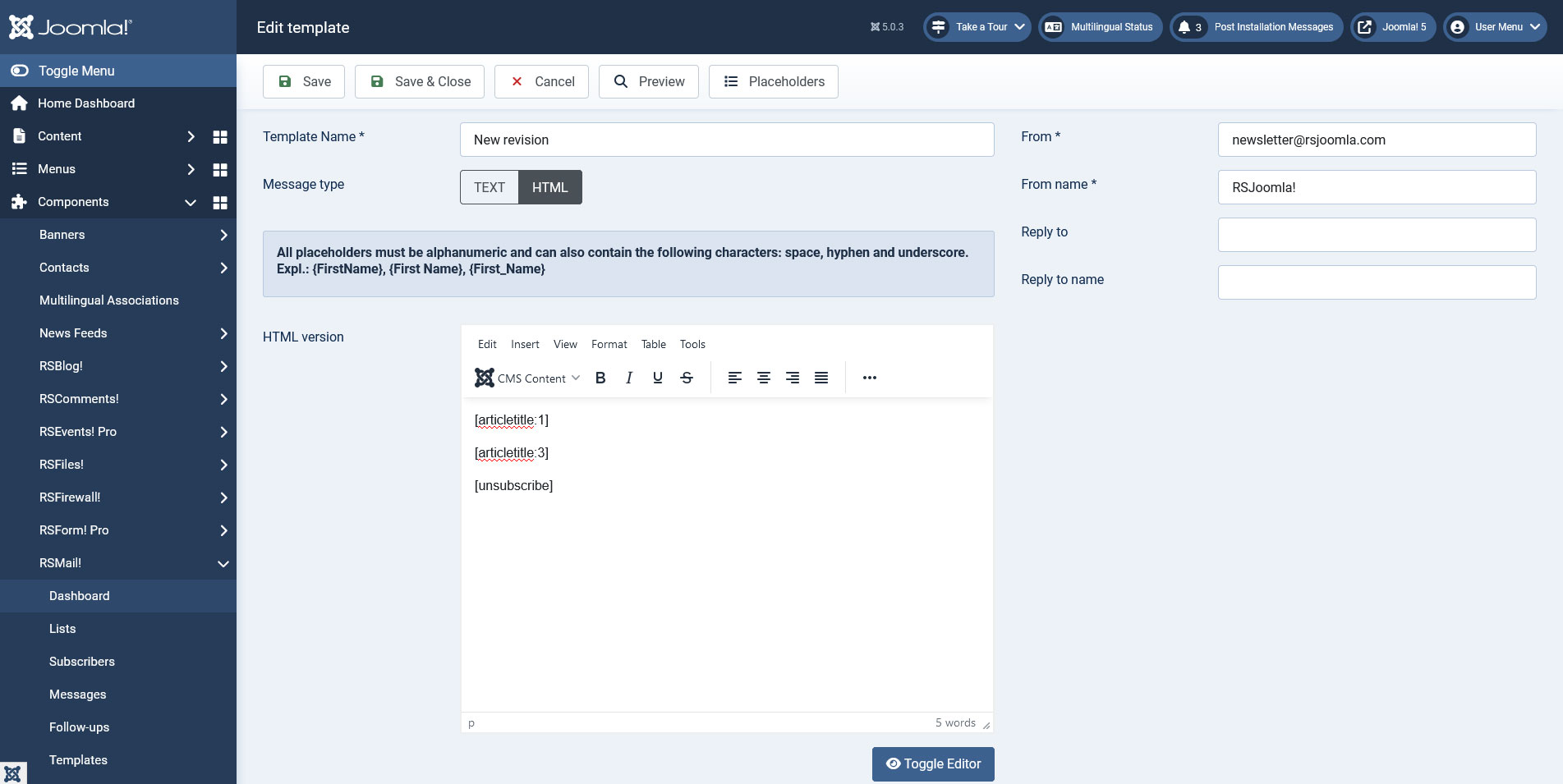
You can create a new template by going to Components > RSMail! > Templates and clicking the New button. This will open a new window with the following fields : Template Name, HTML version, Text version.
- Template Name: your new template's name;
- HTML version: your can define your HTML template in this field;
- Text version: you can also create a text version of your template that will be used when you select to sent a normal text version of your newsletter;
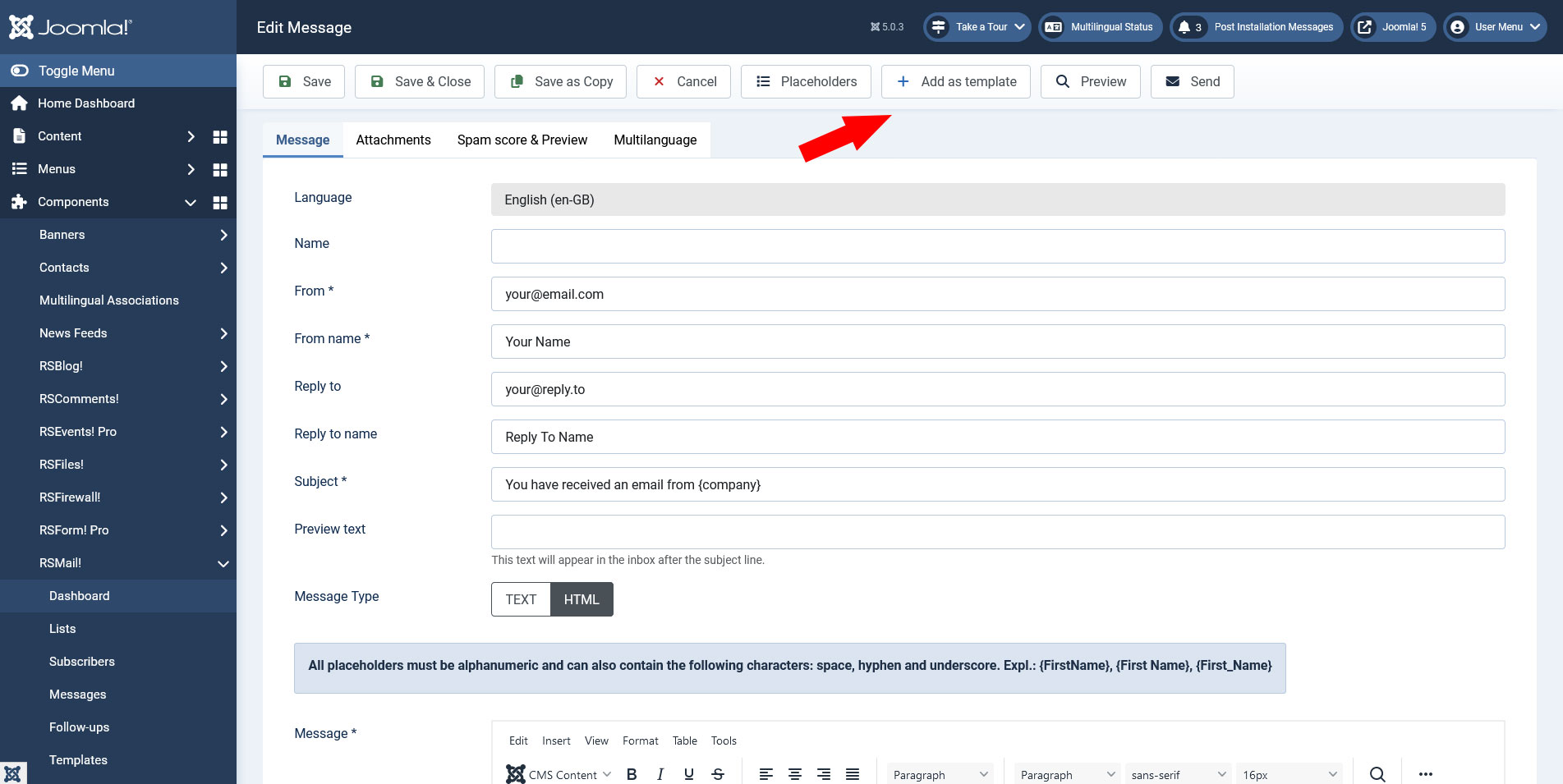
You can also save one of your messages as a template directly by clicking the Add as template button that is available when you edit your newsletter messages.
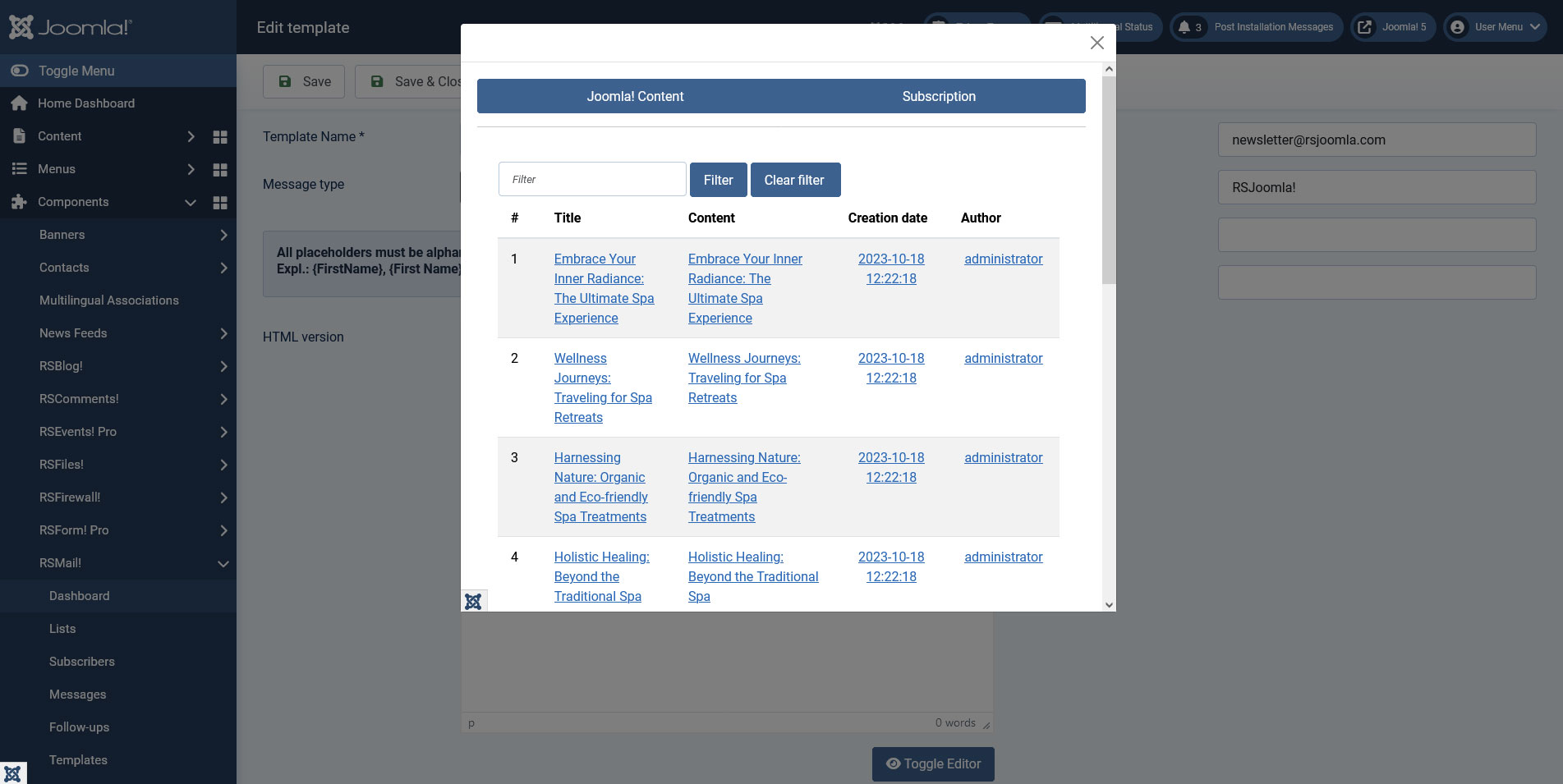
A new feature added to the RSMail! templates is the possibility of using placeholders in order to add content from and related to your articles (both Joomla! and K2 articles). In order to add a new placeholder to your template you just need to click the Placeholders button.
This will open a new window with different links related to your articles, you just need to click on the information you want to add in your template and a new placeholder will be created. These placeholders are only replaced when the newsletter message is sent.
The syntax of the available placeholders is slightly different for Joomla! and K2 articles
Joomla articles:
- [articletitle:your_article_id] - will display the title of the article you have selected;
- [articletext:your_article_id] - will display the content of the article you have selected;
- [articledate:your_article_id] - will display the creation date of the article you have selected;
- [articleuser:your_article_id] - will display the author of the article you have selected;
K2 articles:
- [articlektitle:your_article_id] - will display the title of the K2 article you have selected;
- [articlektext:your_article_id] - will display the content of the K2 article you have selected;
- [articlekdate:your_article_id] - will display the creation date of the K2 article you have selected;
- [articlekuser:your_article_id] - will display the author of the K2 article you have selected;
Video tutorial:
2 persons found this article helpful.
You Should Also Read
RSMail! Subscribers HOT |
RSMail! Messages HOT |
Subscriber lists HOT |
RSMail! Reports |
