Module - mod_rsform (Display the form in a module position)
Display a form in a module position using the mod_rsform module.
Downloading and Installing the module
Download
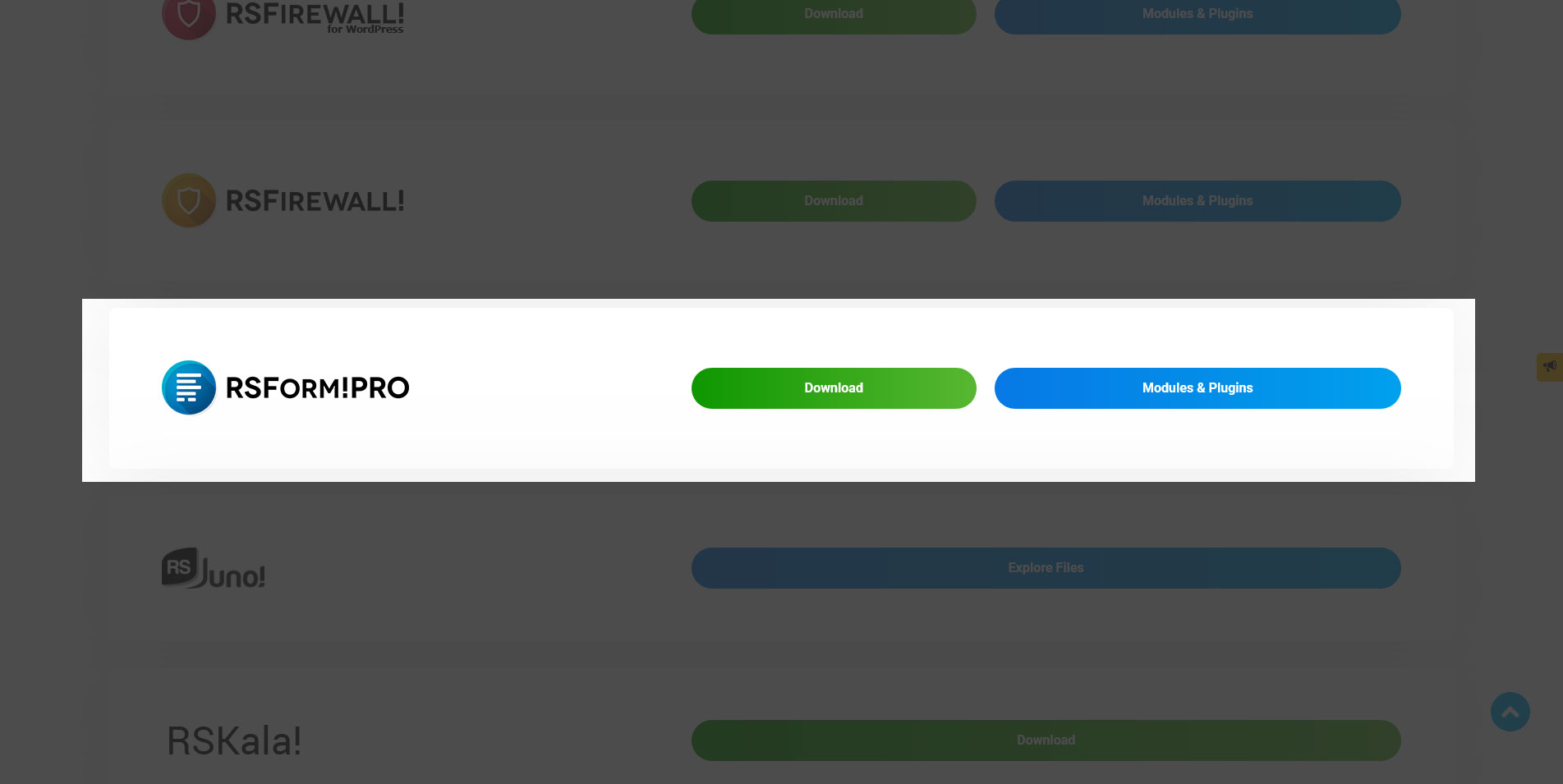
You can download the module by logging with your purchase user, then heading to Downloads > Paid Downloads > RSForm!Pro > Modules & Plugins > Modules > "RSForm! Pro Module".
Install
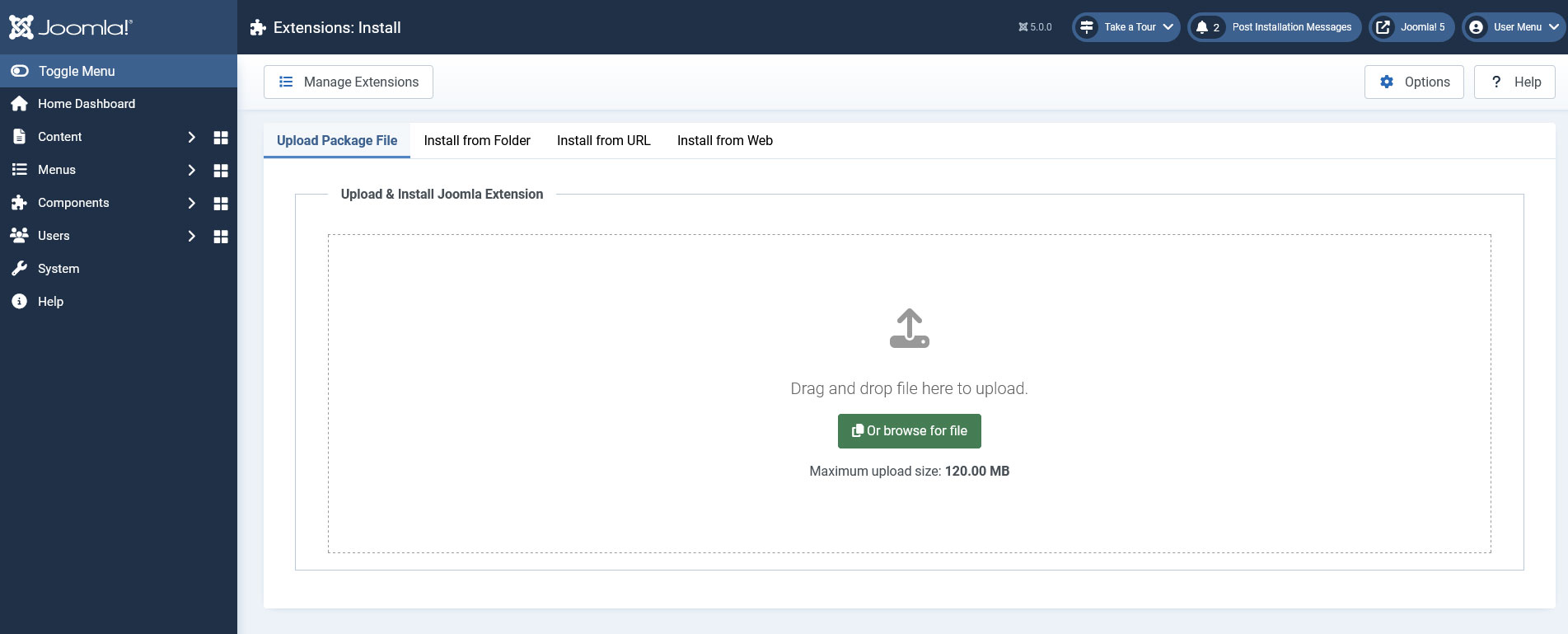
In the backend of your Joomla! installation go to the Extensions > Install/Uninstall page, and install the module. Next thing is to configure the module, to do this go to Extensions > Site Modules, search for the "RSForm! Pro Module" module and configure it.
Configuring the module
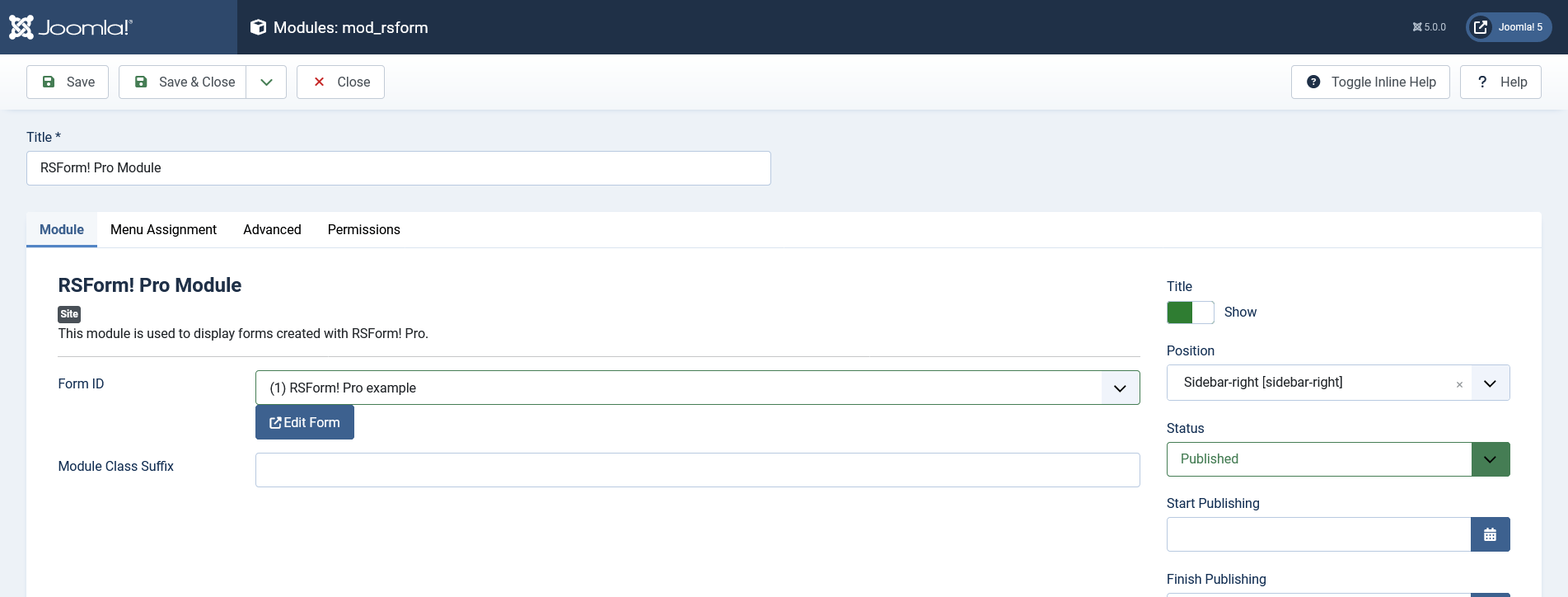
Available options:
- Form ID
- Module Class Suffix
Display the form inside an article using mod_rsform
If you want to display the module inside an article, you have to follow these steps:
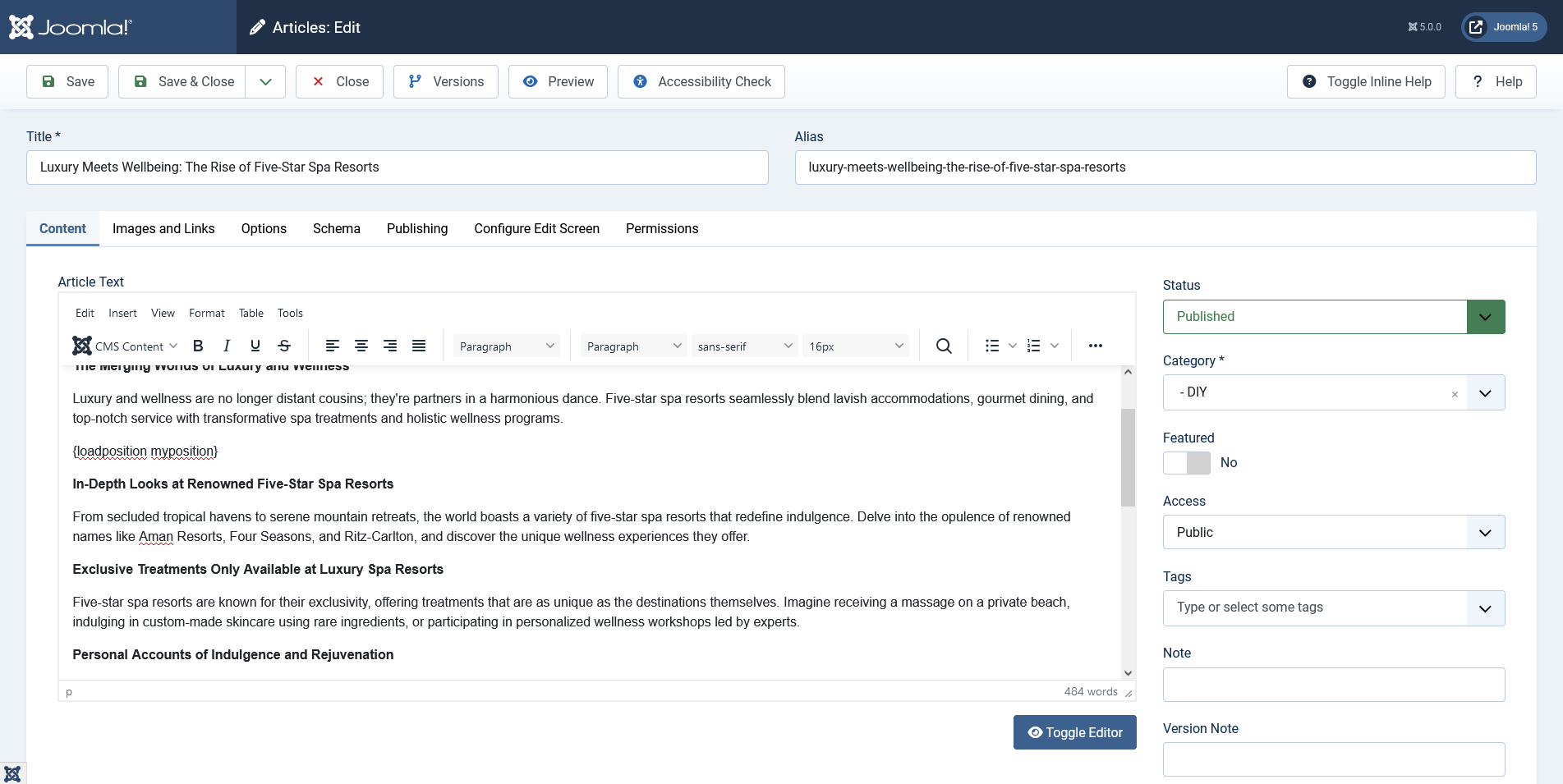
- Add a custom position for the module (it should be an unique position), for example myposition.
- Use the Joomla! syntax in your article which triggers the LoadPosition plugin.
04 Mar 2024
Version 3.1.0
- Added - Joomla! 5 native compatibility - no longer needs the 'Behaviour - Backward Compatibility' plugin.
03 Sep 2021
Version 3.0.1
- Updated - Bumped minimum requirements to use Joomla! 3.9.26
- Fixed - 'Advanced' tab was missing the 'Layout' option.
09 Jun 2021
Version 3.0.0
- Updated - Joomla! 4.0 and RSForm! Pro 3.0 compatibility.
03 Jun 2019
Version 2.0.0
- Updated - Bumped minimum requirements to use RSForm! Pro 2.2.2 and Joomla! 3.7.0
04 Feb 2016
Version 1.51.1
- Fixed - Module caching options were missing.
09 Oct 2015
Version 1.51.0
- Added - Joomla! automatic updates support.
- Updated - Bumped minimum requirements to use RSForm! Pro 1.51.0 and Joomla! 2.5.28
22 Nov 2013
Initial Release
47 persons found this article helpful.
