
Performing a new installation
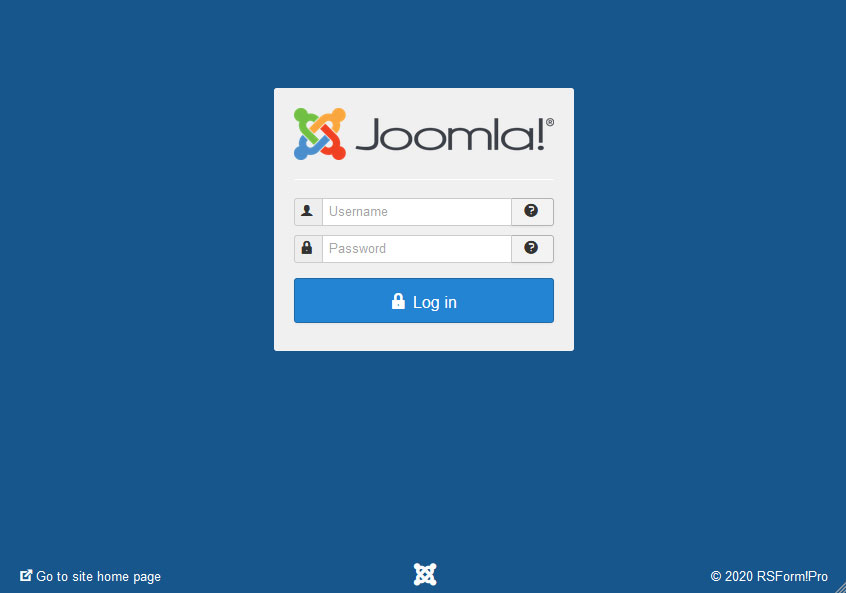
1. Login into the backend;
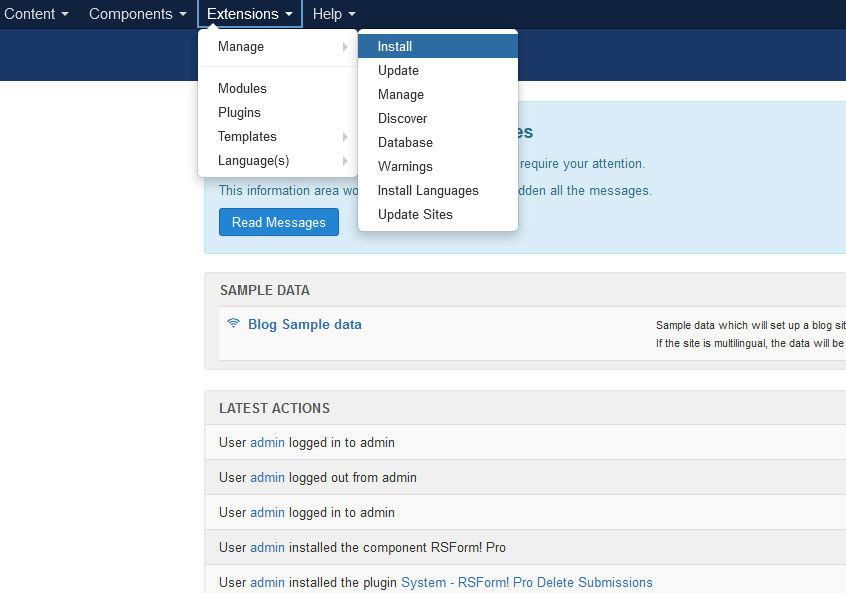
2. On the top menu, select Extensions > Manage > Install;

3. Click Browse (or Drag and Drop the file) and select the zip file you downloaded;
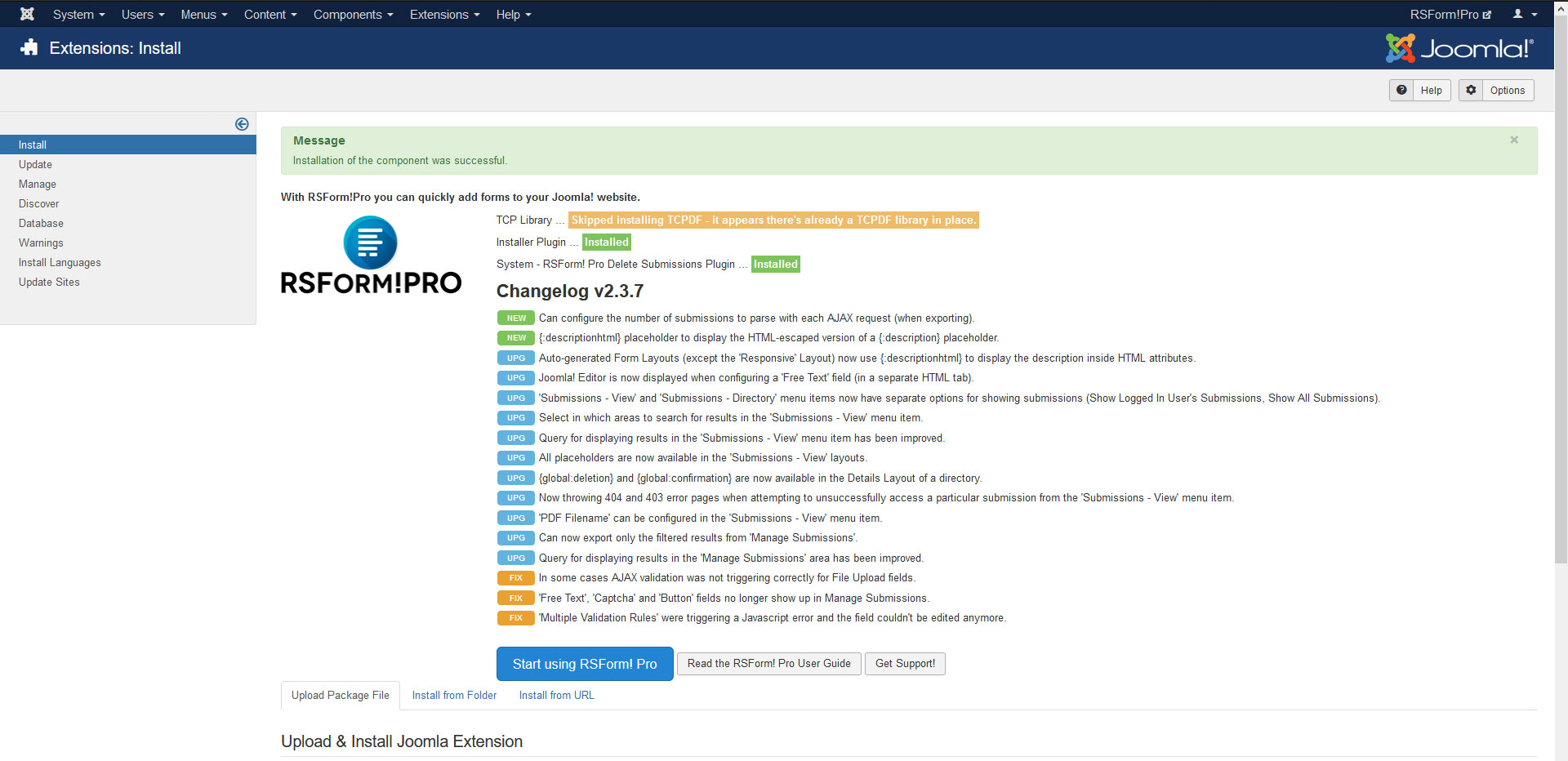
4. If the installation was successful, you should see this message;
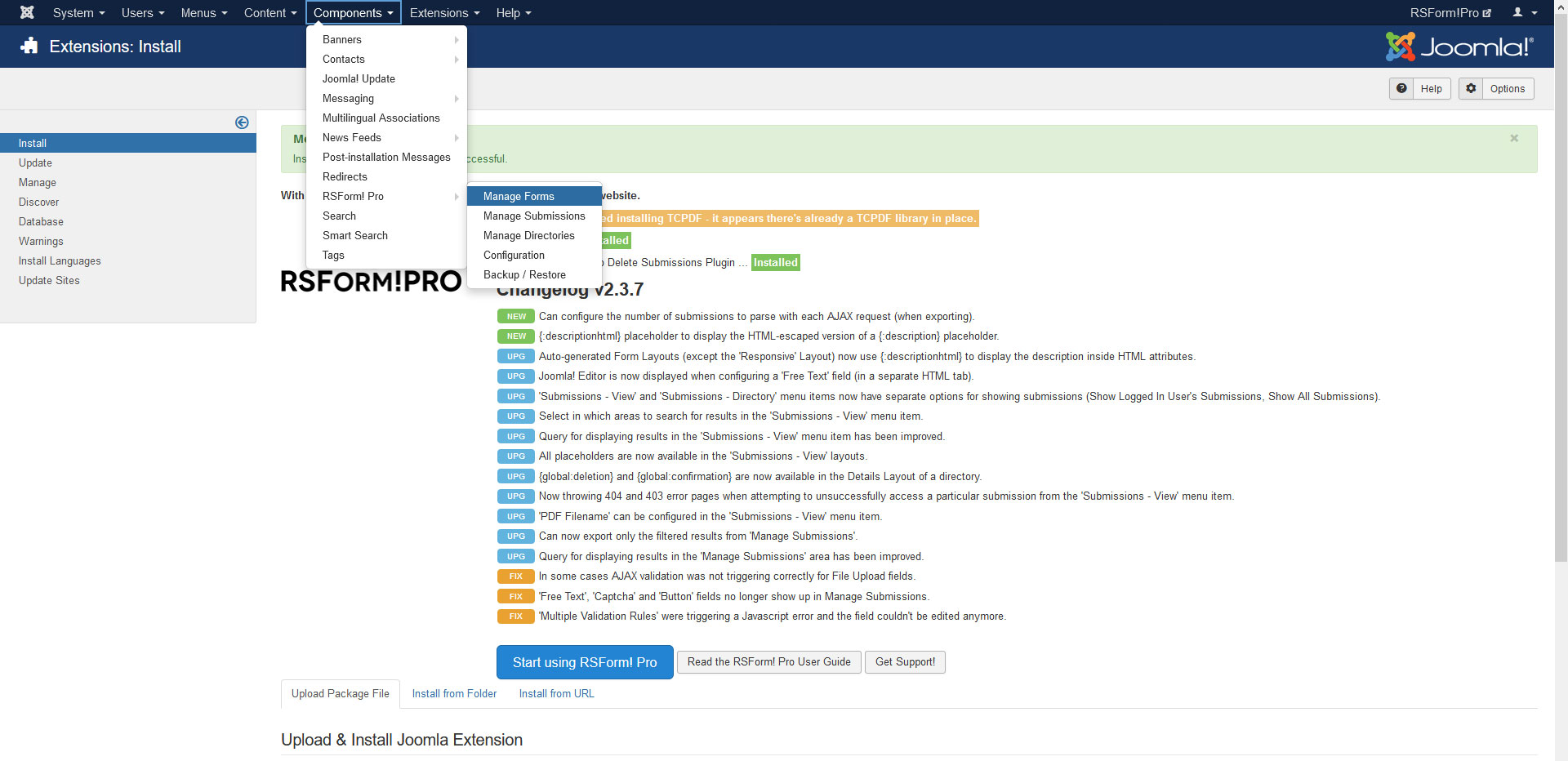
5. You can now access RSForm!Pro through the Components menu.
If the installation produces any errors, check if:
- The archive you were trying to upload is not corrupted
- The archive is being correctly uploaded to your webserver
- The following folder permissions are correctly set: 755 for /components, 755 for administrator/components and 755 for /media and at least 755 for the configured Joomla tmp folder
57 persons found this article helpful.
