Ep. 40: Create custom Joomla! registration forms for your events with RSEvents! and RSForm!Pro
There are situations when you need more than a simple Joomla! registration form for your events.
In this case, you'll need to use RSForm!Pro to create the custom form, RSEvents! to manage the event registration and the integration plugin.
Let's see how simple it is to create Joomla! custom registration forms for your events using the above extensions.
Step 1: Download and install the RSForm!Pro - RSEvents! plugin
- 1. Access your www.rsjoomla.com account and download the RSForm!Pro - RSEvents! Plugin from "View my downloalds" >> RSForm!Pro membership >> Downloads >> Plugins >> RSEvents! plugin
- 2. Install the RSForm!Pro - RSEvents! plugin trough the default Joomla! installer.
- 3. Publish the plugin from the "Extensions > Plugin Manager" area.
-
Step 2: Adding the RSEvents! form components:
- 1. Head to Components >> RSForm!Pro >> Manage forms, select the custom registration form.
- 2. After publishing the plugin, you'll notice a new form field: "RSEvents! components". Add all "RSEvents! components" to the registration form.
Note that if the registration is free, you won't have to add the "Tickets" and the "Payment" component.
Step 3: Integrate the custom registration form with RSEvents!
- 1. Head to RSEvents! >> Events and select the event for which you want to add the custom registration form. Don't forget to enable registration.
- 2. In the "Registration" tab, select the custom registration form instead of the default form.
- 3. In the "Integrations" tab, select the subscribers list and map the form components with the list fields.
In frontend:
The user is subscribed to event upon submitting the custom registration form.
In backend:
In backend, the attendees are saved in the event subscribers list.
Video Tutorials Categories
- All Videos 104
- RSBlog! 4
- RSComments! 2
- RSContact! 1
- RSDirectory! 4
- RSEvents!Pro 5
- RSFeedback! 2
- RSFiles! 6
- RSFinder! 1
- RSFirewall! 8
- RSFirewall! for WordPress 0
- RSForm! 1
- RSForm!Pro 26
- RSMail! 5
- RSMediaGallery! 1
- RSMembership! 14
- RSPageBuilder! 0
- RSSearch! 2
- RSSeo! 7
- RSShowcase! 0
- RSSocial! 0
- RSTickets!Pro 4
- Templates 11
Comments
Related Videos
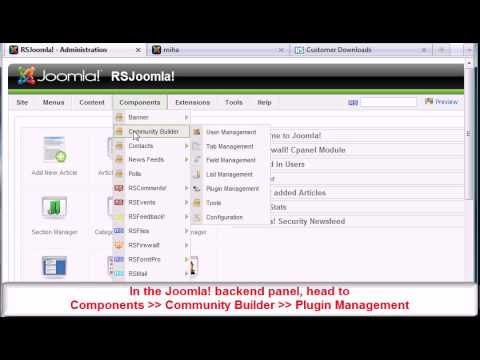
Ep. 34 - RSEvents! Community Builder Plugin
In this episode, you'll learn how to configure the RSEvents! Community Builder Plugin, to be able to show on the Community Builder profile the user created events and the event subscriptions.
Step 1:
Access your www.rsjoomla.com...
read more

Ep. 39: Create newsletter subscription forms with...
In this video, you'll learn how to create custom subscription forms with RSMail! and RSForm!Pro.
Suppose you have created a subscription form to collect data from your subscribers: First Name, Last Name, Company, Job title , etc. Upon the form...
read more
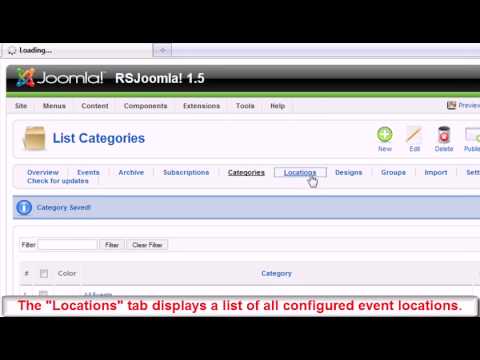
Ep. 47: RSEvents! - Joomla! event manager - backend...
RSEvents! allows you to create web 2.0 ready events, integrating with Youtube,
Google Maps, Flickr, flash widgets.
1. Events:
The "Events" tab displays a list with the event general info: the number of subscriptions, category,...
read more
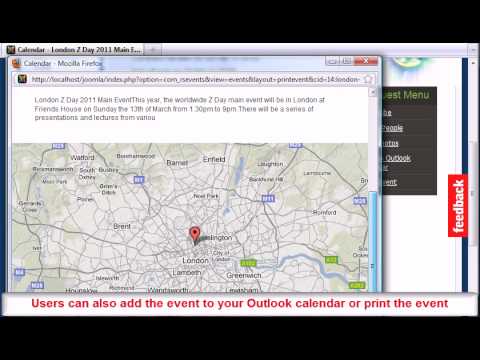
Ep. 49: RSEvents! - Joomla! event manager - frontend...
This episode presents the most important RSEvents! features available for the frontend users: event listings, categories, locations, calendar view, sharing options, event registration, event guests & hosts permissions and RSEvents! Modules....
read more
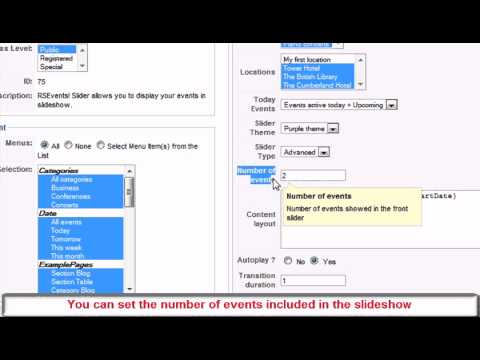
Ep. 48 - RSEvents! Slider Module
The RSEvents! Slider Module allows you to list your site events in a slideshow.
Step 1: Download the RSEvents! Slider Module
To download the slider module, access your www.rsjoomla.com account and head to "View my downloads" area >>...
read more

Ep. 54: How to import Facebook events to RSEvents!
You can easily import events from Facebook and Google Calendar using the "RSEvents! Synchronization Module". This module includes 2 applications:
Google Calendar and Facebook Events. To be able to import events to RSEvents!, you must configure first...
read more

Ep. 55 - Create recurring events in Joomla! with RSEvents!
With RSEvents!, you can create recurring events that repeat itself on certain dates or periodically: daily, weekly, monthly or yearly, using the "Repeat" option available on the "Events" tab. The recurring event option can be enabled in both, backend and...
read more
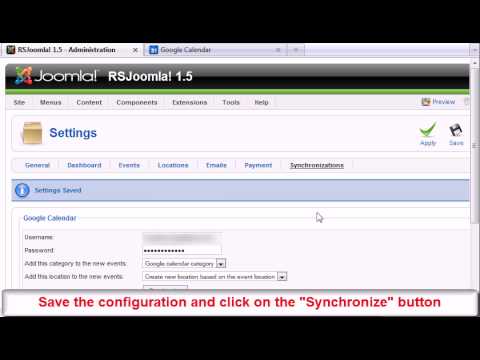
Ep. 64: How to import Google Calendar events to RSEvents!
RSEvents! allows you to import Facebook and Google Calendar events via the "Synchronization Module". This module includes 2 applications:
Google Calendar and Facebook Events.
In this episode, we will show you how to import events from...
read more
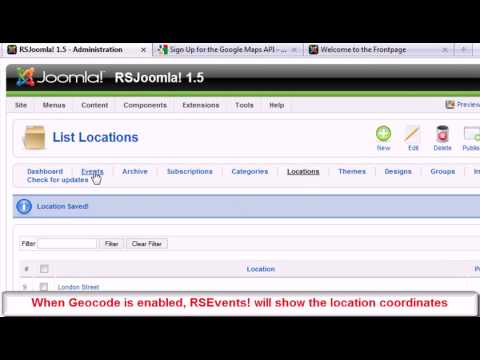
Ep. 65: RSEvents! locations and Google Maps
With RSEvents!, you can create event locations with specific information. Besides general locations features, this episode shows you how you can configure the Google maps and Geocode options.
Locations and Google Maps integration
1. For...
read more

Ep. 77: How to generate event PDF tickets in RSEvents!
Starting with rev. 26, you can use the RSEvents! PDF plugin to send pdf tickets as attachments in the "Activation email".
Step 1: install the RSEvents! PDF plugin
In the Joomla! backend panel,
head to Extensions >> Install/Uninstall and...
read more
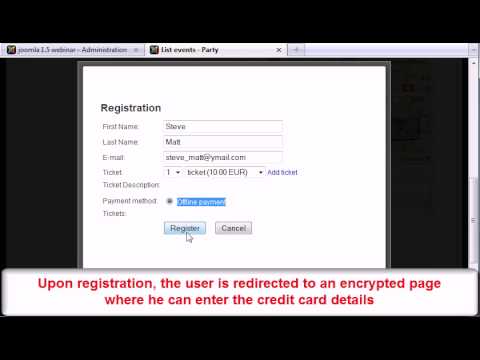
Ep. 78 - How to configure offline event payments in...
Starting with rev. 26, you can use the RSEvents! Offline Payment Plugin to securely store the credit card details so that you process it at a later time.
Step 1: download the RSEvents! Offline Payment Plugin
The plugin can be...
read more
