Video tutorials on the usage of our Joomla! extensions
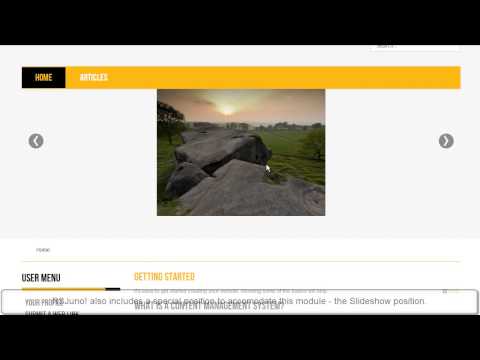
Introducing RSJuno! - Joomla! 3.x responsive template
RSJoomla! proudly presents RSJuno!, our first Joomla! template release. RSJuno! is Joomla! 3.x compatible, as well as fully responsive.
Bootstrap and the RSMediaGallery! Responsive Slideshow Module
The mobile device industry has exploded in the last...
read more
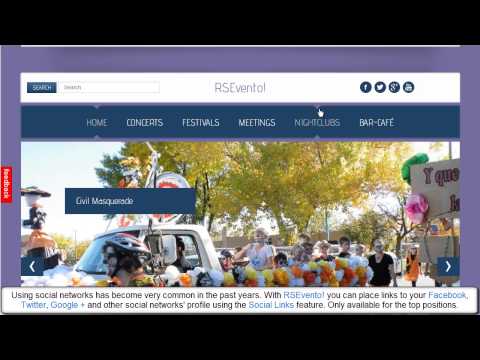
RSEvento! - Joomla! 3.x responsive template - designed for...
RSEvento! is our second template release, following RSJuno!. The template is fully responsive and compatible with Joomla! 3.x. Its design was intended to work perfectly with RSEvents!Pro, but the template is not limited to this use (it suits any...
read more

RSClario! - Responsive template compatible with Joomla! 3.x
RSClario! is our third template release, following RSJuno! and RSEvento!. The template is fully responsive and compatible with Joomla! 3.x.
Highly customizable
Probably the most important aspect of any Joomla! template is how far it can take you in...
read more
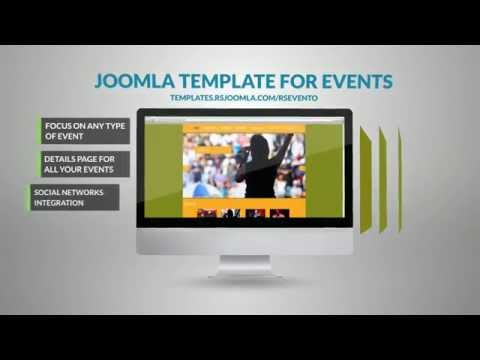
RSEvento! Presentation
RSEvento! is a responsive template that will impress you and your visitors alike with a flat design that resembles a breath of fresh air. The template is oriented to travel showcasing, but not limited to this use and is compatible with Joomla! 3.x. ...
read more

RSBaron! Commercial
RSBaron! is a responsive template compatible with Joomla! 3.x, focused mainly on product showcasing. On its demo website you can have a look at a restaurant website presentation created...
read more
RSDinah! - Commercial
Introduction
RSDinah! is a Joomla! 3.x - compatible responsive template with a retro look, fit for antique product showcasing.
Bootstrap
Built with Twitter Bootstrap, the template's layout gets perfectly adapted to all screen sizes and...
read more
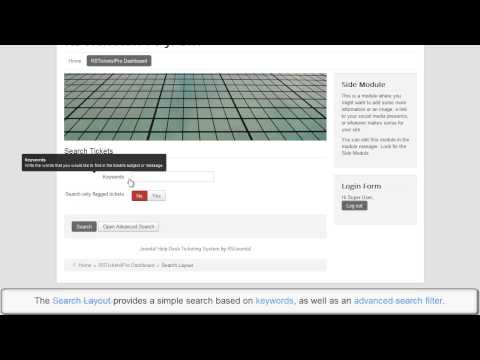
Ep. 28 - Introducing RSTickets!Pro - Joomla! Professional...
This episode presents the most important frontend features included in the RSTickets!Pro component.
Public users
1. Public users can submit tickets, without beeing registered. WYSIWYG Editor included.
Registered...
read more
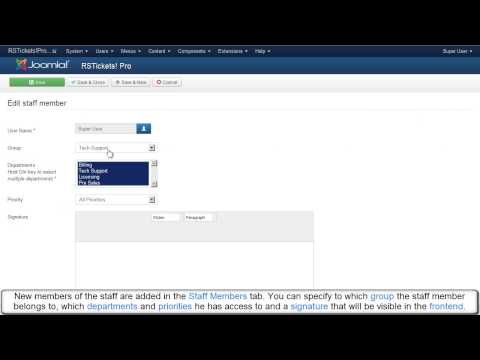
Ep. 29 - Introducing RSTickets!Pro - Joomla! Professional...
This episode presents the most important backend features included in the RSTickets!Pro component.
Backend ticket management:
You can manage tickets directly from the backend:
1. add ticket replies
2. close or reopen tickets
3. flag...
read more
RSTickets!Pro Presentation
RSTickets!Pro is the Joomla! 3.x-ready professional ticketing system. It offers full control over ticket management, staff members and groups permissions, graphic reports, receiving tickets by email and a knowledgebase system that allows bringing more...
read more
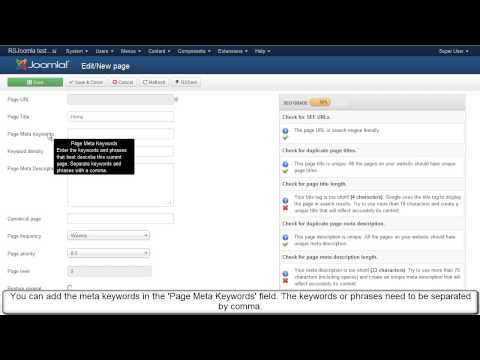
Ep. 13 - Optimize meta keywords and meta description for...
In this tutorial, we'll be using RSSEO! - the SEO suite for Joomla! to optimize the meta description and meta keywords of each Joomla! page.
Once you have crawled the website, you will be able to add meta tags to ALL Joomla! pages.
Let's...
read more
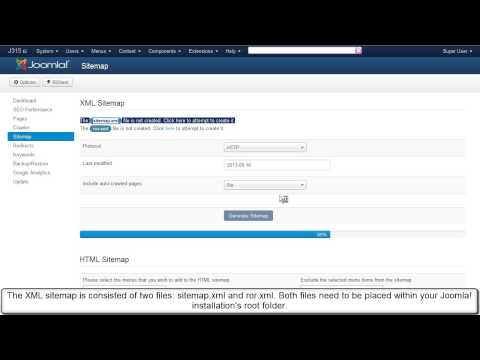
Ep.16 - Generate an XML sitemap for Joomla! with RSSeo!
RSSeo! allows you to generates Joomla! sitemaps, that can be submitted to search engines.
There are 2 types of files that can be generated: sitemap.xml and ror.xml
Step 1:
First, create in the website root directory 2 empty files :...
read more
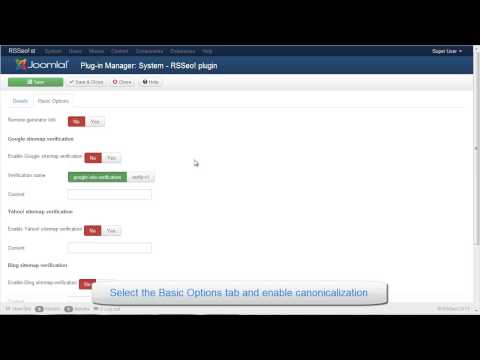
Ep.15 - Enable canonicalization for your Joomla! website...
Canonicalization refers to different links that point to the same content. RSSeo! allows you to automatically set redirects from the non-www domain to www domain or viceversa, by enabling the canonicalization option, via the "RSSeo! System...
read more
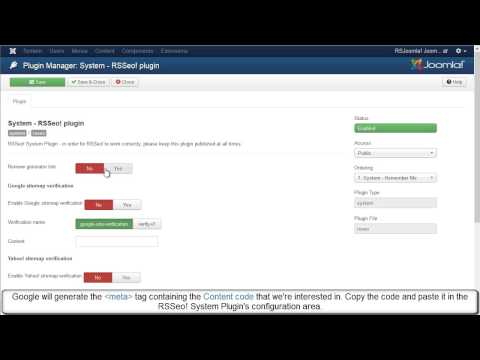
Ep. 17 - How to verify Joomla! site ownership for Google...
Google requests verifying the site ownership when submitting a sitemap to the Webmaster Account.
RSSeo! allows you to verify the site ownership, directly from the backend Joomla! administrator panel for major search engines .
In this episode we will...
read more
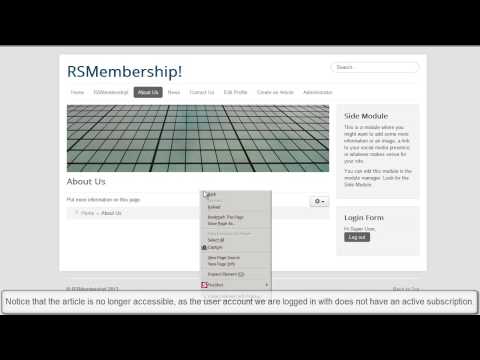
Ep. 20 - How to add article restrictions to a Joomla!...
With RSMembership! you can impose to a Joomla! membership site 5 types of restrictions: folders, articles, sections, category, URL.
Let's see how can you add restrictions to an article following some simple steps.
Step 1:
In the...
read more

Ep.21 - How to add URL restrictions to a Joomla! membership...
With RSMembership! you can impose5 types of restrictions to a Joomla! membership site : folders, articles, sections, category, URL.
URL restrictions can be imposed using 2 wildcards: {?} or {*}. The {?} wildcard replaces just one character The {*}...
read more
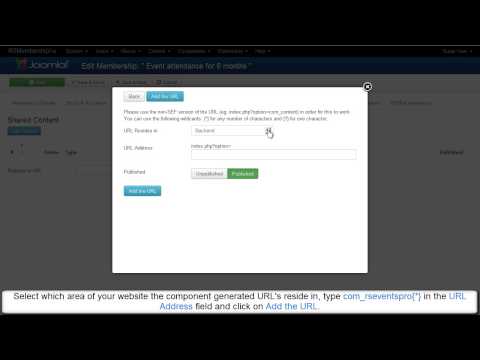
Ep. 22 - How to add url restrictions to a Joomla!...
RSMembership! can handle 5 types of content restrictions: folders, articles, sections, category, URL.
In this tutorial, we will show you how can you impose URL restrictions using the {*} wildcard following some simple steps. If you want to see how...
read more
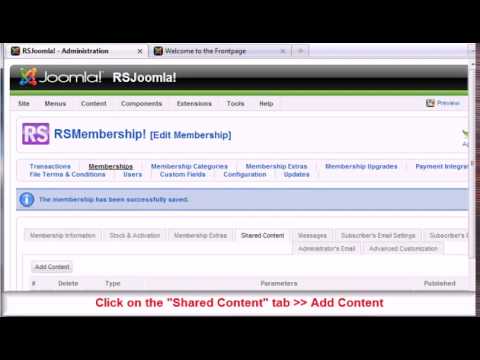
Ep. 36 - How to restrict with RSMembership! Joomla!...
RSMembership! can impose 5 types of restrictions: folders, articles, sections, category, URL.
Let's see how can you restrict Joomla! sections to paid subscribers using the RSMembership! extension.
Step 1:
In the Joomla!...
read more
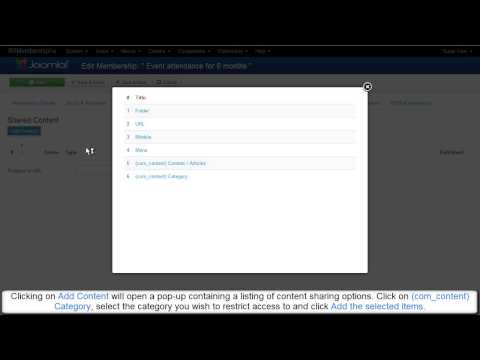
Ep. 35 - How to restrict with RSMembership! Joomla!...
RSMembership! can handle 5 types of restrictions: folders, articles, sections, category, URL.
Let's see how can you restrict Joomla! categories to paid subscribers using the RSMembership! extension.
Step 1:
In the Joomla!...
read more
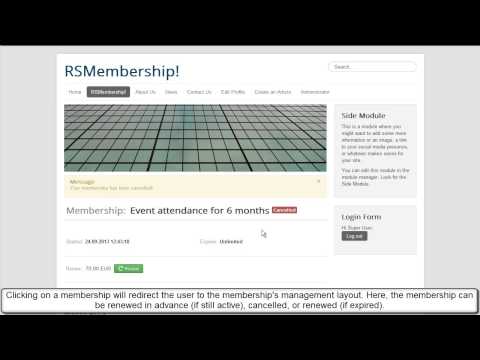
Ep. 45: Introducing RSMembership! - Joomla! membership...
This episode presents the most important frontend features included in RSMembership!: content restrictions, renewal memberships, extras, payment options, coupon code, terms and conditions and upgrades.
1. Categories...
read more

Episode 3 : Joomla! Form inside article - RSForm!Pro
The RSForm!Pro Content Plugin allows you to publish a Joomla! form inside a content item.
Step 1: Download the Content Plugin
To be able to embed Joomla! forms inside articles, you need to download the RSForm!Pro Content Plugin....
read more
Video Tutorials Categories
- All Videos 104
- RSBlog! 4
- RSComments! 2
- RSContact! 1
- RSDirectory! 4
- RSEvents!Pro 5
- RSFeedback! 2
- RSFiles! 6
- RSFinder! 1
- RSFirewall! 8
- RSFirewall! for WordPress 0
- RSForm! 1
- RSForm!Pro 26
- RSMail! 5
- RSMediaGallery! 1
- RSMembership! 14
- RSPageBuilder! 0
- RSSearch! 2
- RSSeo! 7
- RSShowcase! 0
- RSSocial! 0
- RSTickets!Pro 4
- Templates 11
