Latest files module
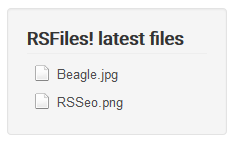
The RSFiles! Latest files module allows you to display a list of the recently uploaded files. This is available for download in My downloads area > RSFiles! - view all plugins and modules.
To install the plugin simply head to Extensions > Manage > Install, browse the file in order to install it.
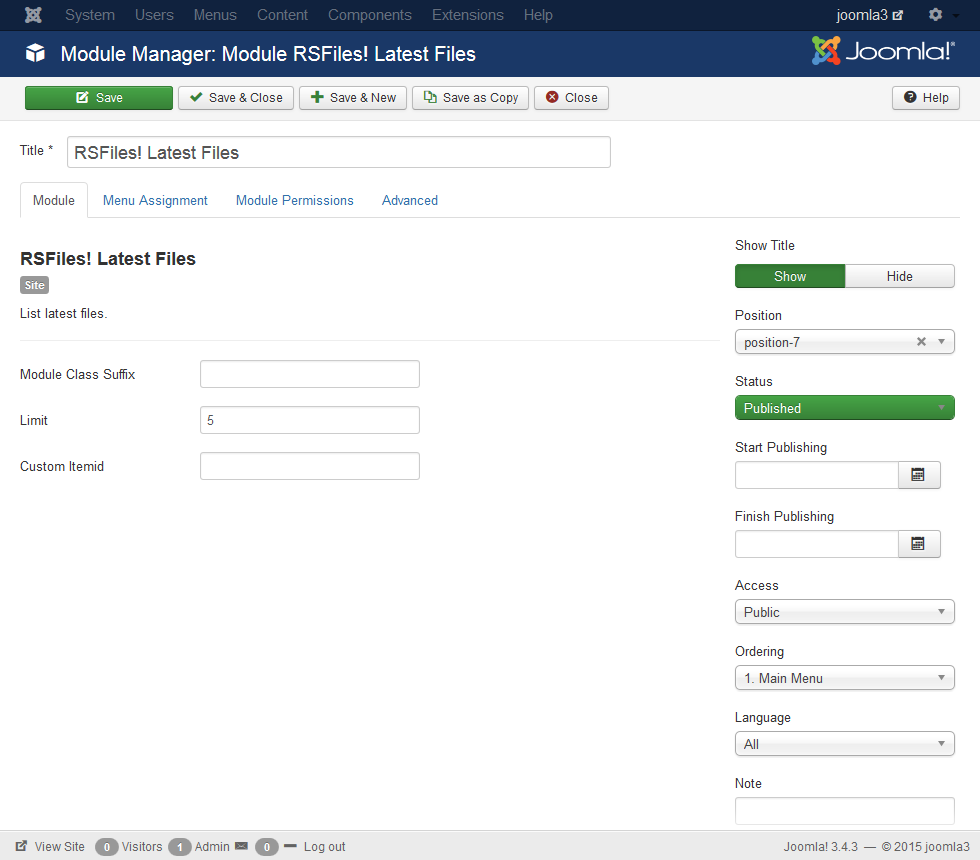
As configuration parameters the module has the following options:
- Module class suffix: you can use this to control the module's CSS
- Number of results: the number of displayed items
- Itemid: here you can place the ID of the List files menu item that you are using on your website. When clicking on a file within the module, the user will be redirected to an instance of the List files menu item baring the same settings as the one you are currently using.
Note: The files will only be displayed if the current user or guest has enough RSFiles! viewing permissions.
One person found this article helpful.
You Should Also Read
RSFiles! Folder Content Viewer module |
RSFiles! most popular files |
