Groups
As a general view, the Groups tab provides a listing of your current RSFeedback! groups.
With the grouping feature you can set different permissions/restrictions based on the category of the logged in user. By default two groups are available, but more can be added at any time (by pressing the New button): Public and Registered.
The group restrictions are divided into two sections: Feedbacks and Categories, that address restrictions on their suggestive naming.
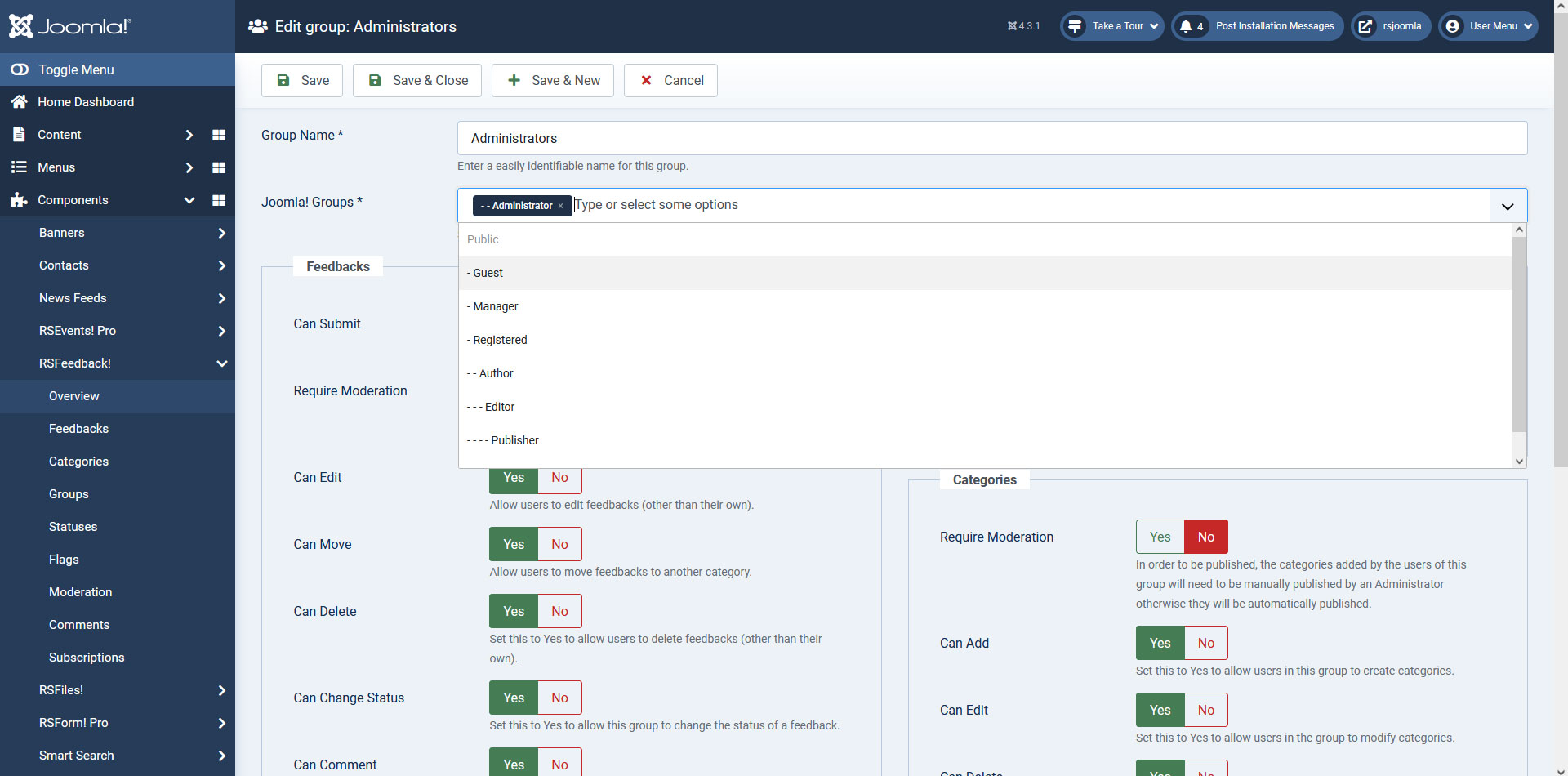
Feedbacks
- Can submit: Yes / No
- Require Moderation: Yes / No
- Can Edit: Yes / No
- Can Move: Yes / No
- Can Delete: Yes / No
- Can Change Status : Yes / No
- Can Comment: Yes / No
- Can Share: Yes / No
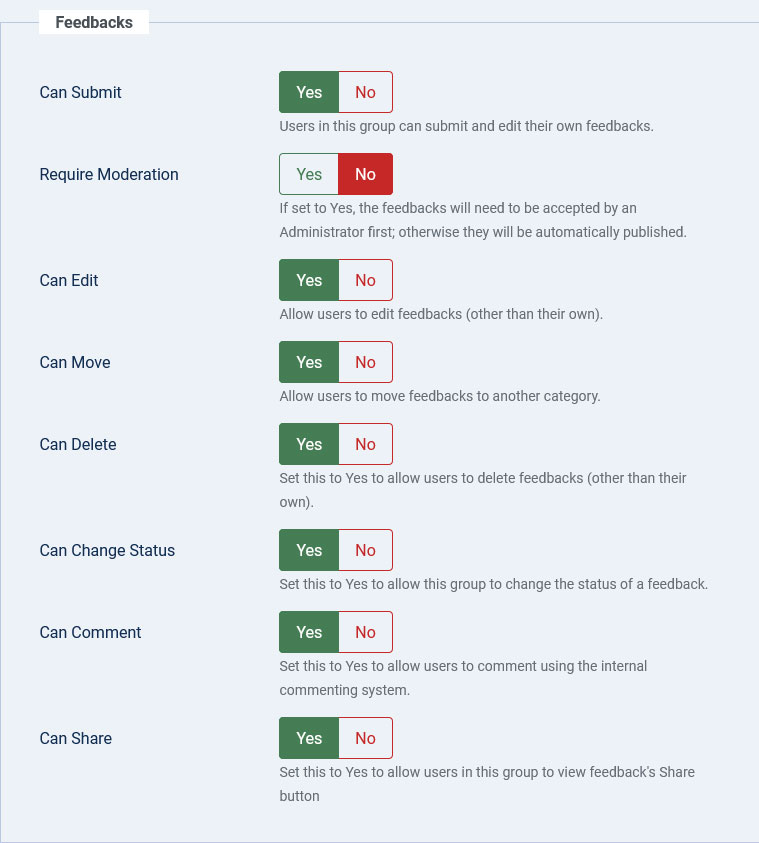
Flags
- Can Flag: Yes / No
- Can Moderate Flags: Yes / No
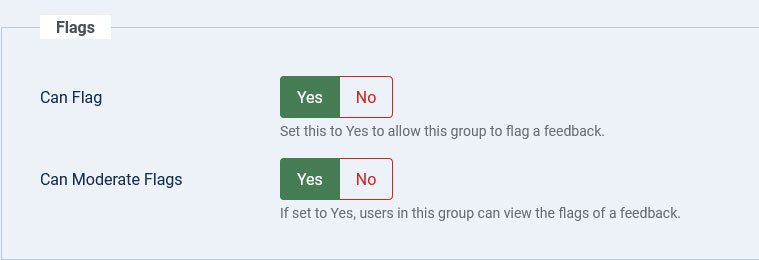
Categories
- Require Moderation: Yes / No
- Can Add: Yes / No
- Can Edit: Yes / No
- Can Delete: Yes / No
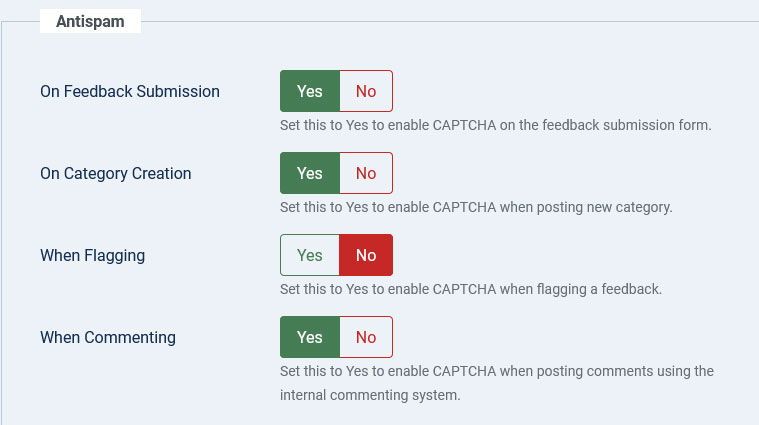
Antispam
- On Feedback Submission: Yes / No
- On Category Creation: Yes / No
- When Flagging: Yes / No
- When Commenting: Yes / No
One person found this article helpful.
You Should Also Read
Feedbacks |
Statuses |
Flags |
Categories |
Comments |
