

26 reviews
15,390 downloads
If you use RSFinder!, please post a rating and a review at the Joomla! Extensions Directory
RATE IT NOW
What can you do with RSFinder!

Easy content access
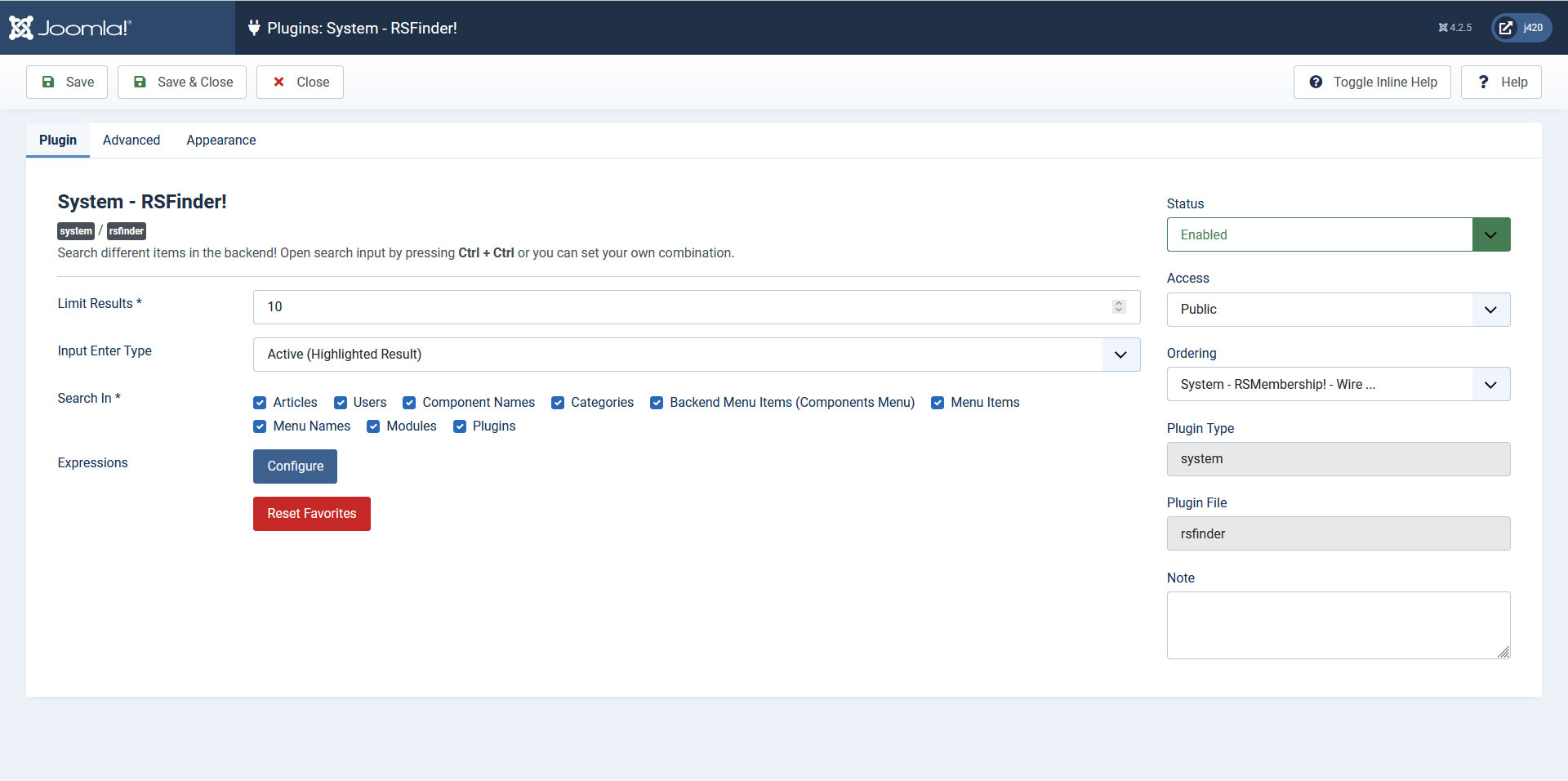
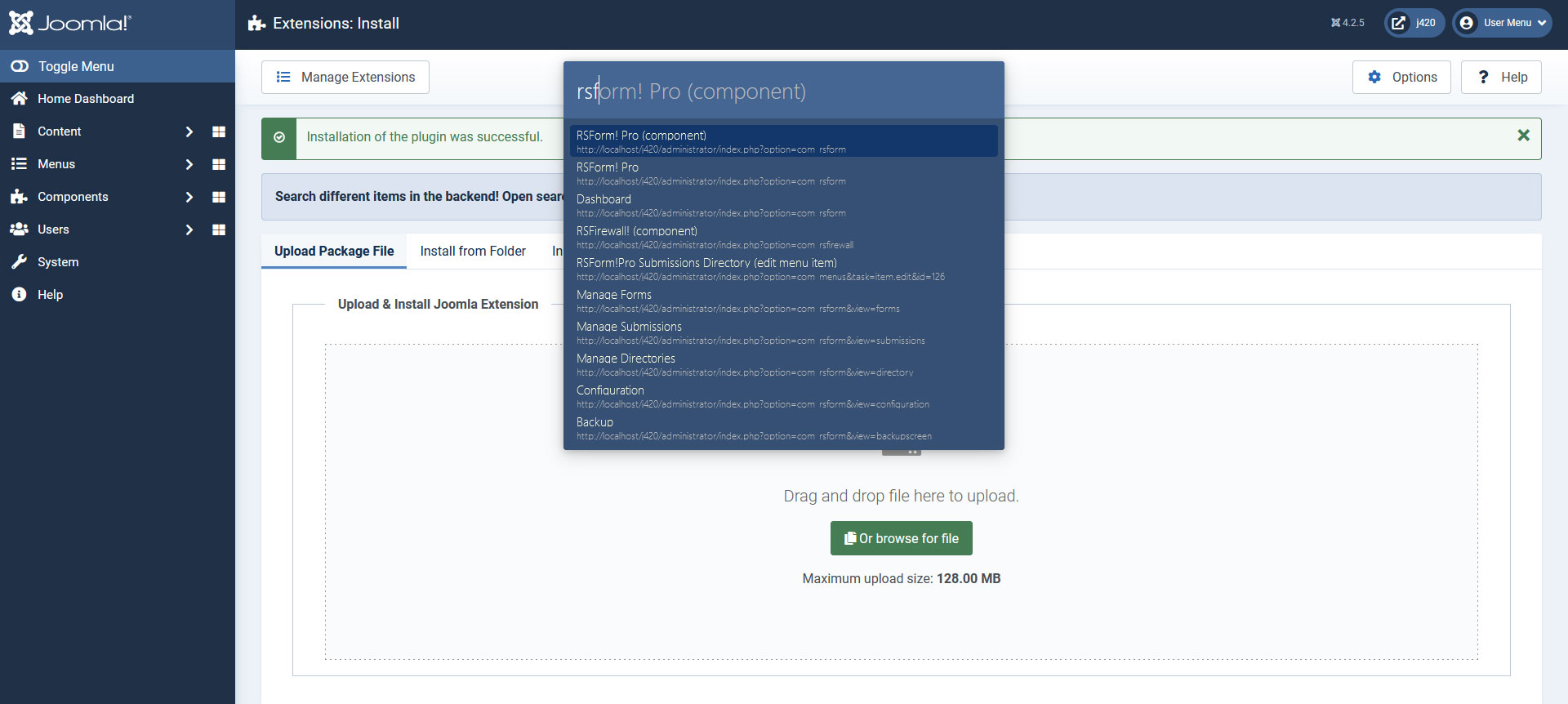
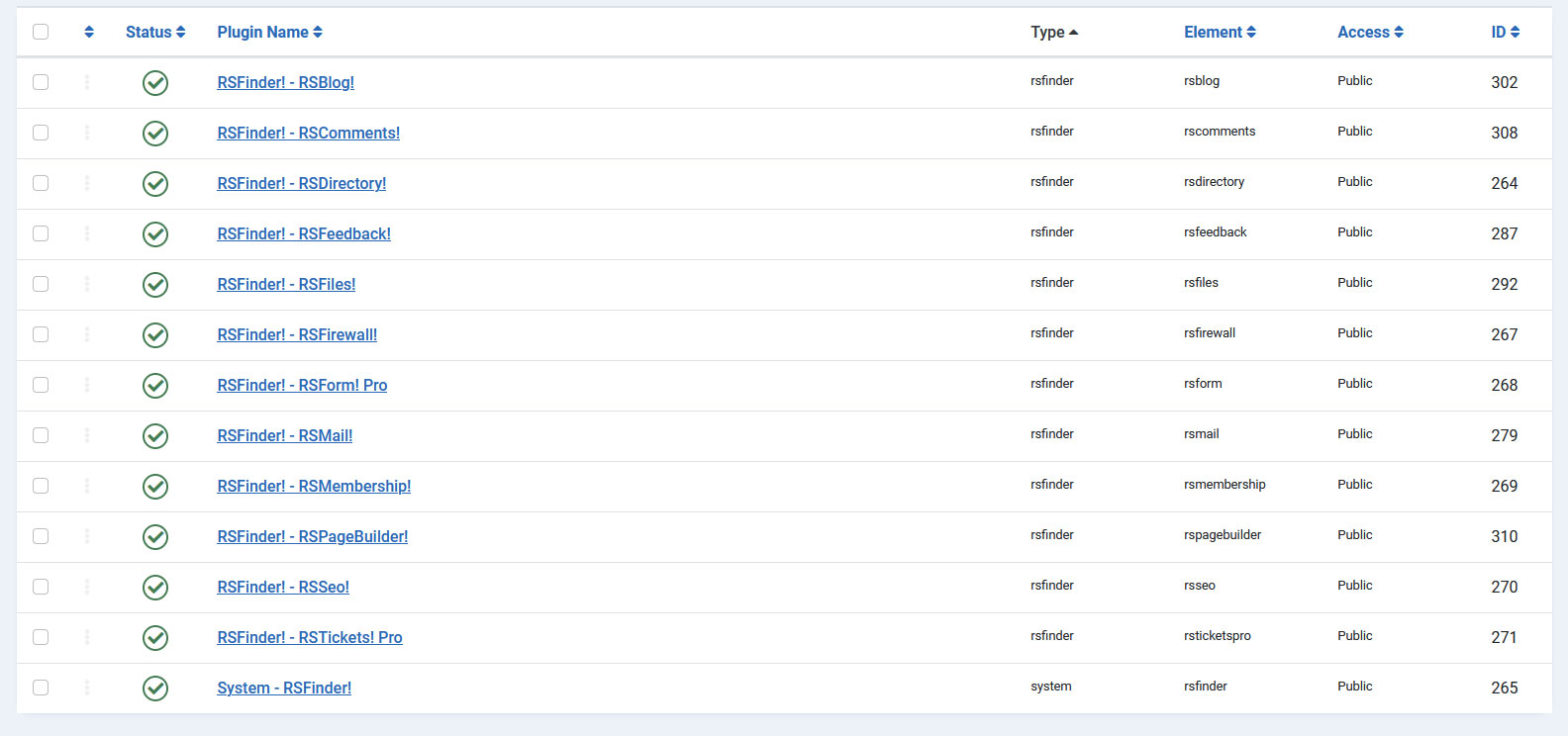
Need to access specific areas quickly, without performing a lot of clicks ? RSFinder! is here to help. Freely available, RSFinder! will offer the means to search for articles, menu items, users, categories, sections, component names, modules and even RSEvents! events.

Third party search
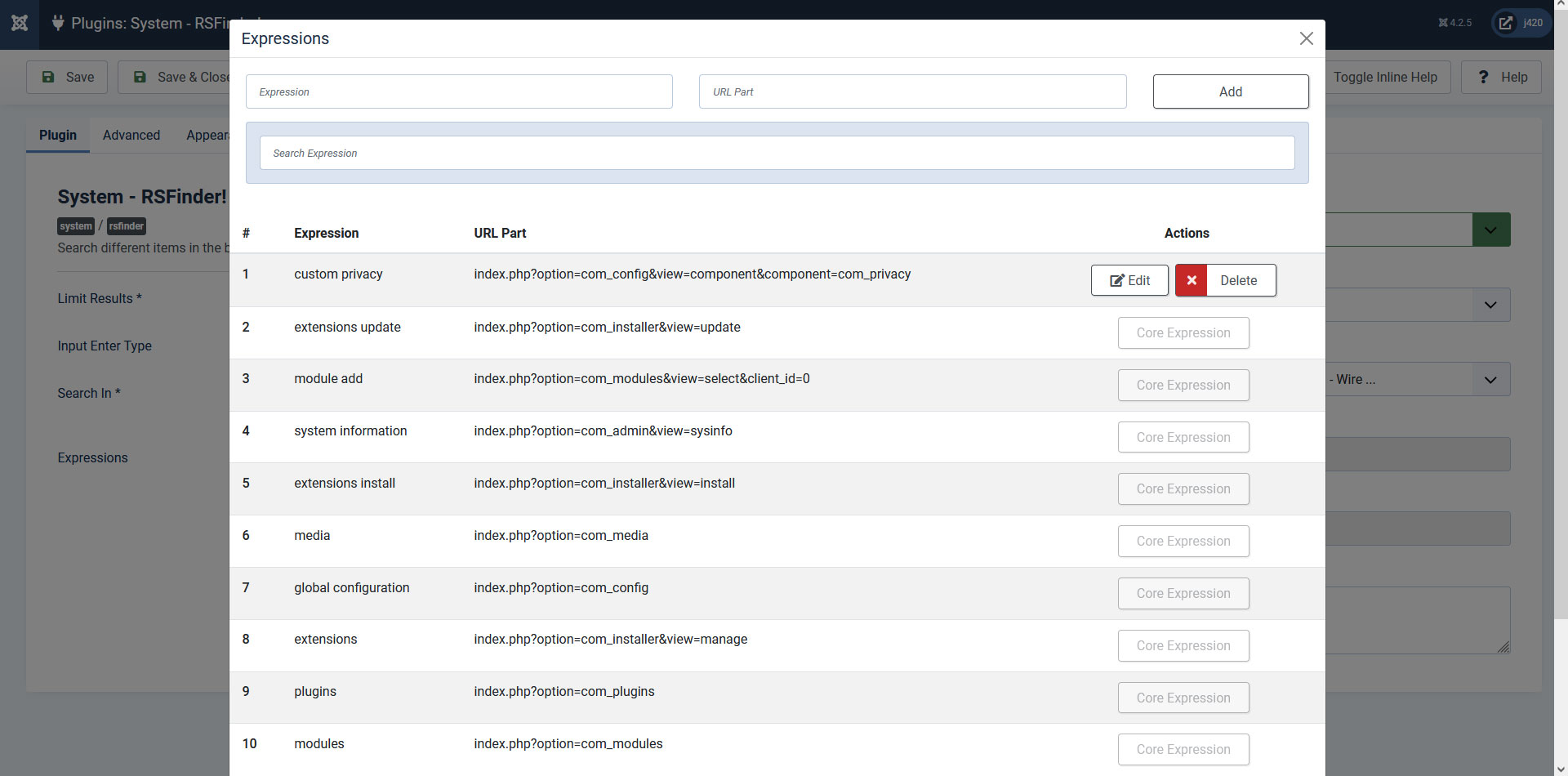
If you need a way to quickly edit Virtuemart products or K2 items then RSFinder! is up to the task. Due to its flexible configuration parameters, it can be set to display search results from specific areas.
Screenshots
Client Testimonials

Very useful and easy to use products, but most of all they impressed me by the outstanding quality of their customer service.
— Annelies Hoolmans - SiteTurn webdesign & onderhoud

I think that almost every non-core extension on the site is an RSJoomla! product. What you guys create really is pretty exceptional. Like all RSJoomla! products the support just ROCKS! Love your work guys.
— Tony Gavin | CEO - VisiSearch

RSFirewall! is easy to install, good default settings, many advanced configurations possible, great system check tool and import/export feature. Why would you leave your website unprotected, when you use an anti-virus on your computer?
— Wilco Alsemgeest - Business Owner of Connecting Connections
From the Blog

RSFinder! - The Ultimate Joomla! Admin Search Tool
Meet our powerful administrator search tool. RSFinder! provides you an easy and simple way to search anything in Joomla!'s admin panel from one single search field.

Happy 4th of July! - Independence Day
Celebrate Independence Day with us and take advantage of all RSJoomla!'s discounts!

We support our community during the fight with COVID-19
In these times, every helping hand is a bright light to fill us all with hopes.
Available Language Packs:
Dutch French German Indonesian Italian Japanese Polish
We only release our extensions in English. All other language packs are donated by the community. Please note that not all translations may be complete, up to date or correct.
Technical Specifications
The minimum requirements to run RSFinder! are:
- Joomla! 4.0
- PHP 8
- MySQL 5.x
We recommend:
- Joomla! 4
- PHP 8
- MySQL 5.x